Payment Settings
In Payment Settings, you can confirm your identity and allow Rentals United to automatically collect payments to keep your connections active. Data provided here will be used for issuing invoices and arranging payments. If the details of your payment model are already saved here, review them to make sure they are correct.
-
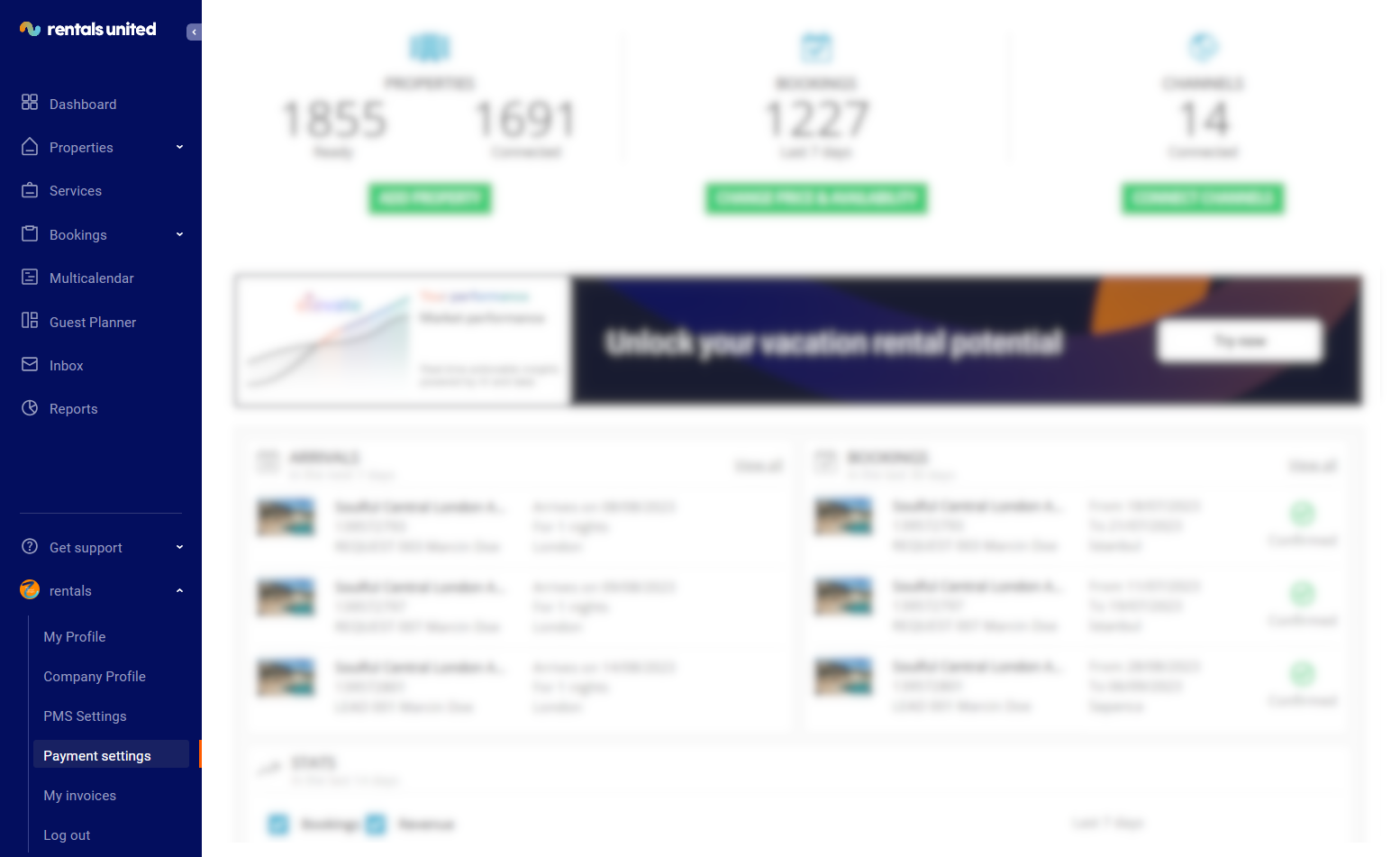
Log in to Rentals United and click on User Profile. Select Payment settings.
-
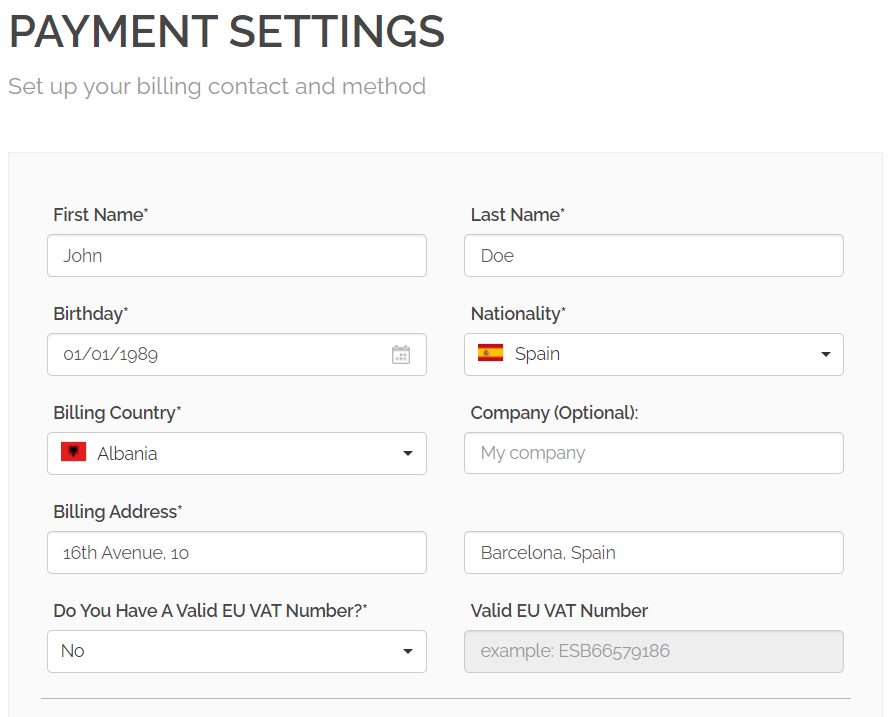
Click Set new billing method button and fill in the details.
-
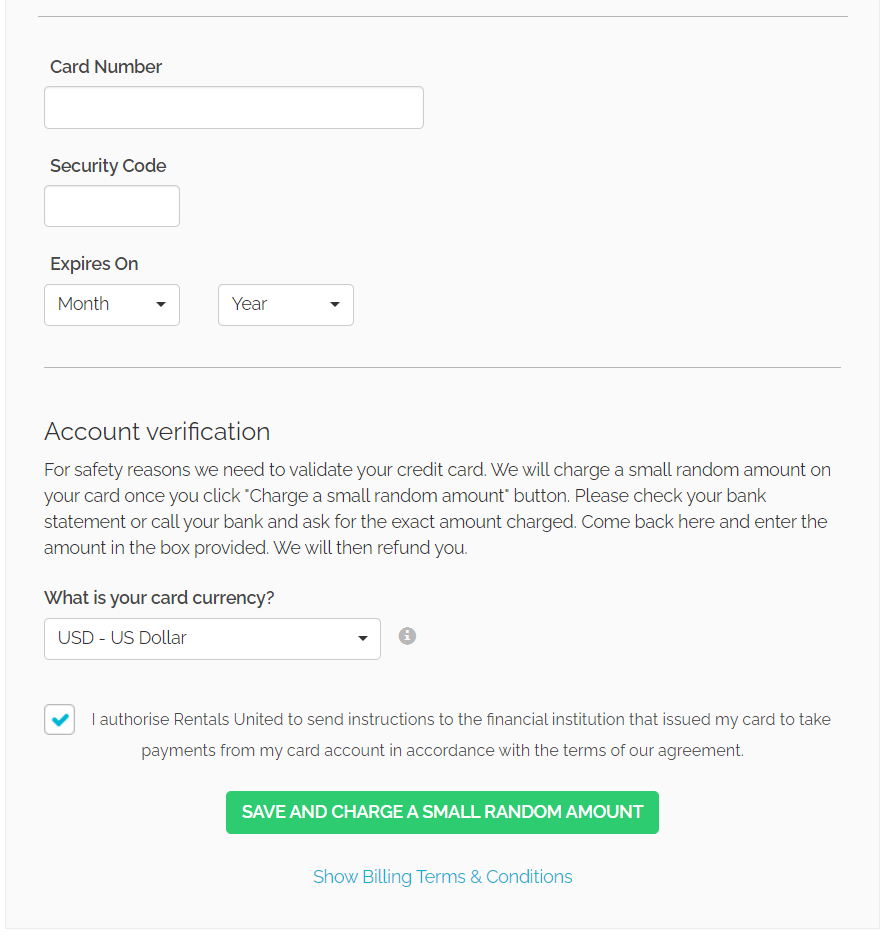
Fill in the requested data, as well as the currency you operate with.
-
Check the authorisation notification checkbox, by which you agree to the above-mentioned Terms & Conditions. Click Save and charge a small random amount.
In order to verify this payment method successfully, you will be charged a small amount of money. You need to check what the exact amount was (you may use online or mobile banking to do it or contact your bank representative directly). Then, come back to Payment settings and provide the exact amount you were charged.