Payment methods 
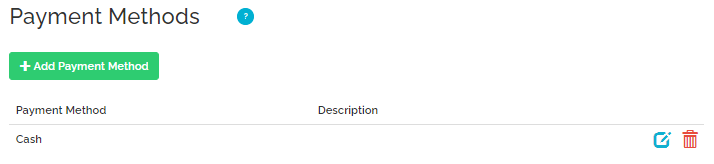
Payment methods refer to the types of payments available for the guests at the property to pay for the provided services. At least one payment method is required to successfully set up this stage. Nonetheless, it is possible to specify as many payment methods as required, so that the guests are given freedom to choose.
Note that selection of the payment methods does not cause Rentals United to automatically charge your guests.
The following Payment methods are synchronized with Trip.com:
- cash;
- credit card.
Note, however, that some types of credit cards may not be successfully synchronized with Trip.com.
Cancellation Policy 
Cancellation Policy (CP) describes the charges applied if a reservation is cancelled within a specific period of time.
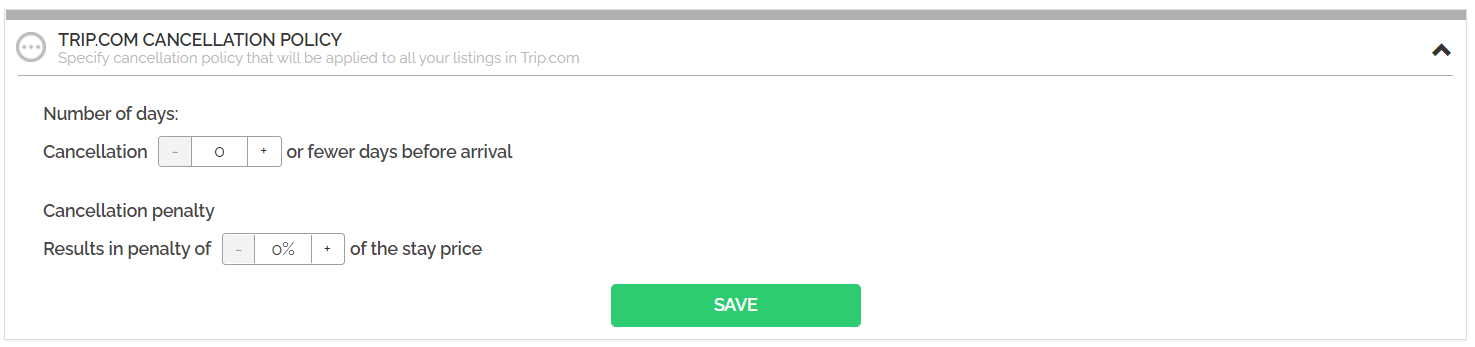
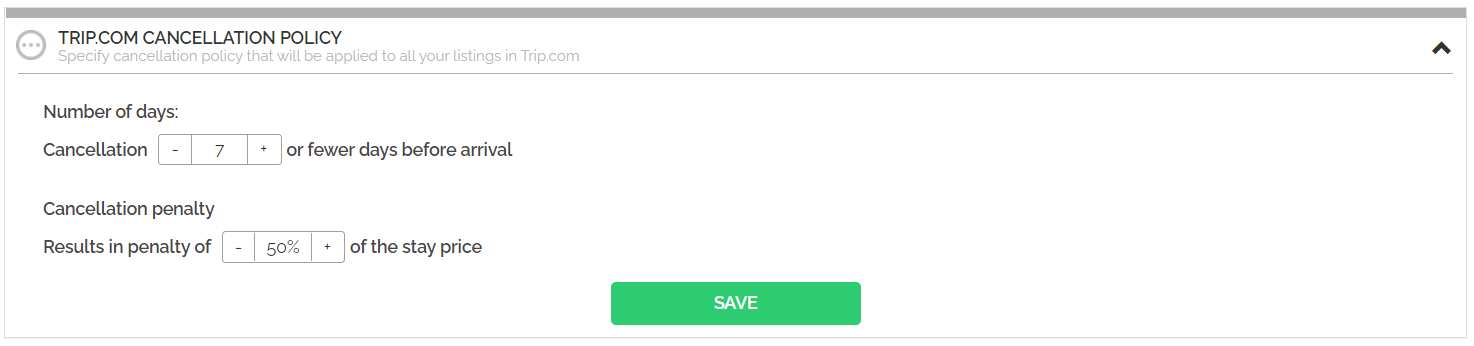
Since Sales Channel does not accept multi-level Cancellation Policy, a dedicated Cancellation Policy setting has been implemented in the Channel Settings to meet this condition. This way, it is possible to specify exactly one Cancellation Policy penalty level by editing the following values:
- The number of days before the arrival (inclusive) when the penalty is applied,
- Late cancellation penalty calculated as a percentage of the stay price.
Setting the Cancellation Policy for Sales Channel
- In Rentals United platform, open Channel Settings. Follow the steps here.
- A list of available custom policies opens.
-
Select the Trip.com predefined Cancellation Policy.
-
Adjust the number of days before the arrival when the Cancellation Policy penalty is applied and the penalty value in percentage.
- Click the Save button.