Add Screen & Protect to services
To join the Screen & Protect program, follow the steps below to add Screen & Protect service to your account and configure it.
Step by step:
- In your Rentals United account, go to the Services tab in the main menu.
-
Go to the Find services tab and search for Screen & Protect. Click Get connected.
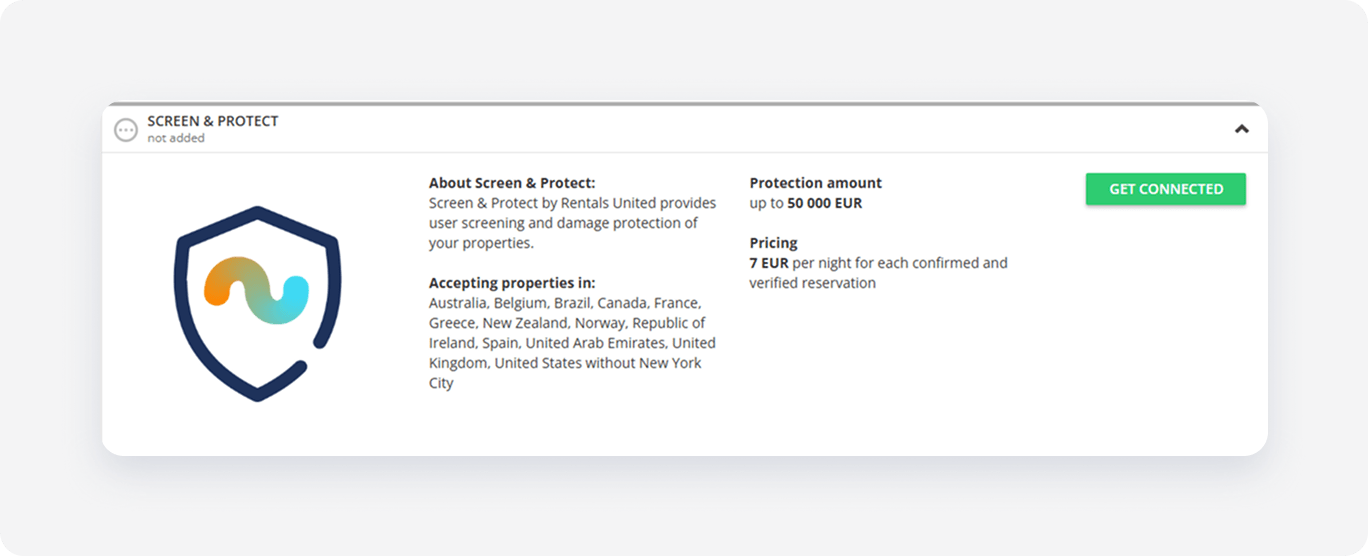
- Click Activate now at the bottom of the page.
-
Proceed with the Screen & Protect configuration.

-
Include existing bookings - if you select this option, the Screen & Protect will be applied to your upcoming bookings (existing, but not yet checked-in). The guest will be automatically verified and assigned the verification result.
If you do not select this option, the Screen & Protect will be applied only for reservations created after you have finished connecting to this service.
- Agree to Terms and Conditions for selected countries by ticking the checkbox.
-
- Click Save & Next.
You have finished the configuration. The Screen & Protect feature has been enabled and works immediately according to your configuration.
If you are interested in the service, but would like assistance from a team member with the setup, please click here.
Make up for the costs
You can manually define an additional fee for all or selected properties.
Step by step:
- Go to Edit property.
- Find the property you want to edit. Click Edit.
- Go to Step 5: Price and availability. Switch to Charge Profile.
- Define an additional fee to make up for the 7 EUR / night. Follow the instructions here.
- Save.