Connect the service
In order to create your website, you need to first add My Website your Rentals United account to Wordpress. You will be guided through the process by our Connection Wizard.
Follow the steps below to add a specific channel to your account.
Step-by-step:
- Sign in to your Rentals United account.
- Go to the Services tab and select Find Services.
- Type the channel name in the search box.
- Click the
 to expand the channel section.
 - Click Get connected.
Service configuration
The Connection Wizard guides you through the necessary settings for the new integration. You can track your progress at the top of the page.
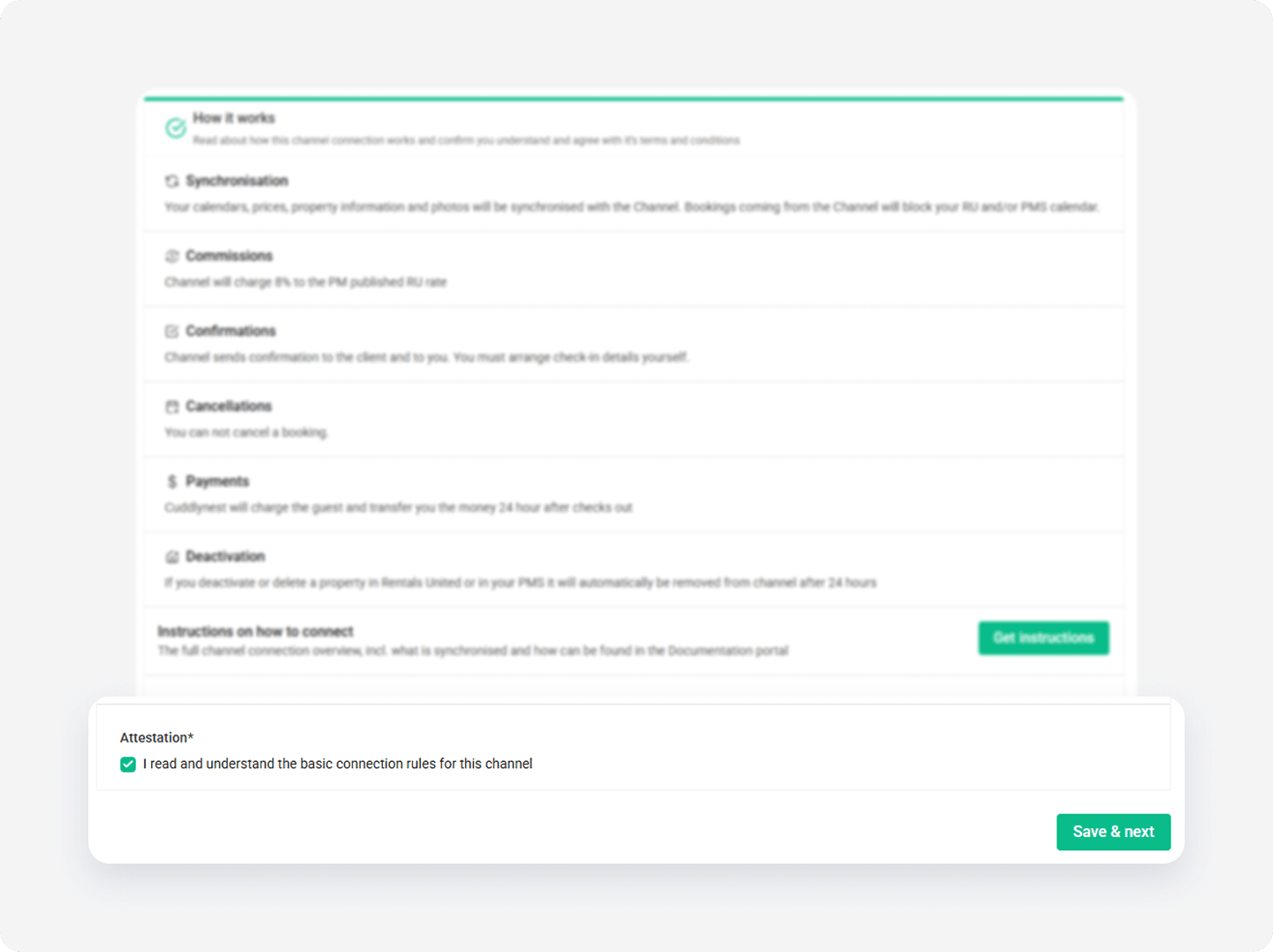
How it works
Read the basic information about the integration. Check the I read and understand the basic connection rules box and click Save & Next.
Channel Settings
Complete the following fields to define how your listings appear on My Website:
- Set the Default price and fee markup
- Accept billing plan
Website address
Follow the steps below to configure the website address and credentials to the Wordpress dashboard.
Step by step:
-
Provide the subdomain name that will be your website address. By default, it will belong to thepowerbooking.com domain.
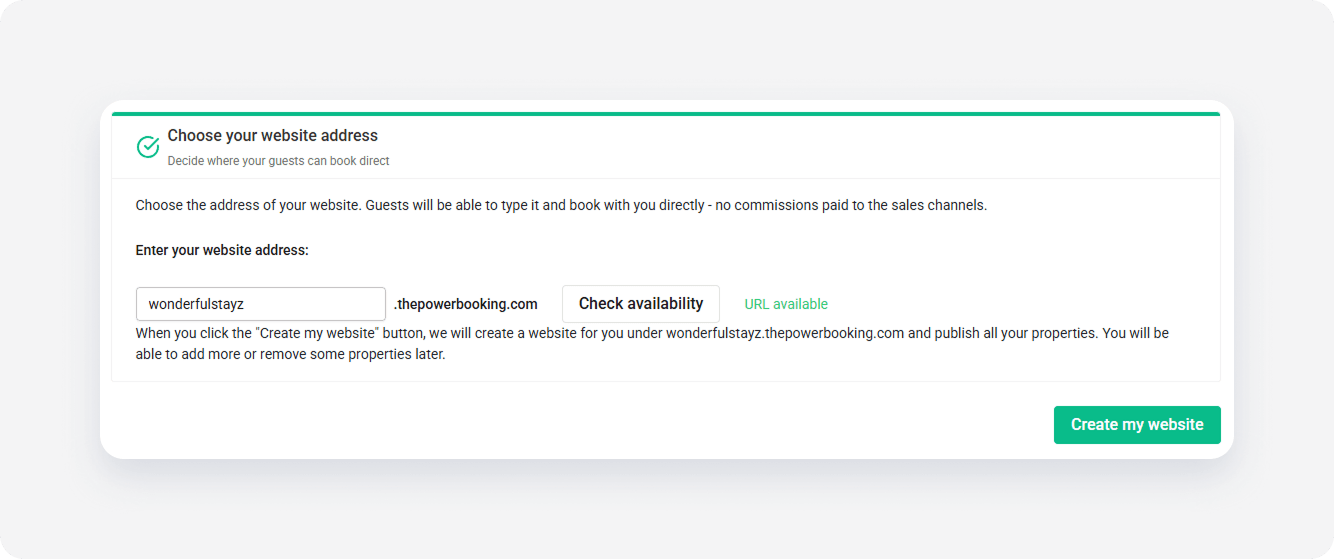
- Click Check availability. If the subdomain is free, continue by clicking the Create my website button. If you want, you can use your own domain later, as described here. If the subdomain is unavailable, provide another.
-
We generate your login credentials. Note them down to log in to My Website for the first time. You will change them later.
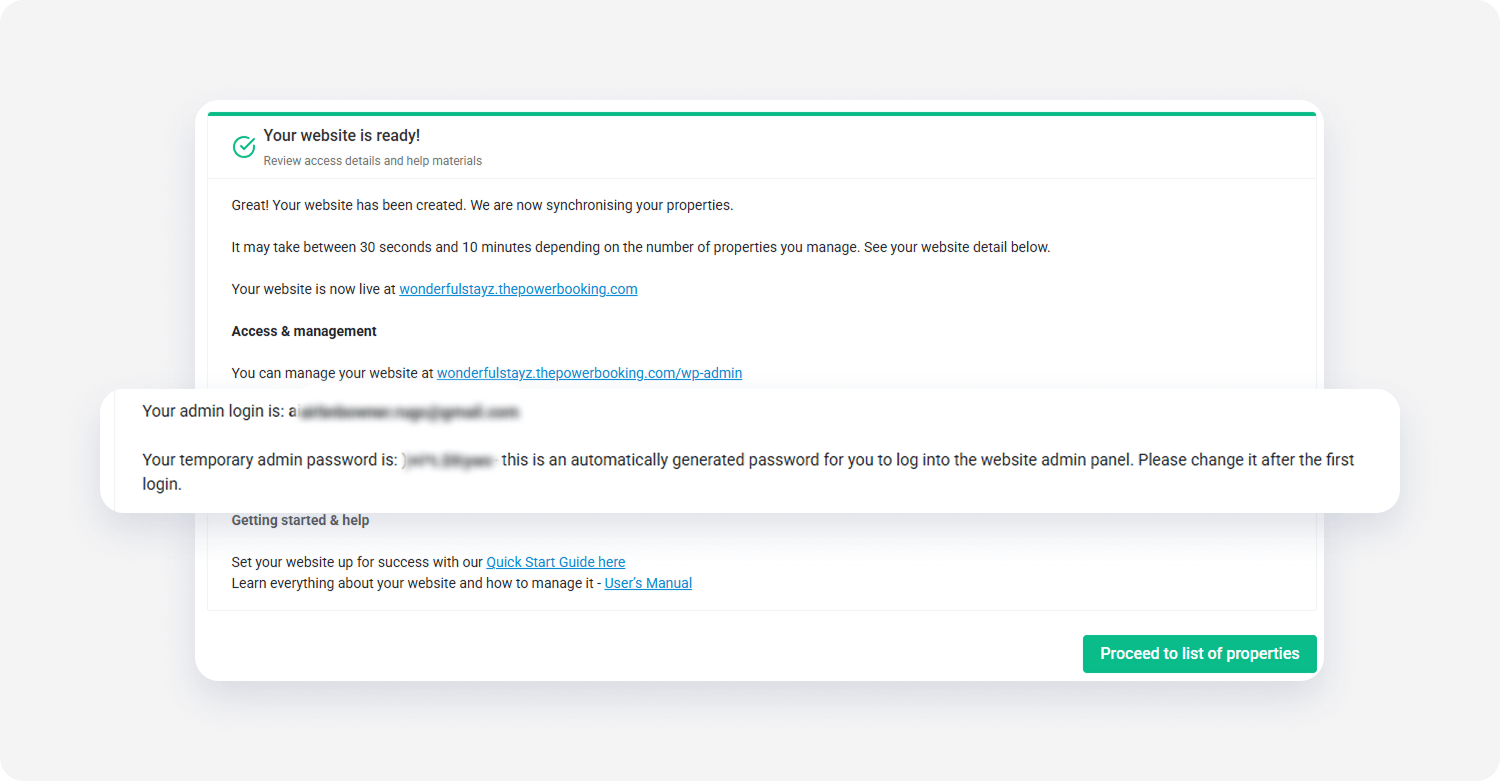
- Click Proceed to list of properties. You will be redirected to Property Settings. You can learn more how to use Property Settings at Properties and listings.
Provide SSL certificate
To ensure that all data exchanged between Rentals United and My Website is secure and all the sensitive information are secured, you need to obtain an SSL certificate for your website and provide it to Rentals United. The certificate needs to be provided in CRT and KEY format.
Change credentials
Now, it is time to log in to your website for the first time and change your credentials that were assigned to your account by Rentals United.
Step by step:
- Go to the address your website was assigned. Use the one that ends with thepowerbooking.com/wp-admin.
- Provide the email address and password you were given in this Step of Connect the service. Click Log in.
- Click on your email address in the top right corner. You are redirected to your profile settings.
- Scroll down to Account management section.
- Click Set new password. You are suggested a new password, but you can change it to your own. Remember not to share your password with anyone!
- Scroll down to the bottom of the page and confirm the password change by clicking Update Profile.
Log in
Follow the steps below to log in to the Wordpress management dashboard where you configure your website design.
Step by step:
- Go to the address your website was assigned. Use the one that ends with thepowerbooking.com/wp-admin.
-
Provide the email address and password. Click Log in.
Tip: If you cannot remember you password, click Lost password? and follow the instructions to recover.
Wordpress menu
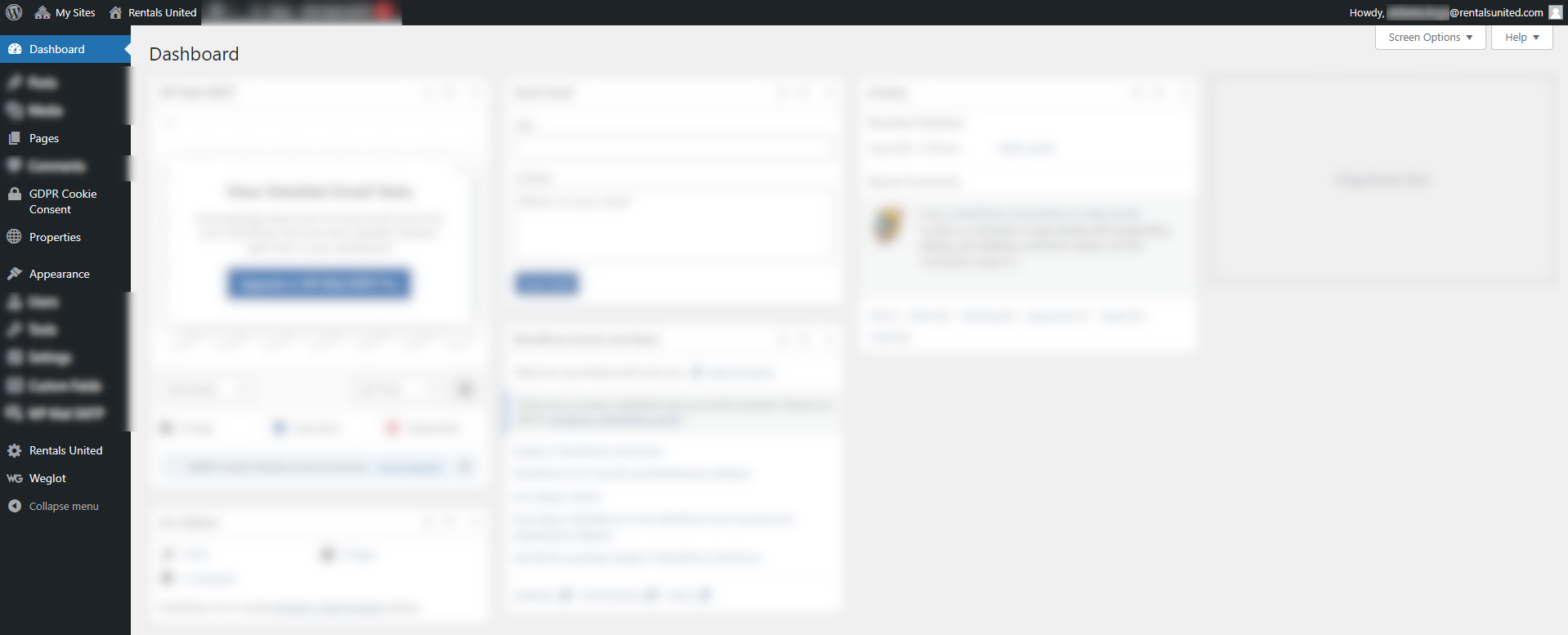
Wordpress is a professional software for content management and allows for many options. That's why when you log in for the first time, the Wordpress menu may feel vast and overwhelming. In fact, you will be using only a few tabs from this menu and may skip the remaining options. Have a look at the screenshot below and see which tabs you will be mostly navigating to.