You can restore My Website to the factory settings and customize it again. Resetting your website erases all data and syncs the property content from Rentals United.
Step by step:
Follow the steps below to restore factory settings for My Website.
- In Rentals United account, open Channel Settings for My Website. Follow the steps here.
-
Navigate to the Reset website section.
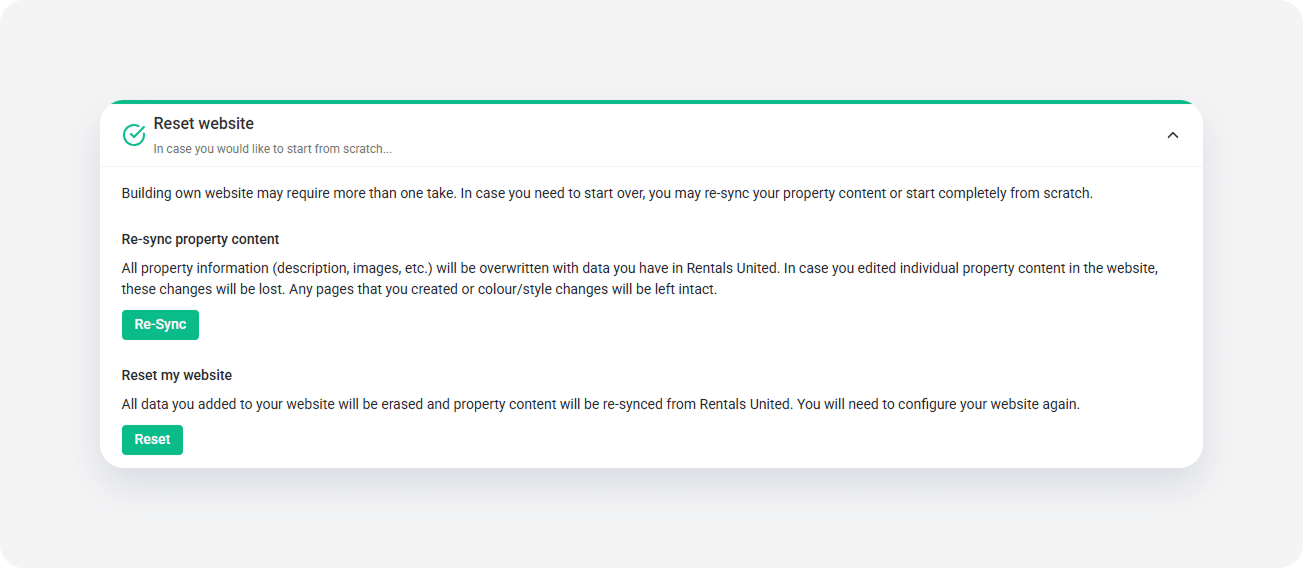
- Click Reset.
- Confirm your action to proceed.
You will see a popup once the process is complete. Your website reverts to the default version and your listings should display only the data that you have in Rentals United.
x