Note:
Analytics is temporarily unavailable in Rentals United. We apologize for the inconvenience and appreciate your patience while we work to restore it.
With Analytics, you get access to 11 ready-to-use reports. These reports help you analyze your listings performance in selected metrics and provide you with optimization solutions to meet your business targets.
Moreover, Analytics gives you access to some smart features, which allow you to compare your current data with the historical records and live market data (other property managers' data in your market). Analytics also uses an incorporated AI-powered solution which analyses your listings and provides you with tips and recommendations on how to boost their performance and increase your revenue.
Overview
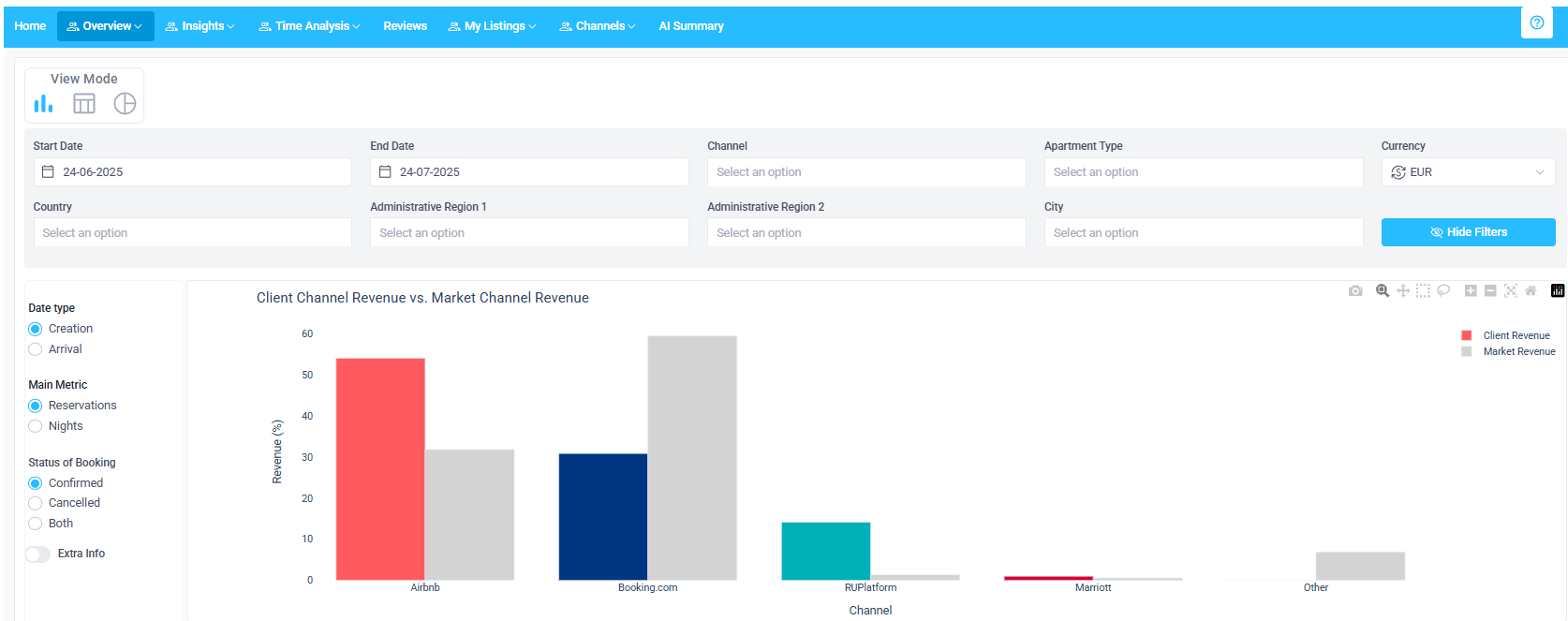
Performance: Overview of your properties’ performance over time, including revenue and customer success metrics, such as number of bookings, number of nights, booking window, and length of stay. You can compare your current data against the market records. Discover your trends and adjust your general pricing strategy.
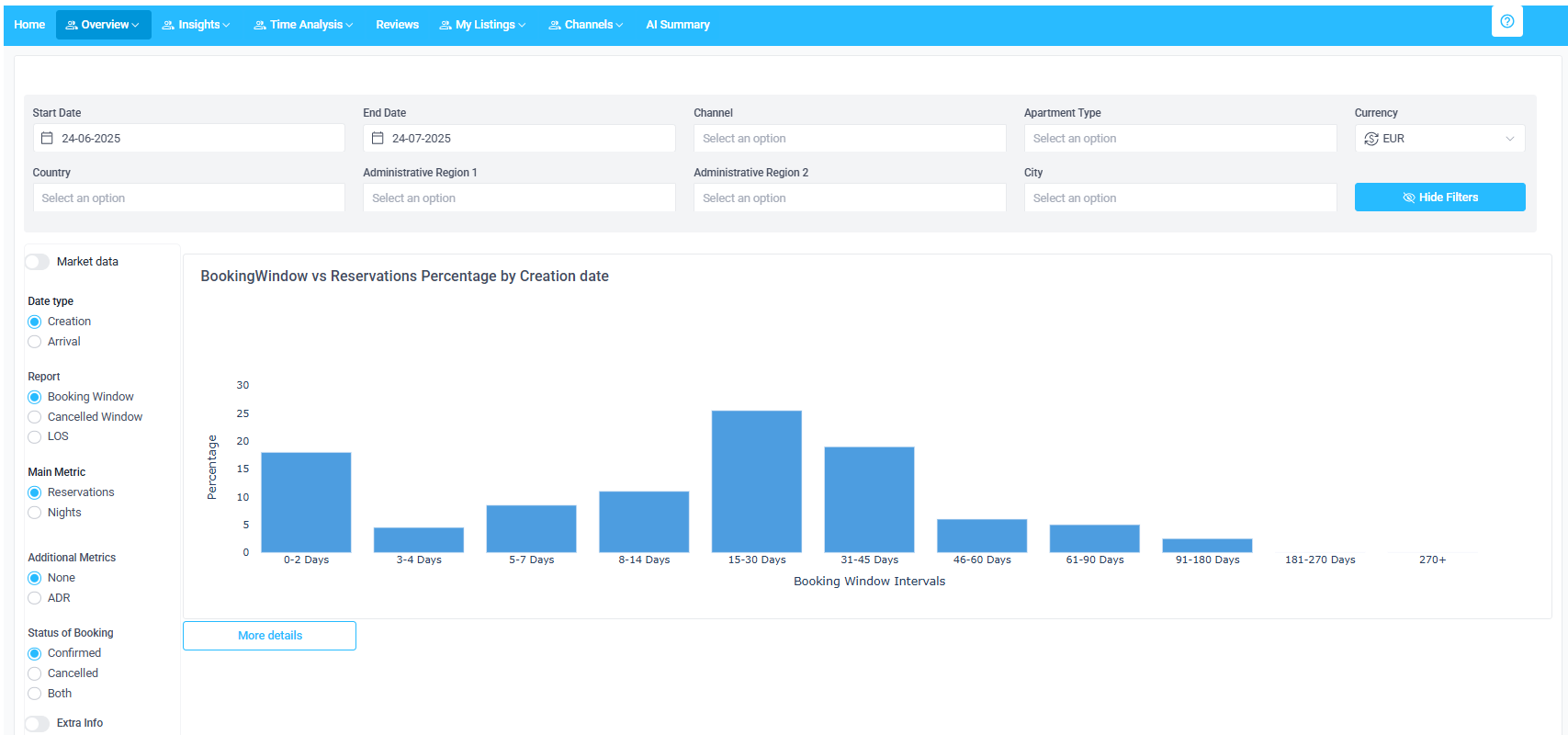
Booking Behavior: This report includes more advanced revenue metrics, such as booking window, cancellation window, and length of stay in relation to the number of bookings. Understand your guests' booking behavior and adjust the pricing accordingly - are they last-minute or early bookers? Do they book your properties on short or long stays?
Insights
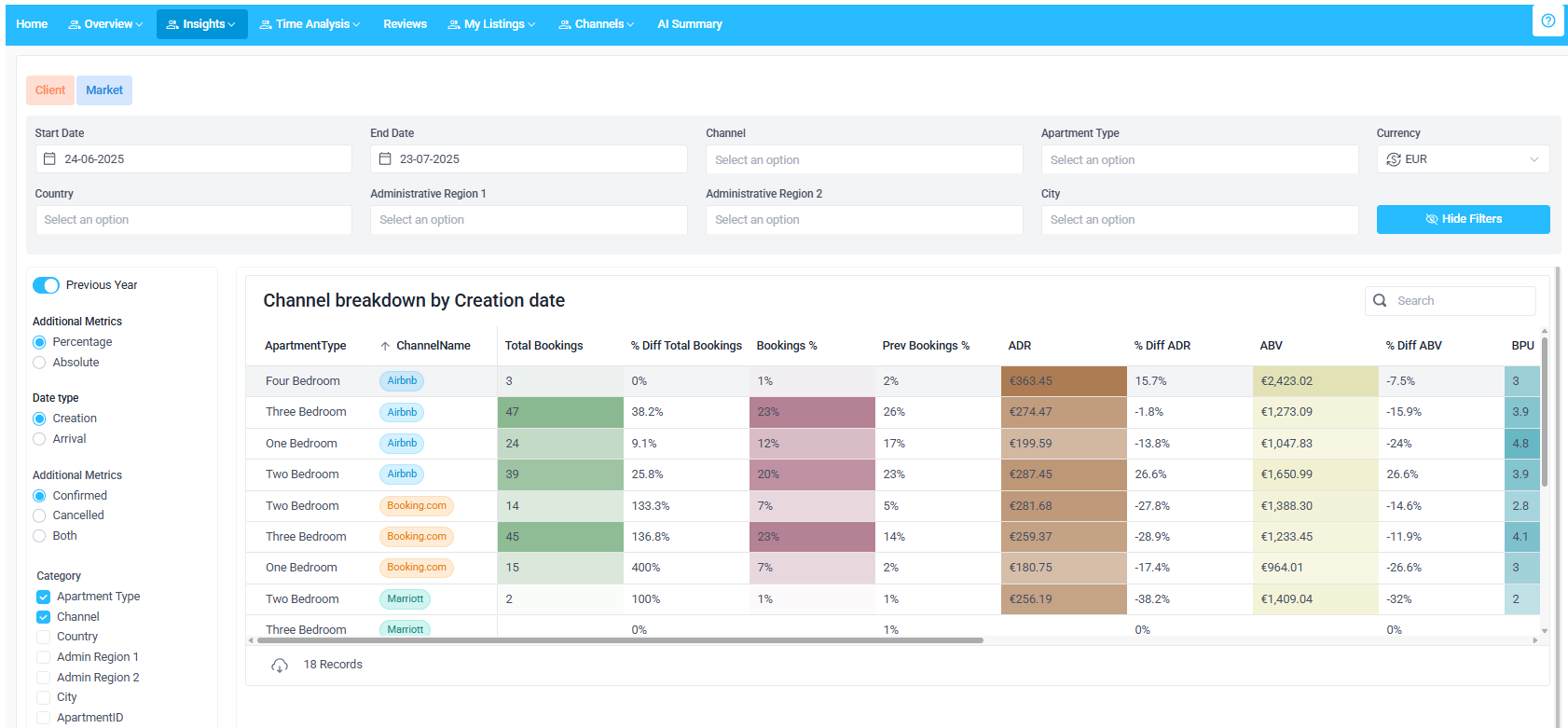
Analytics Builder: Compare your properties' performance by selected variables. Check the basic statistics (total bookings, booking share, average rates, average length of stay etc.) by sales channel, apartment type, country and more! Create your custom report and include the metrics that you are only interested in. For example, you can easily compare how your two bedroom apartments perform in Booking.com and Expedia and even compare it with the historical record.
Guest Origin: Overview of the guest country. This report helps you understand the origin of your guest. Use it to optimize your pricing in a given country.
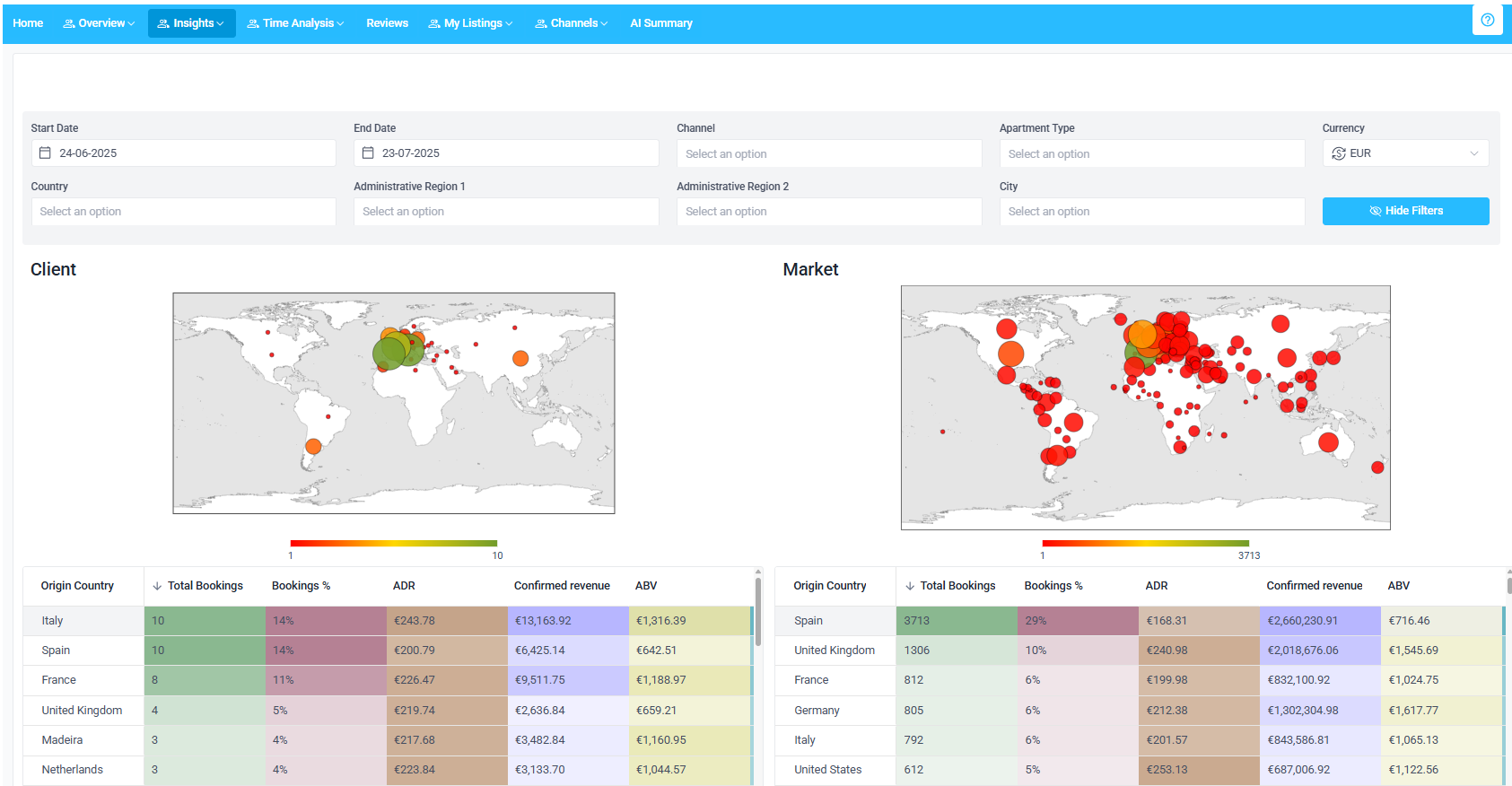
Time Analysis
Monthly KPI tracker: Overview of your confirmed and cancelled bookings compared against the market trend. Market is changing? See if your properties fit in the trends and find the solution quickly.
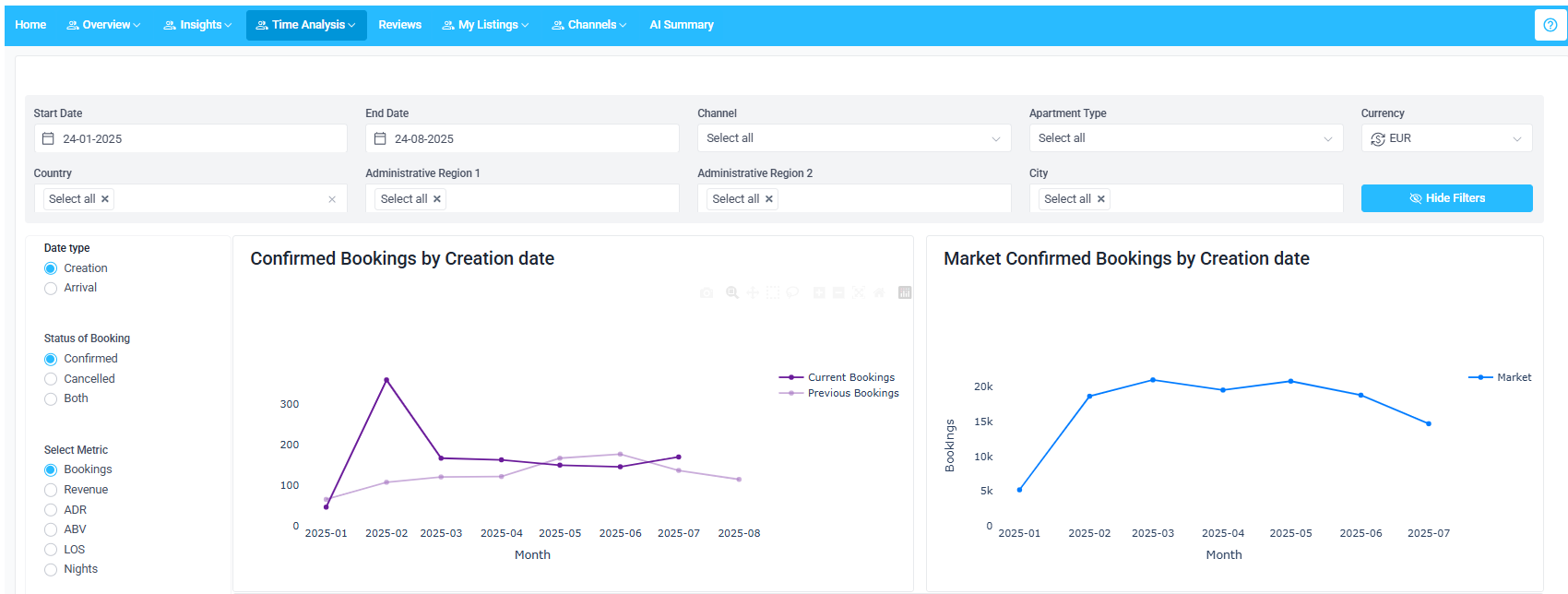
Reviews
Reviews: Use the guests' feedback to get deeper in the analysis of your properties' performance - all aggregated in one place from Booking.com, Airbnb, Expedia and Vrbo. What is the pain point that your guests address in the reviews? Get insight into real feedback, use it to quickly track issues with your inventory and fix them.
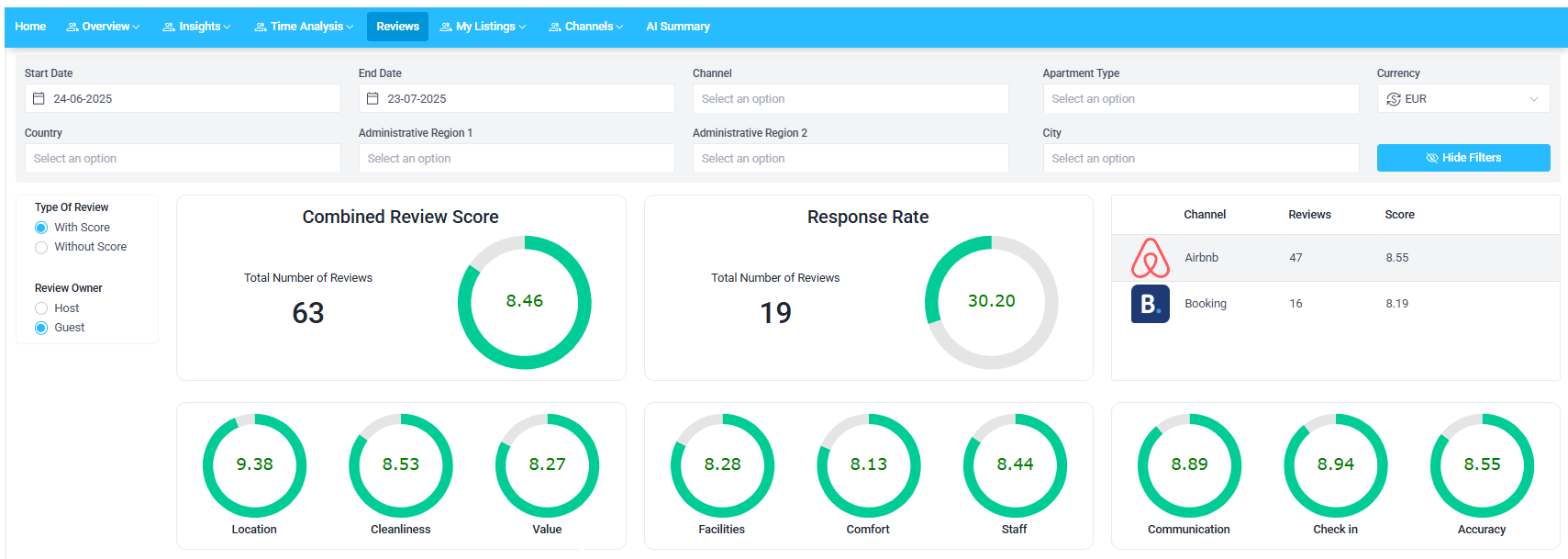
My Listings
Listings: Perform an analysis on the property level. Understand how each of your properties performs (revenue, number of bookings, average rates, average length of stay etc.). Compare against other properties and track the underperforming inventory.
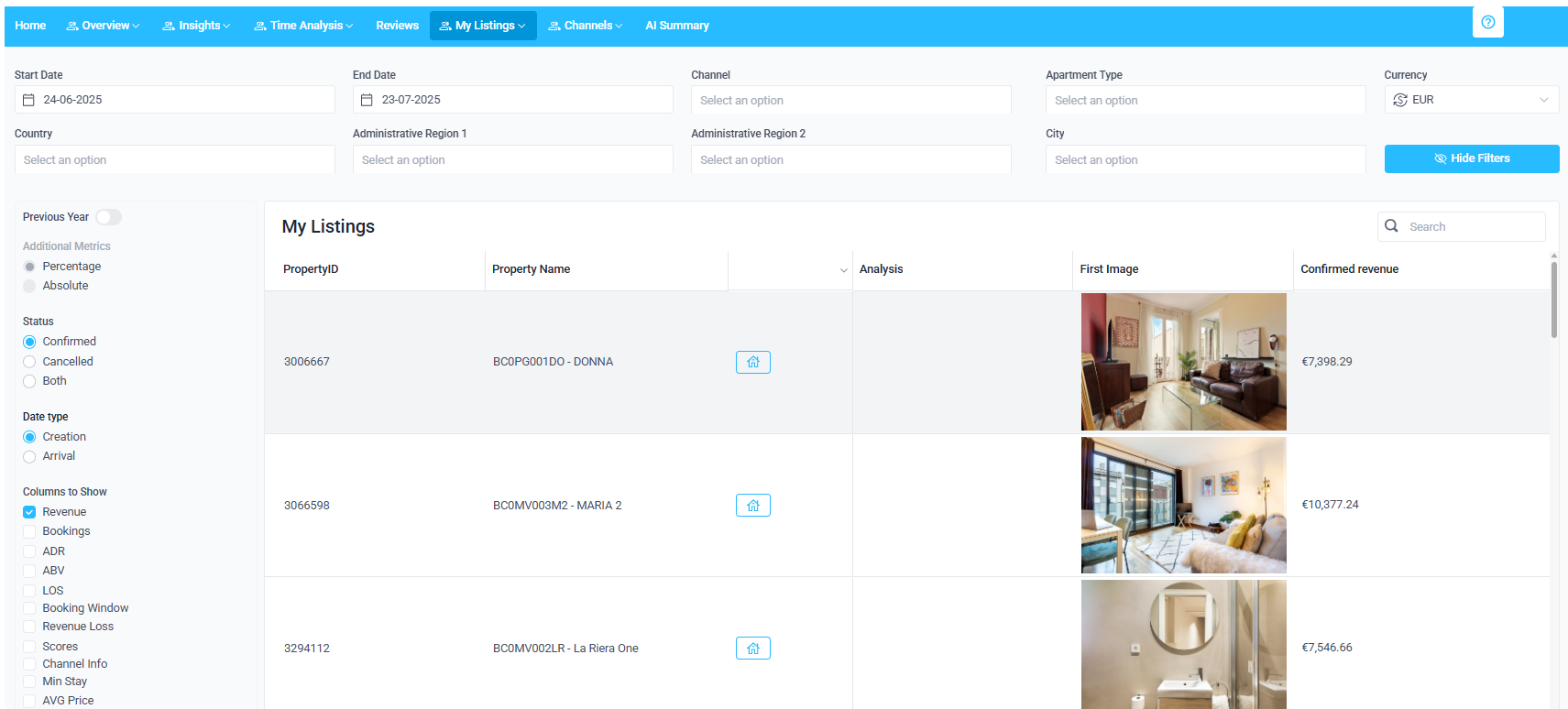
Recommendations: Access recommendations regarding your listings directly from Rentals United, Booking.com and Airbnb. Recommendations are categorized into levels (critical, high, medium, low) and themes (availability and gaps, prices, channels, cancellation policy etc.). Save recommendations that you are interested in for later.
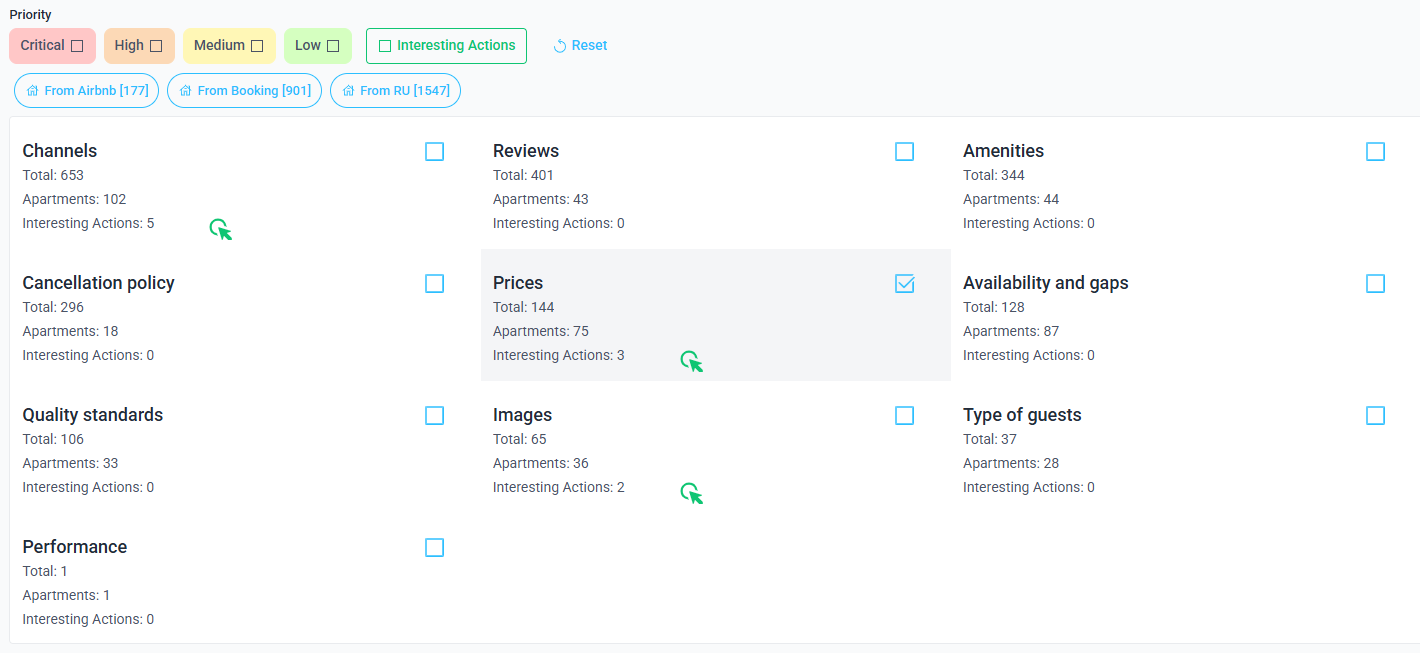
Channels
Quality Dashboard helps you manage and monitor your listings in Airbnb. Each section provides you with detailed insights about your inventory and helps you make informed business decisions to optimize your listings and boost your revenue. See more here.
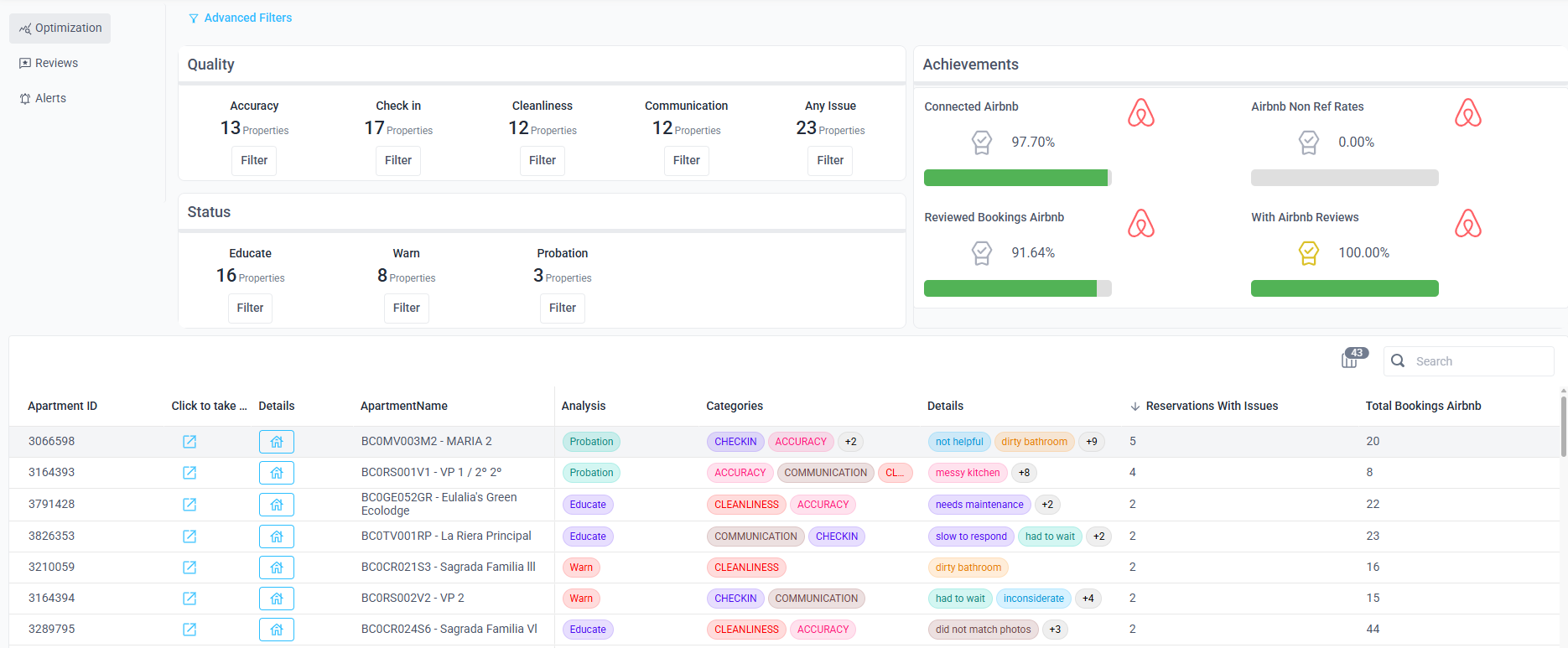
The Notifications section displays notifications from Airbnb related to your listing’s performance, policies, or guest experience. These notifications are designed to help you monitor your connection and quickly spot any critical issues. See more here.
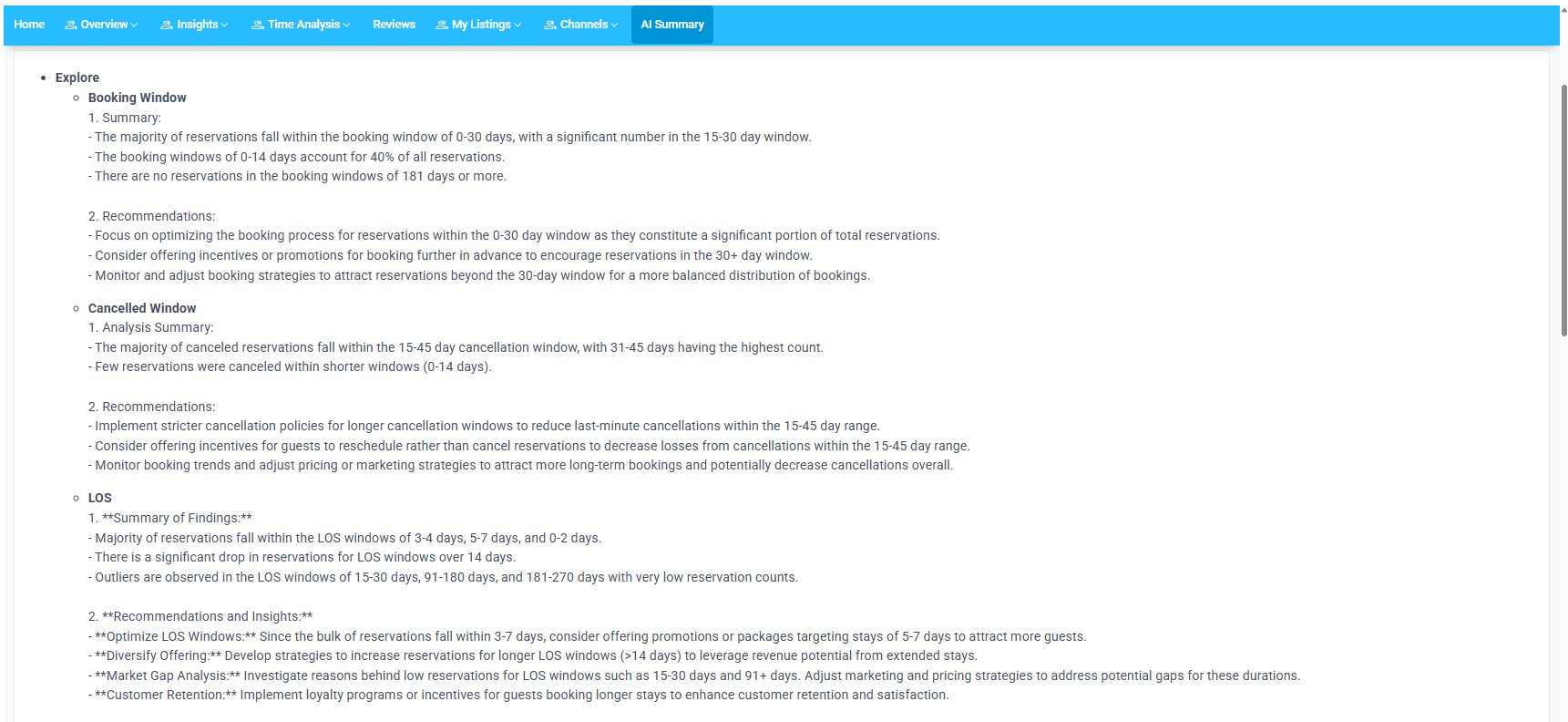
AI Summary
NEW! AI Summary: Incorporate AI into your operations. Get the AI to analyze your listing based on the anonymized performance data and receive insightful tips and recommendations on how to improve your listings. Not feeling great at report analyzing? Get the AI to translate complex data metrics into simple tips and advice.