To start advertising on Agoda, you must first establish a connection between your accounts. This process involves adding Agoda to your services and configuring your account-level settings through the Connection Wizard.
Establish connection
Follow the steps below to add a specific channel to your account.
Step-by-step:
- Sign in to your Rentals United account.
- Go to the Services tab and select Find Services.
- Type the channel name in the search box.
- Click the
 to expand the channel section.
 - Click Get connected.
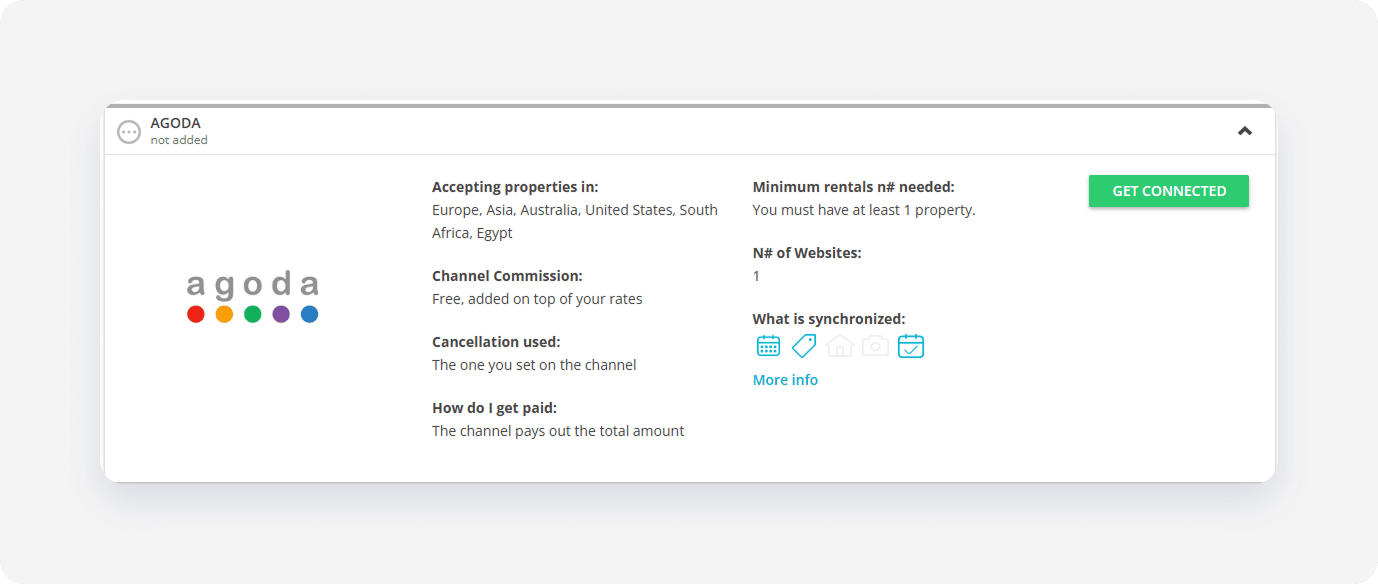
The system validates your connection in the background. If you meet the initial requirements, the Connection Wizard launches automatically. If an eligibility error appears, follow the on-screen instructions to resolve the specific requirement before proceeding.
Minimum requirements to connect
- Property name must start with an English letter;
- Address and Geo-coordinates are provided;
-
Location: Agoda doesn't accept properties located in selected countries
List of countries not accepted in AgodaID Location 288 Afghanistan 53 Albania 143 Algeria 289 American Samoa 290 Angola 150 Anguilla 50 Antigua & Barbuda 5 Argentina 246 Armenia 66 Aruba 135 Azerbaijan 60 Bahamas 117 Bangladesh 94 Barbados 21 Belarus 88 Belize 231 Benin 6 Bermuda 291 Bhutan 15 Bolivia 344 Bonaire Sint Eustatius and Saba 103 Bosnia Herzegovina 206 Botswana 329 Bouvet Island 207 Brazil 330 British Indian Ocean Territory 237 Burkina Faso 229 Burundi 36 Cameroon 100 Canada 292 Cape Verde 142 Cayman Islands 293 Central African Republic 236 Chad 69 Chile 283 Christmas Island 321 Cocos (Keeling) Islands 10 Colombia 285 Congo 337 Congo 225 Cook Islands 40 Costa Rica 165 Cote D'ivoire 179 Cuba 342 Curacao 244 Djibouti 341 Dominica 134 Dominican Republic 52 Ecuador 80 El Salvador 295 Equatorial Guinea 242 Eritrea 99 Estonia 240 Ethiopia 322 Falkland Islands 200 Faroe Islands 113 French Guiana 332 French Southern and Antarctic Lands 217 French West Indies 234 Gabon 286 Gambia 71 Georgia 151 Ghana 184 Grenada 89 Guadeloupe 41 Guatemala 58 Guinea Republic 296 Guinea-Bissau 243 Guyana 47 Haiti 336 Holy See (Vatican City) 39 Honduras 224 Iran 297 Iraq 42 Jamaica 154 Kazakhstan 176 Kenya 298 Kiribati 156 Kyrgyzstan 145 Latvia 68 Lebanon 31 Lesotho 299 Liberia 174 Libya 157 Lithuania 84 Macedonia 209 Madagascar 87 Malawi 204 Mali 300 Marshall Islands 83 Martinique 22 Mauritania 301 Mayotte 86 Mexico 218 Micronesia 141 Moldova 302 Mongolia 340 Montenegro 303 Montserrat 2 Morocco 235 Mozambique 85 Namibia 304 Nauru 160 Netherlands Antilles 44 New Caledonia 92 Nicaragua 305 Niger 65 Nigeria 306 Niue 230 Norfolk Island 345 North Korea 19 Pakistan 133 Palau 175 Panama 91 Papua New Guinea 111 Paraguay 186 Peru 338 Pitcairn Islands 166 Puerto Rico 238 Reunion 75 Romania 131 Rwanda 348 Saint Barthelemy 333 Saint Helena 8 Saint Kitts And Nevis 195 Saint Lucia 347 Saint Martin 307 Saint Pierre and Miquelon 287 Samoa 308 Sao Tome and Principe 233 Senegal 232 Senegal (deleted) 339 Serbia 162 Serbia And Montenegro 309 Sierra Leone 114 Singapore 343 Sint Maarten 125 Slovakia 323 Solomon Islands - License number is provided;
-
Amenities: At least one hotel-level amenity is required. Choose at leas one amenity from the list below.
Hotel level amenities list-
Parking:
- Valet parking (ID: 795),
- Parking (ID: 793),
- Private parking (ID: 504),
- Free parking (ID: 702),
- Paid parking on the street (ID: 804)
-
Pool:
- Indoor pool (ID: 738),
- Childrens pool (ID: 739),
- Hot tub (ID: 391),
- Sauna (ID: 365),
- Steam bath (ID: 760),
- Outdoor pool (ID: 740)
-
Internet:
- Free wireless internet (ID: 368),
- Paid wireless internet (ID: 809),
- Free cable internet (ID: 807),
- Wireless internet (ID: 792)
-
Pets:
- Pets are welcome (ID: 595),
- Pets paid (ID: 842)
-
Smoking:
- Designated smoking area (ID: 1002),
- Smoking not allowed (ID: 1735),
- No smoking rooms/facilities (ID: 725)
-
Parking:
- Description can't be longer than 5000 characters;
- Photos: At least 4 photos are uploaded;
- Availability: Your property must be available in the next 365 days;
Service configuration
The Connection Wizard guides you through the necessary settings for the new integration. You can track your progress at the top of the page.
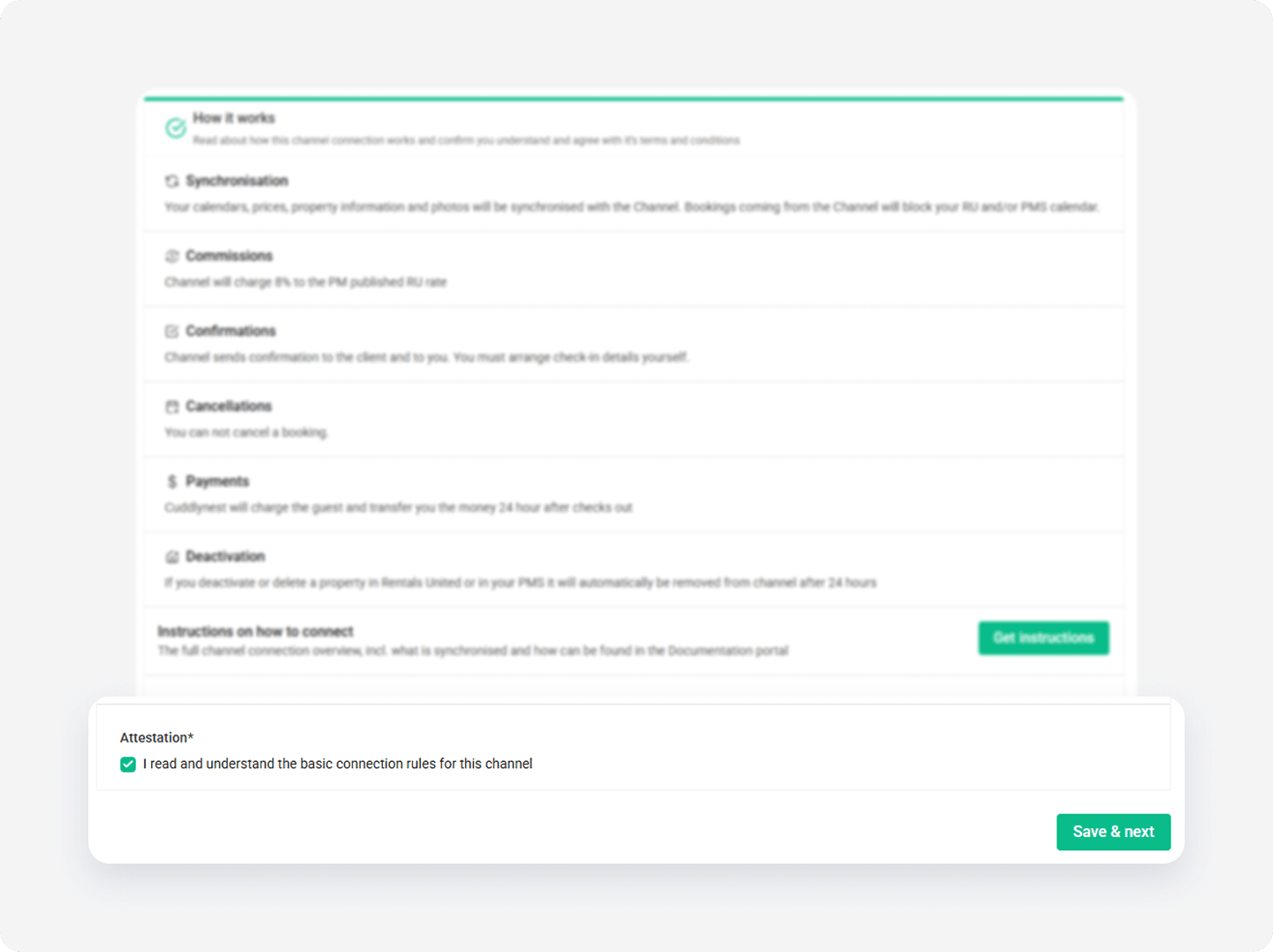
How it works
Read the basic information about the integration. Check the I read and understand the basic connection rules box and click Save & Next.
Channel Settings
The Connection Wizard guides you through the necessary settings for your Agoda integration. You can track your progress at the top of the page. If you exit the wizard, you can resume from the last completed step later.
Tip: You can revisit the Channel Settings section and adjust these settings at any time from the channel's integration page after completing the setup.
Complete account setup in Agoda
To connect Rentals United and Agoda, property managers need to set Rentals United as the connectivity provider within the Agoda platform. Establishing this connection enables syncing properties between the two systems.
To link your Rentals United and Agoda accounts, send an email to agodahomes_cm@agoda.global and inform that you want to work with Rentals United. Include the following details:
Rentals United username
Agoda login email address
Sample Agoda property ID
Sin contract with Agoda
When creating first listings in Agoda, you must sign the contract first.
Step by step:
-
Create listings in Agoda by following the steps here. Make sure to include all rooms, rate plans, licenses and property-level photos.
Note: If you don't have the Chain ID yet, you can set the Chain ID to 0.
- Log in to Agoda Homes. Go to https://ycs.agoda.com/homes/en-us and log in using the same email address as in Rentals United Company Profile.
-
Copy and paste the following URL into your browser's address bar.
https://ycs.agoda.com/en-us/kipp/app/settings/contract/[AgodaHotelID]Note: Replace
[AgodHotelID]with any Agoda Hotel ID created during the listing creation. - Review Terms and Conditions. Check both checkboxes and click Save Contract (PDF).
- All properties linked to your email will go live within 48 hours.