Follow the steps below to remove the My Website service.
Before you start
Any properties connected (being live on your website), first you need to go to Property Settings and unlist them all.
Step by step:
- In Rentals United account, choose Services from the main menu.
- Navigate to My Website and click
 to unfold the section.
 -
Click
 in the top right corner.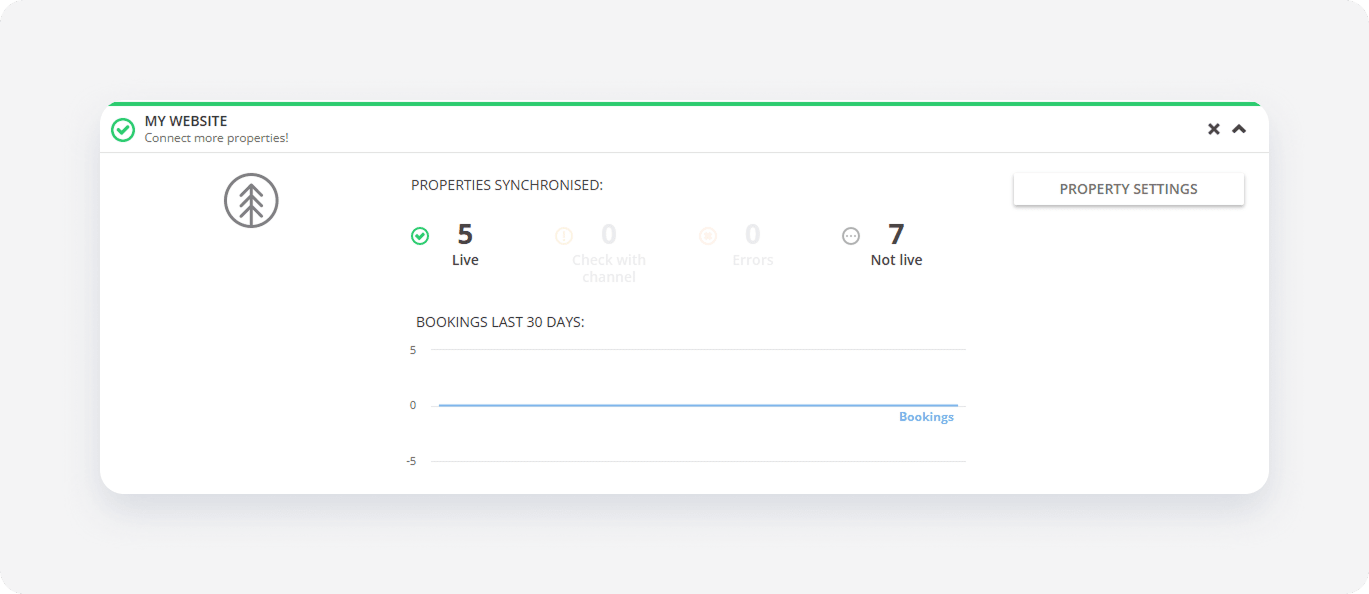
- Click Yes, remove to confirm.
My Website is removed from the list and the following happens:
- You can't access My Website anymore
- My Website address frees up