If you have created properties in Rentals United (either added them manually or through Importing properties from Airbnb) and you already have corresponding properties in Airbnb, you may create a link between the two properties in these systems. Before you do this, make sure that you selected Rentals United as your Connectivity Provider, following the steps at Setting Rentals United.
In Rentals United platform, open Property Settings. Follow the steps here.
- Depending on whether you already have some properties connected to Airbnb or not, you are presented with two different options.
-
If it is the first property to be connected, click the Connect your first property button.

-
If it is the next property to be connected, click the Add property button.
-
-
A dialog window appears with the question if the property is already published in Airbnb.
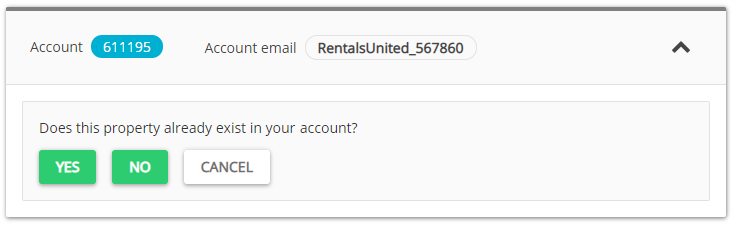
- If the property is listed in Airbnb, click Yes.
- If the property is not listed in Airbnb, terminate the process and start with connecting your properties.
-
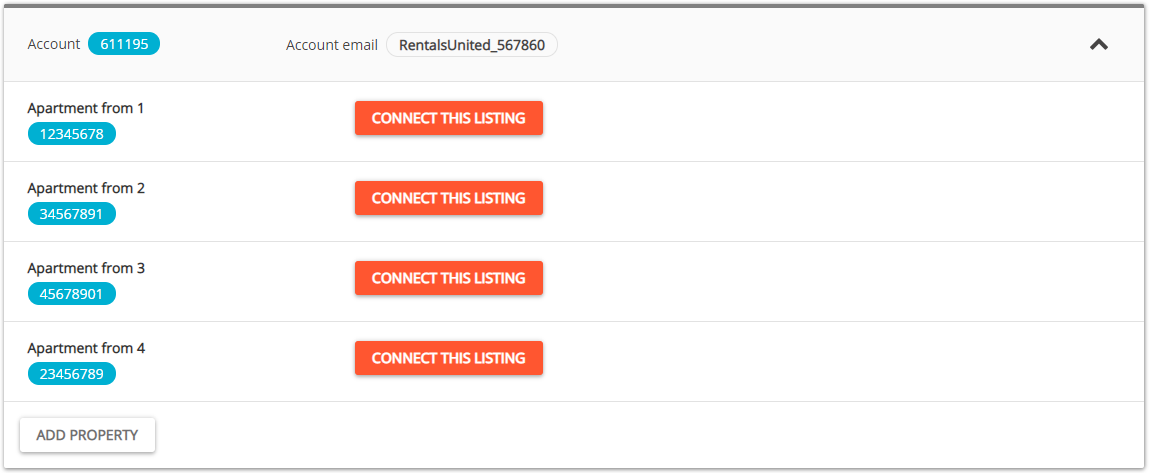
A list of unmapped listings for that cluster is retrieved from Airbnb.
Tip: Rentals United will attempt to automatically match the listings from the Airbnb site with the corresponding properties in Rentals United. Once done, you can skip manual mapping and go to this Step. If some properties were not matched together, follow the procedure along and proceed to next Step. -
Click Connect this listing button next to the listing you want to map.
-
From the list, select the property to map and click Next
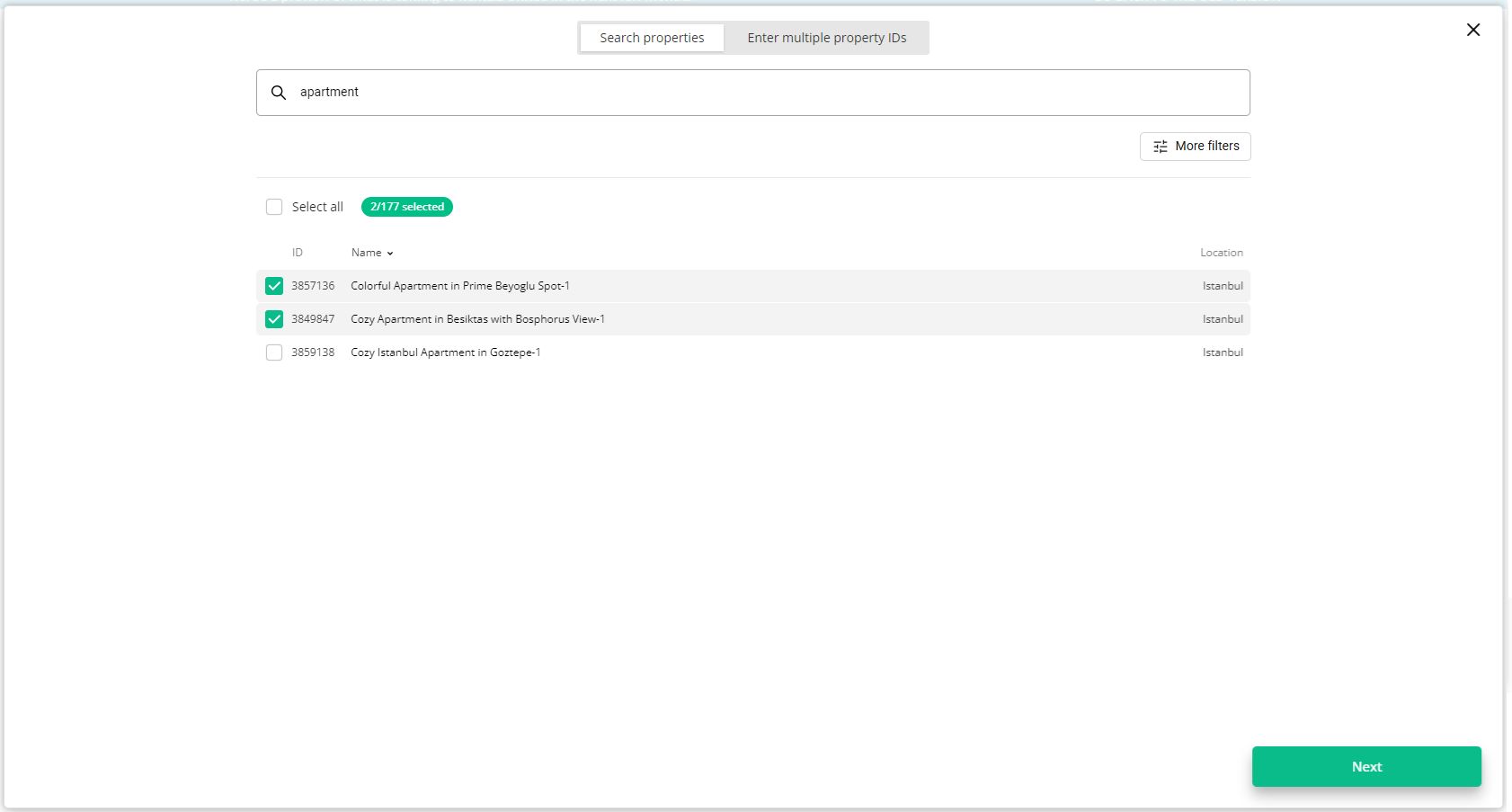
Note: If the property that you are looking for is not available, it may mean that:
- The property has already been mapped to Airbnb and is not referenced in the dropdown. It is not possible to map them multiple times.
- The property has been recently added to Airbnb and is currently being process by the channel (Pending).
-
The summary of properties’ content is displayed.
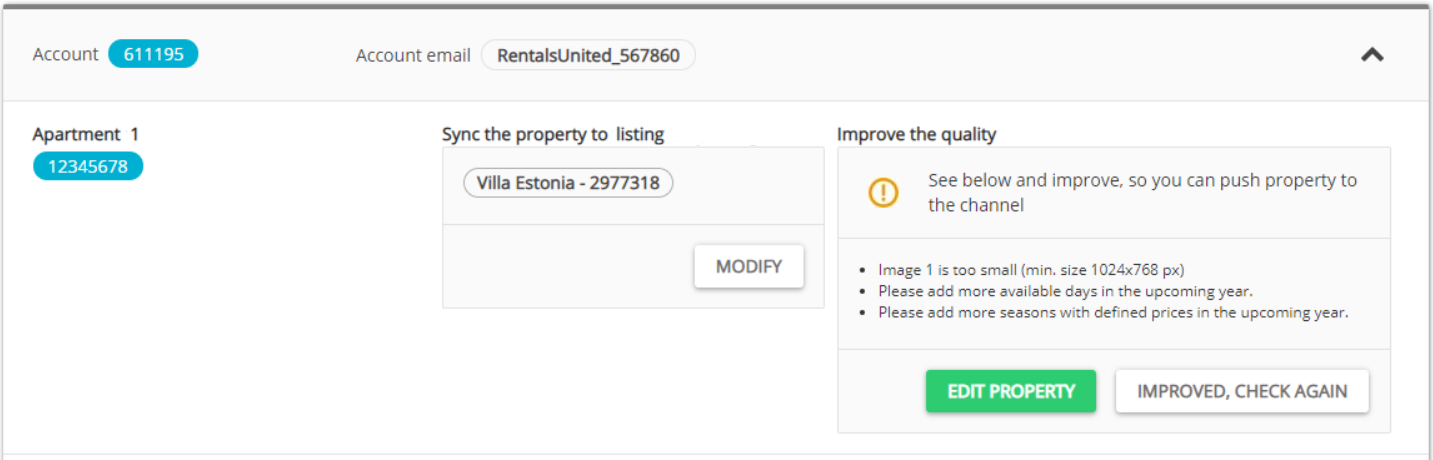
- If you want to change the property to map, click the Modify button.
- If the property is ready to map, go to next Step.
- If the property is not ready to map, improve the content.
- Verify if any data is missing or incorrect.
-
Click the Edit property button. The Edit property page is opened in a new tab.
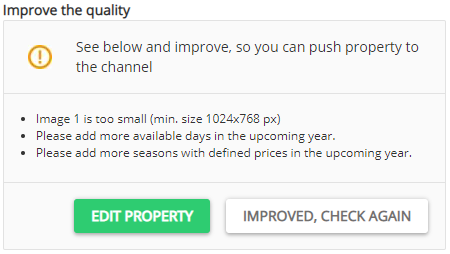
- Correct the content indicated in the report in the Edit property page. Save.
- Come back to the Property List page and click the Improved, check again button.
-
From the dropdown list, select the type of data synchronization. This is an important step - see the differences between the available synchronization types here.
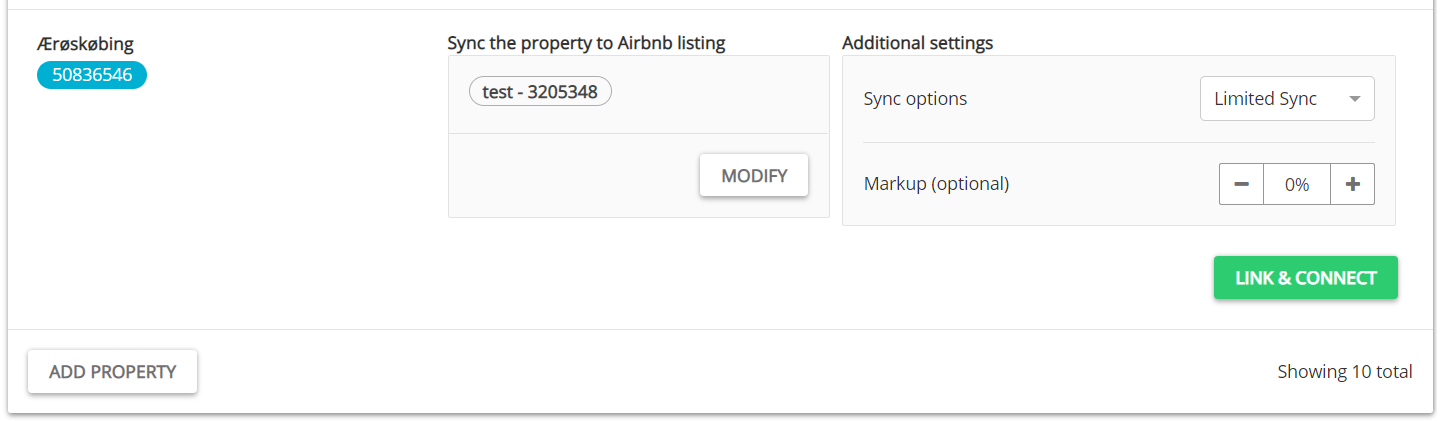
- If needed, adjust the mark-up value.
- Click the Link & Connect button.
-
The published properties enter the
 Pending status. The channel reviews your properties and their status will be updated automatically. The properties get available almost instantly in the Airbnb website and the status changes from Pending to
  Active.Note: Your properties are now successfully mapped to the Airbnb listings and remain in synchronization. Rentals United synchronizes the prices and availability to the channel and Airbnb passes correctly all the reservations. You can always change the mapped property. To do this, click the three-dot menu and select the Change mapping option.