To start advertising on Homes & Villas by Marriott Bonvoy, you must first establish a connection between your accounts. This process involves adding Homes & Villas by Marriott Bonvoy to your services and configuring your account-level settings through the Connection Wizard.
Establish connection
Follow the steps below to add a specific channel to your account.
Step-by-step:
- Sign in to your Rentals United account.
- Go to the Services tab and select Find Services.
- Type the channel name in the search box.
- Click the
 to expand the channel section.
 - Click Get connected.
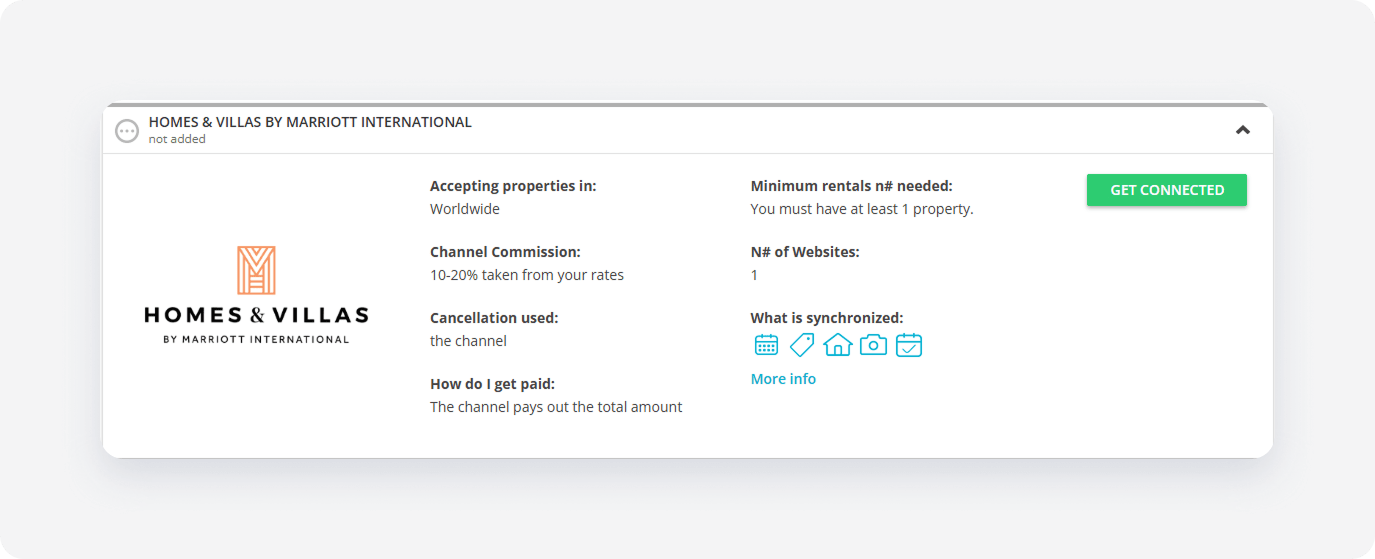
The system validates your connection in the background. If you meet the initial requirements, the Connection Wizard launches automatically. If an eligibility error appears, follow the on-screen instructions to resolve the specific requirement before proceeding.
Minimum requirements to connect
-
Number of properties: At least 20 properties
Note: Rentals United doesn't restrict users with fewer than 20 properties from connecting to HVMB. If you don't have 20 properties, HVMB may not accept your properties. - Property name: Between 8 and 255 characters
- Property type: Must not be "Shared room"
- Address: Required
- Geo-coordinates: Required
- Number of bedrooms: At least 1 bedroom at the property. Studios aren't accepted.
- Amenities: At least 5 amenities
- Property description: Required
- Photos: At least 7 photos, minimum size 1024 px (width) x 683 px (height)
Additionally, Homes & Villas by Marriott Bonvoy contract requires you to have the below services and amenities. They don't need to be set on your properties, though:
- 24/7 support,
- professional cleaning,
- high-speed WiFi,
- kitchen essentials (cookware, utensils, microwave),
- bathroom amenities (soap, shampoo, hairdryer),
- premium linen and towels,
- in-unit washer,
- TV.
Service configuration
The Connection Wizard guides you through the necessary settings for the new integration. You can track your progress at the top of the page.
How it works
Read the basic information about the integration. Check the I read and understand the basic connection rules box and click Save & Next.
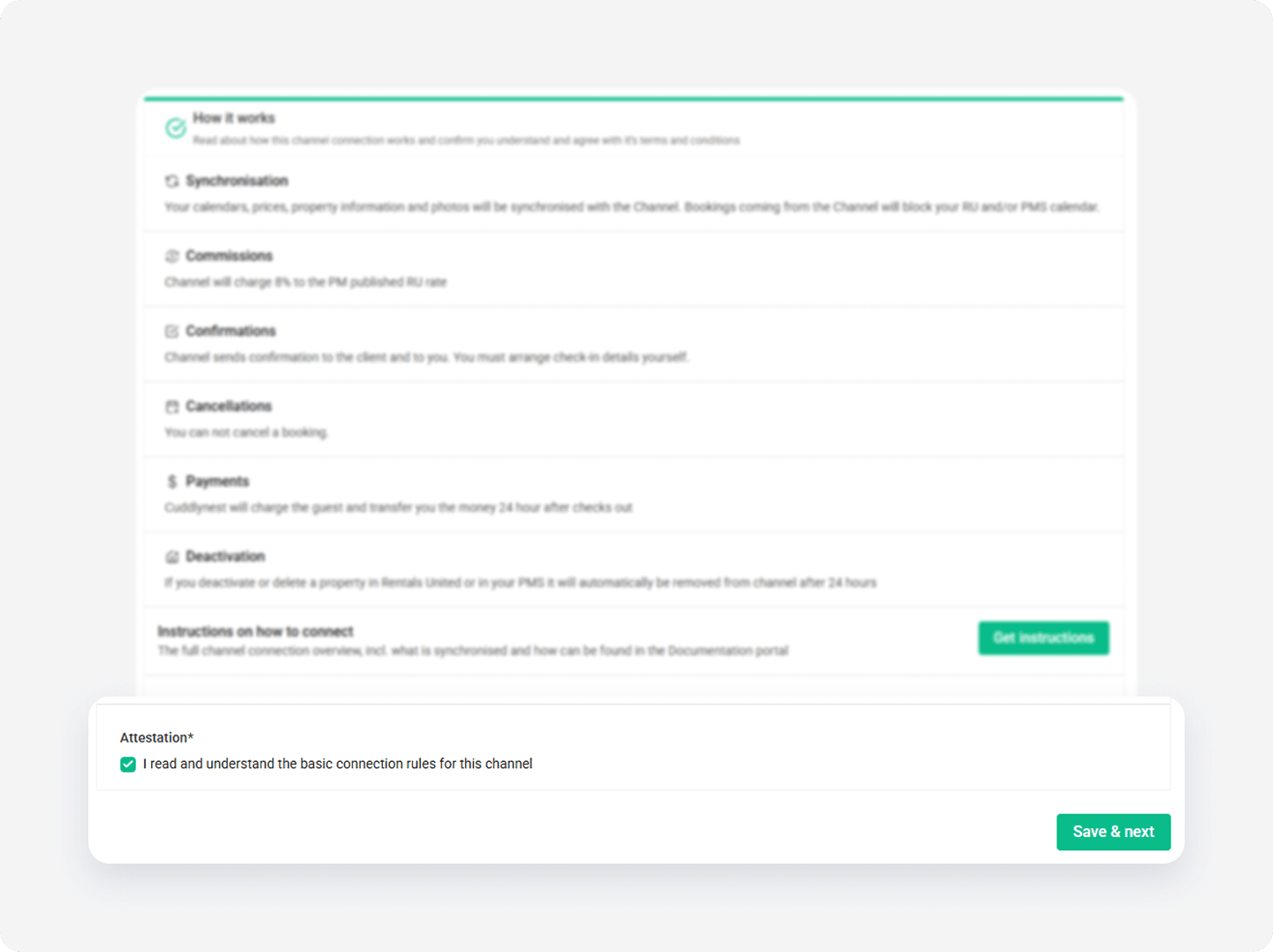
Channel Settings
The Connection Wizard guides you through the necessary settings for your Homes & Villas by Marriott Bonvoy integration. You can track your progress at the top of the page. If you exit the wizard, you can resume from the last completed step later.
Tip: You can revisit the Channel Settings section and adjust these settings at any time from the channel's integration page after completing the setup.
Adding accounts
After configuring the connection to the channel, you need to synchronize your first account. Later, you can add more accounts and manage all your properties from one place and at the same time have a clear perspective on which property is managed by which account.
In Rentals United platform, open Property Settings for HVMB. Follow the steps here.
-
Click the + Add account button.
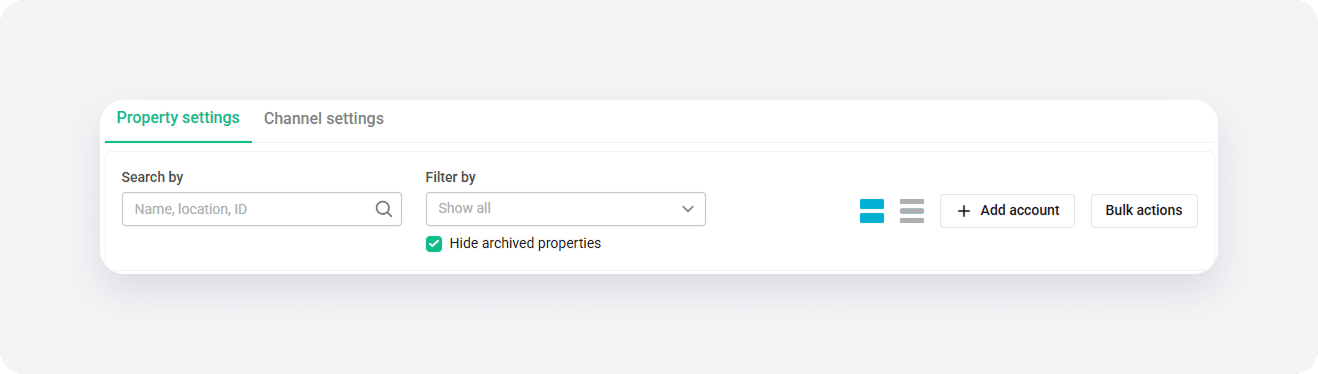
- Provide HMC ID to identify your account.
- Click Link accounts.
If HVMB validation is successful, you can add new listings to the channel.