To start advertising on MakeMyTrip, you must first establish a connection between your accounts. This process involves adding MakeMyTrip to your services and configuring your account-level settings through the Connection Wizard.
Establish connection
Follow the steps below to add a specific channel to your account.
Step-by-step:
- Sign in to your Rentals United account.
- Go to the Services tab and select Find Services.
- Type the channel name in the search box.
- Click the
 to expand the channel section.
 - Click Get connected.
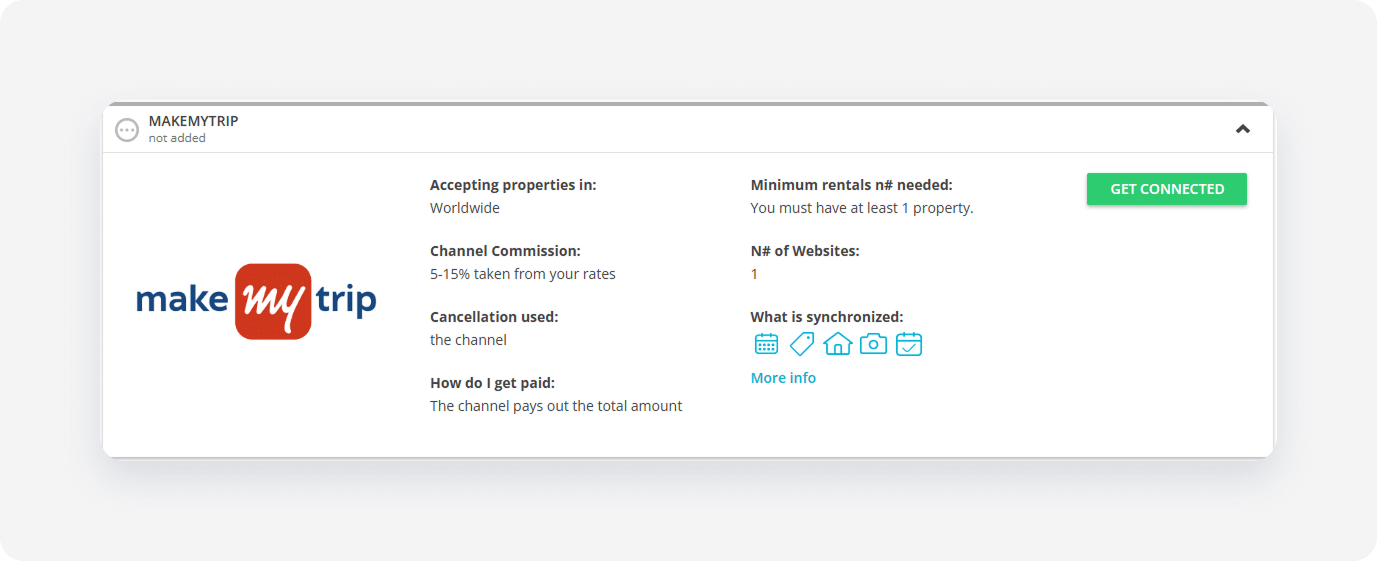
The system validates your connection in the background. If you meet the initial requirements, the Connection Wizard launches automatically. If an eligibility error appears, follow the on-screen instructions to resolve the specific requirement before proceeding.
Minimum requirements to connect
Minimum number of properties: 1
Service configuration
The Connection Wizard guides you through the necessary settings for the new integration. You can track your progress at the top of the page.
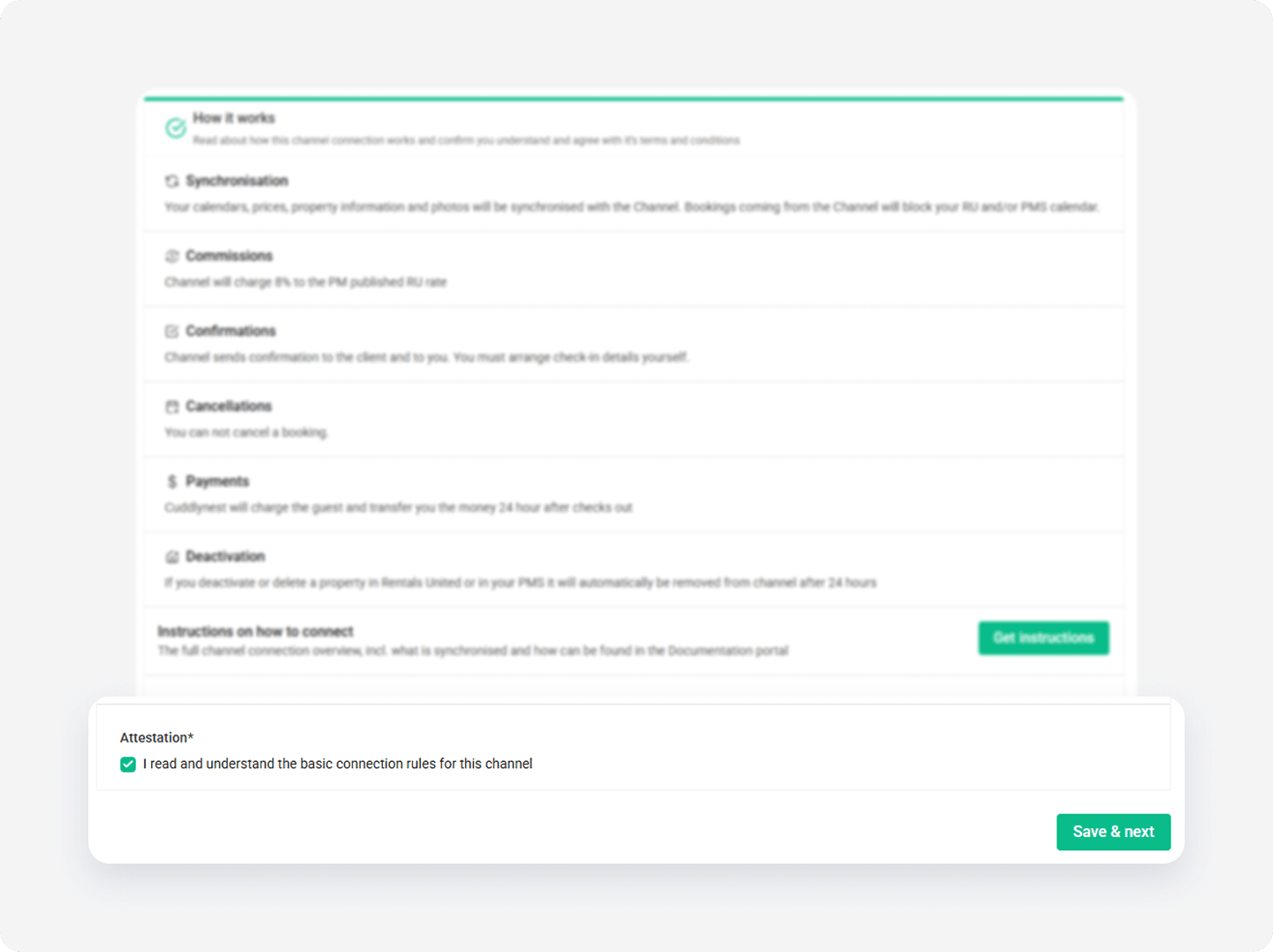
How it works
Read the basic information about the integration. Check the I read and understand the basic connection rules box and click Save & Next.
Channel Settings
The Connection Wizard guides you through the necessary settings for your MakeMyTrip integration. You can track your progress at the top of the page. If you exit the wizard, you can resume from the last completed step later.
Tip: You can revisit the Channel Settings section and adjust these settings at any time from the channel's integration page after completing the setup.
Complete account setup in MakeMyTrip
To complete the account setup, sign a contract with MakeMyTrip.
Step by step:
In the Connection Wizard, fill in the contract form.
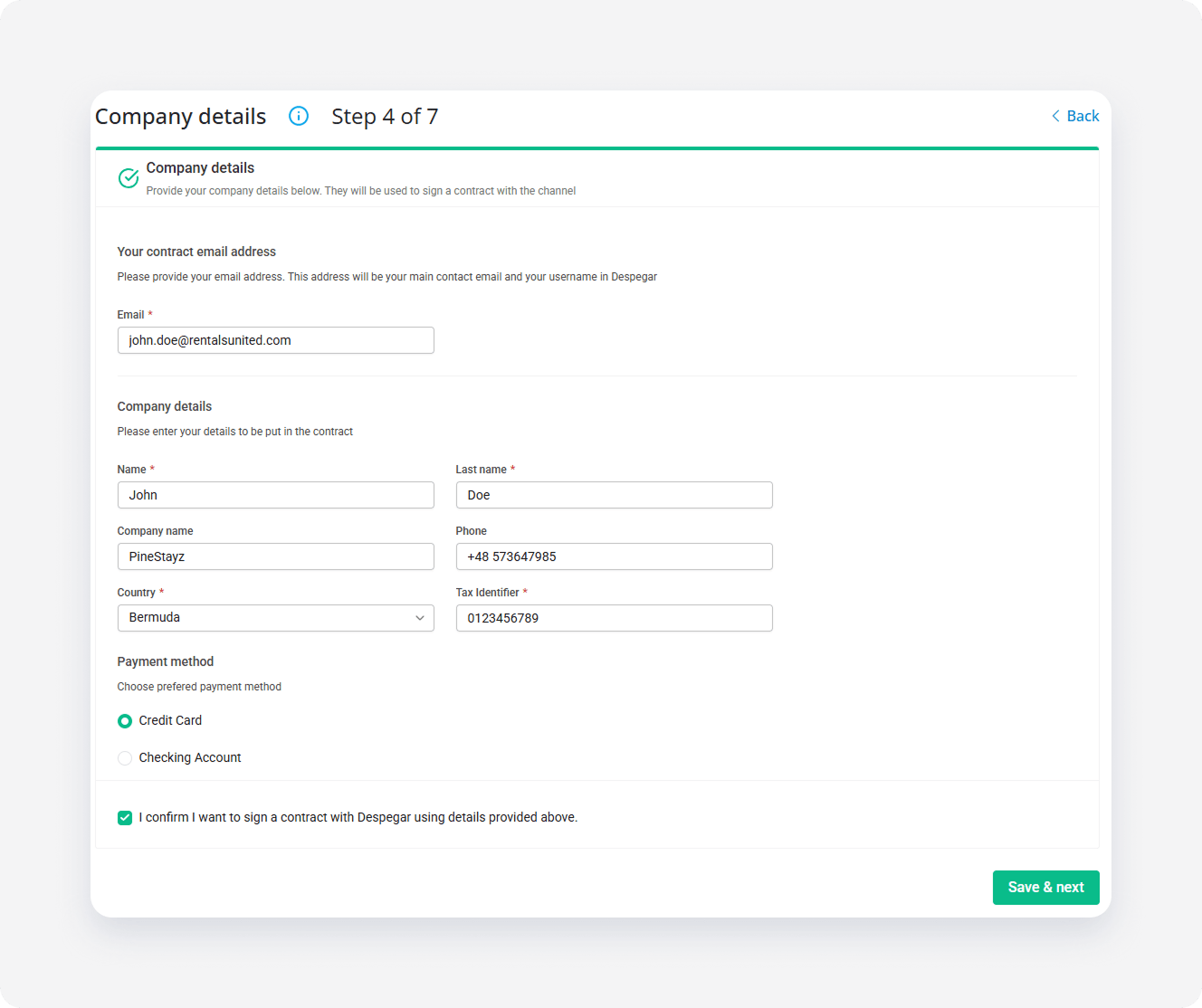
- Choose the properties to add to the channel. These properties don't get live in MakeMyTrip until you sign the contract.
Wait for a MakeMyTrip representative to contact you and sign the contract.
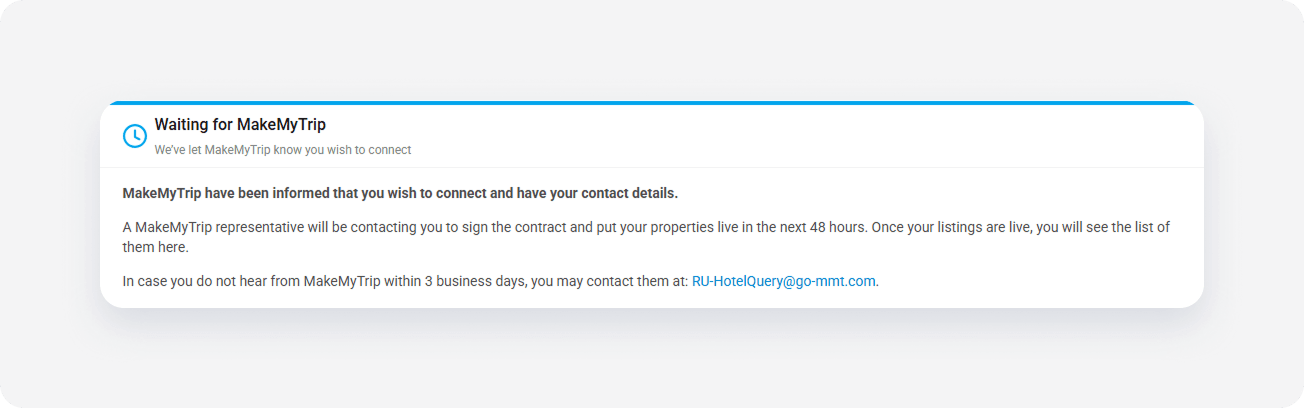
Note: If the properties you selected already exist on MakeMyTrip and you want to link them, provide the MakeMyTrip representative with mapping of your Rentals United property IDs to MakeMyTrip listings.
x