After you successfully added My Website service to your Rentals United account, you are redirected to the Property Settings page. Property Settings is the place where you manage your property connection.
You can access Property Settings from your Services tab in Rentals United.
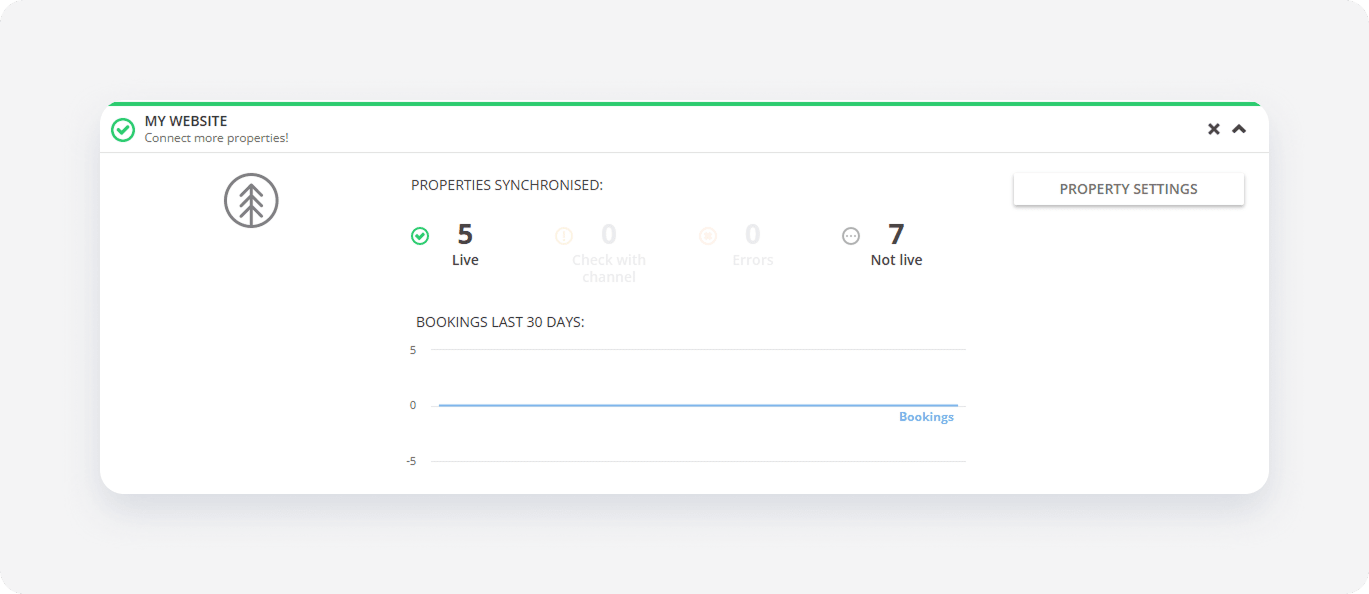
At this point, your Property Settings page immediately contains a list of all properties you have in your Rentals United account. You may find part of them in the "Active" status while some of them may be still "Pending".
Rentals United immediately attempts to create a listing for each property on your My Website, but not all of them can be created at the first go. Ideally, all of them should have an "Active" connection status and an URL to your property on My Website displayed correctly upon hover.
If some of your listings are still "Pending", these properties are not ready to go live because they do not meet minimum content requirements. Go to Properties > All properties in Rentals United and improve their content so that your property status is finally Edit - see Property statuses. Then, follow Create new listings.
Once your properties enter the "Active" status, it means that its Listing page is live on your website.