In Rentals United platform, go to the Services tab.
Click the My services tab.
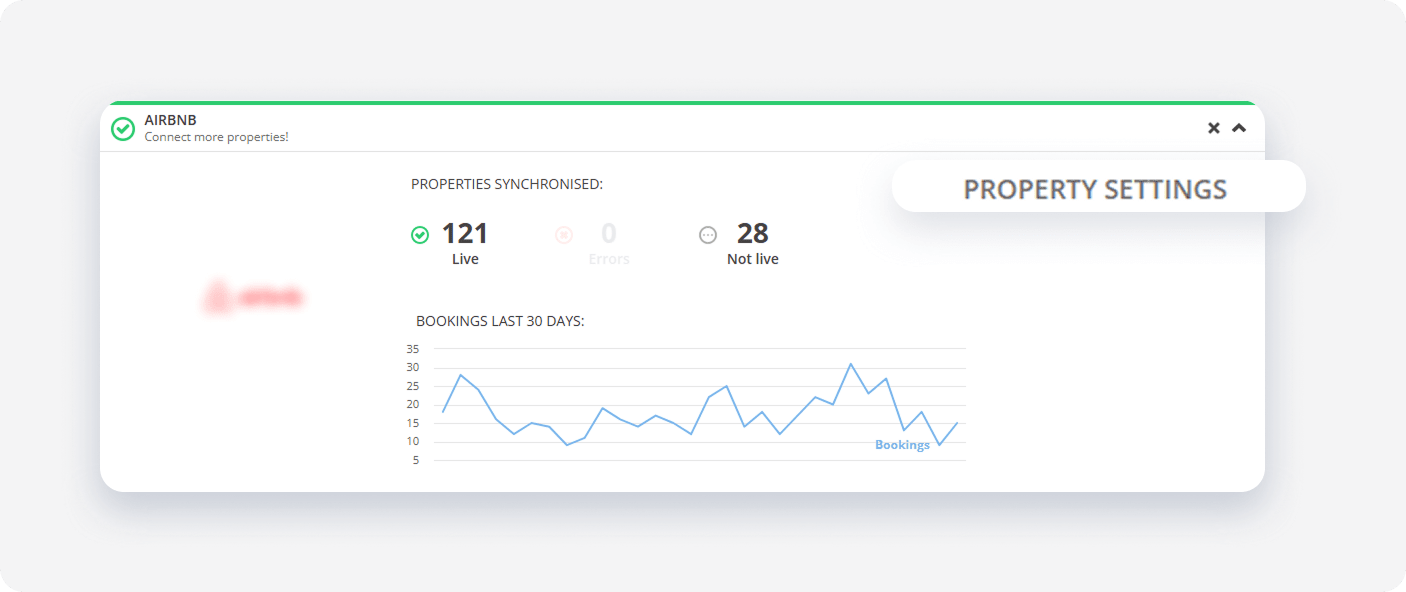
- Navigate to the channel section and click the
 icon to unfold it.
 -
Click the Property settings button.
-
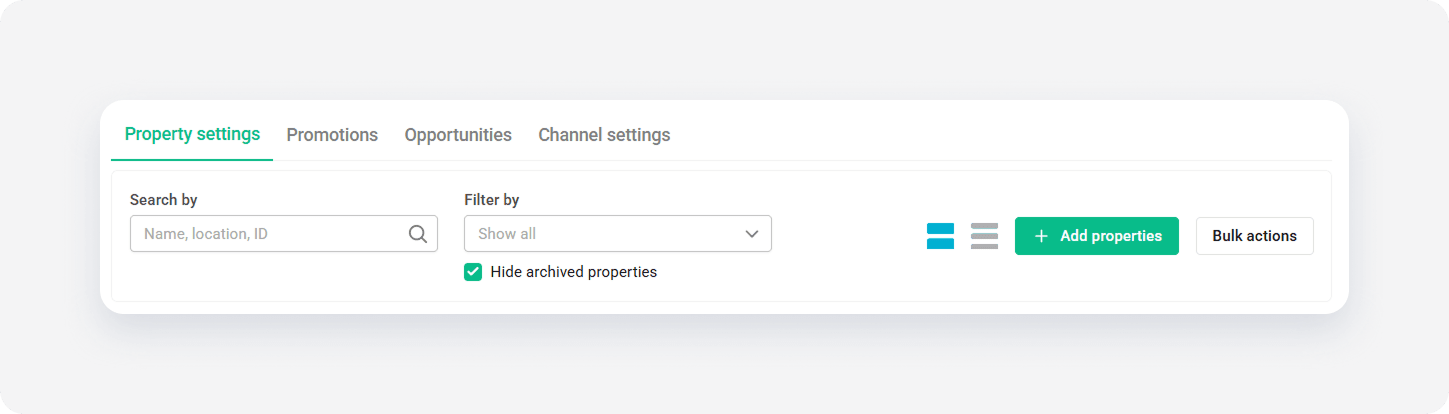
Switch to the Channel settings tab.
In Rentals United platform, go to the Services tab.
Click the My services tab.
icon to unfold it.Click the Property settings button.
Switch to the Channel settings tab.