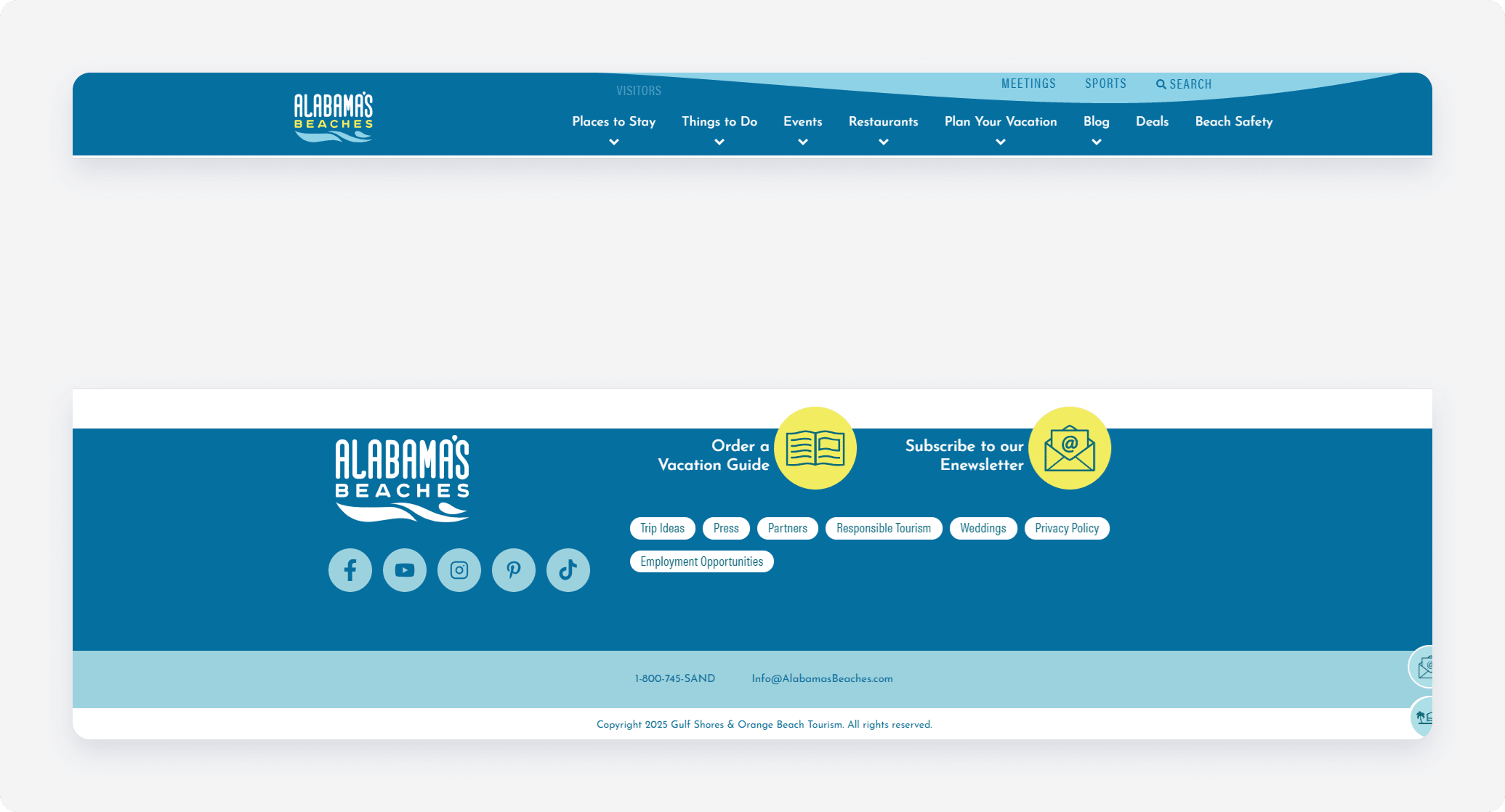
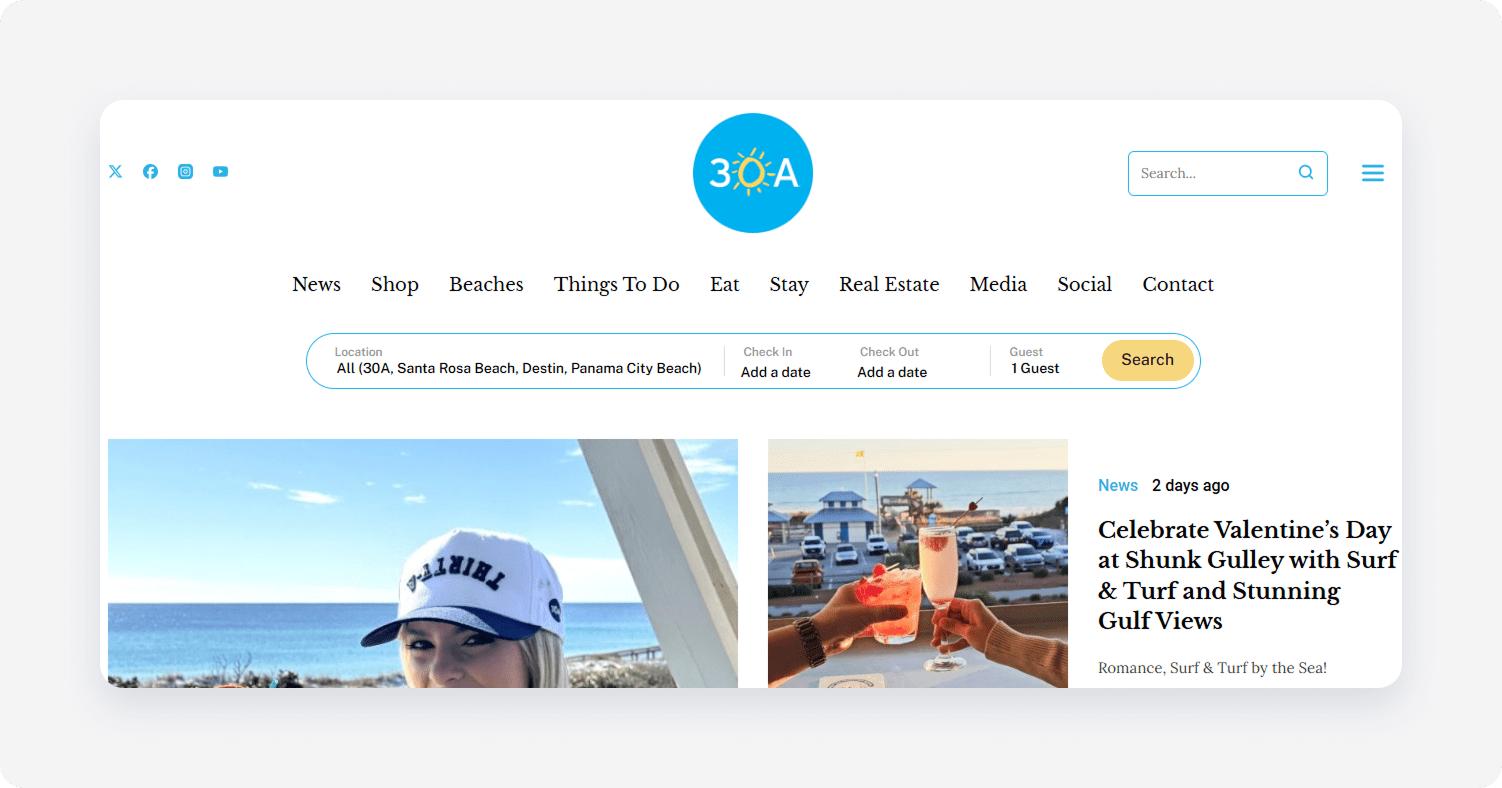
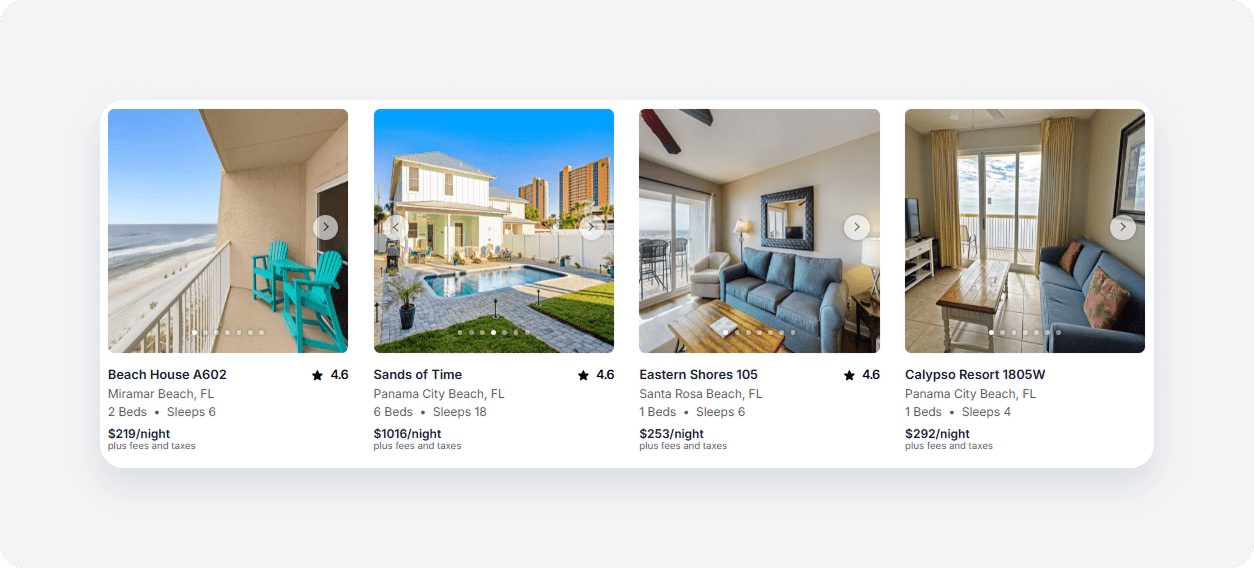
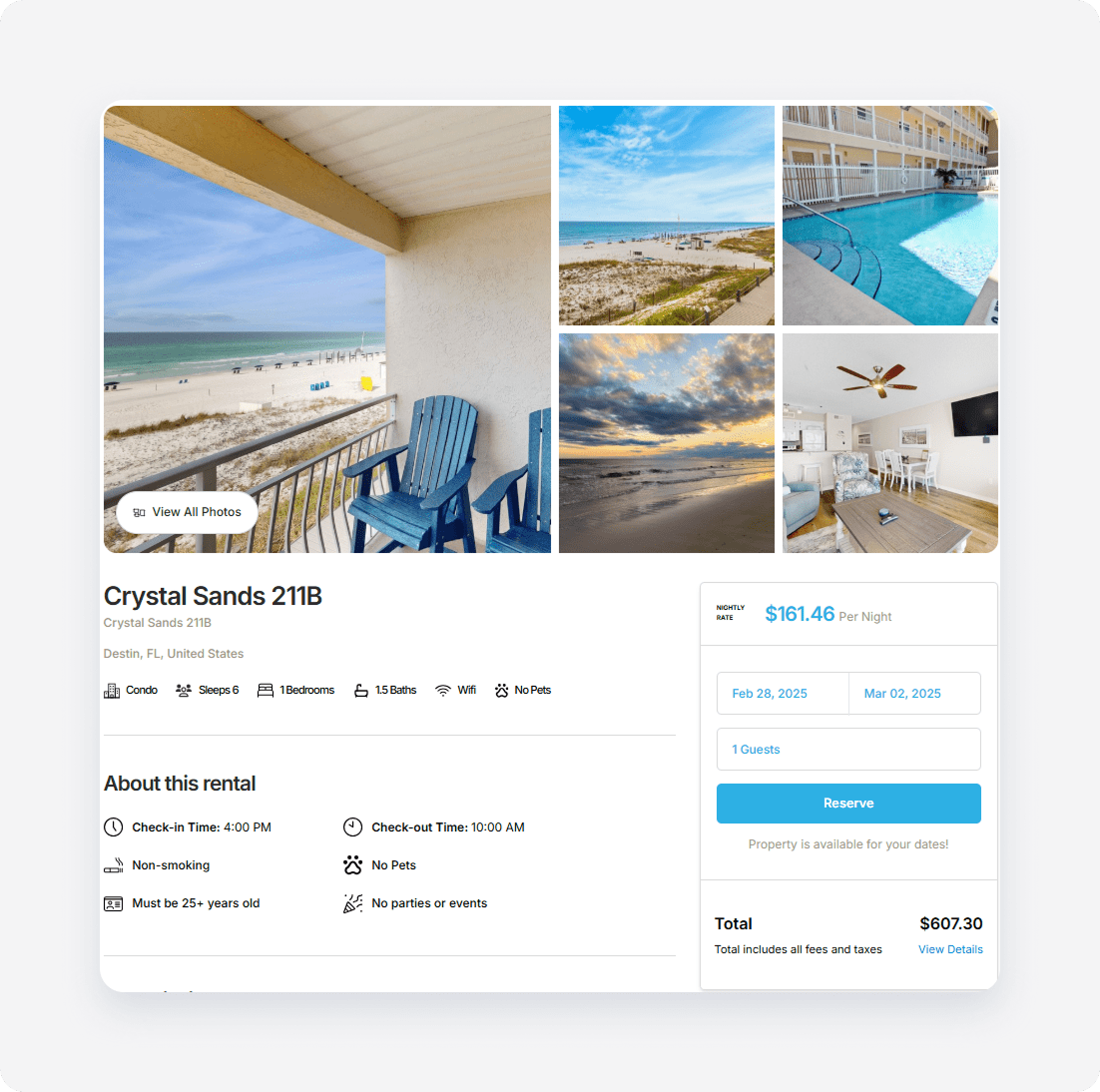
In this article you will learn which elements and pages of Website Suite are customizable. You can also see here our partners' examples of customized elements. To customize elements and pages, get in touch with our Support Team. Our dedicated team will make the requested edits to your website.
Header and Footer
Item
Customization
Header
✓
Footer
✓
Search widget
Item
Customization
Title
✓
Widget location on the website
✓
Widget position
✓
Widget design
✓
Widget items (location, property type, check-in, check-out, number of guests)
✓
‘Search’ button
✓
Calendar
✓
Dropdowns / Expandable lists
✓
Additional elements
✗
Results page
Search
Item
Customization
Widget location on the website
✗
Widget position
✗
Widget design
✓
Widget items (location, check-in, check-out, number of guests)
✓
‘Search’ button
✓
‘Filters’ button
✓
‘Map view / Grid view’ button
✓
‘Sorting’ button
✓
Destination list
✗
Calendar
✗
Guests selection
✓
Filters
Item
Customization
Filters page design
✓
Filters page content (price range, bedrooms, bathrooms, property type etc.)
✗
Properties results
Item
Customization
Cover photo
✗
Review score
✗
Property name
✗
Location
✗
Number of beds
✗
Maximum number of guests
✗
Price per night
✗
Property page
Property details
Item
Customization
Page content (photos, descriptions and other property details)
✓ - to update content, make changes in Rentals United and your listings on Website Suite will automatically update
Clickable elements
✓
Booking widget
✓
Reviews
Item
Customization
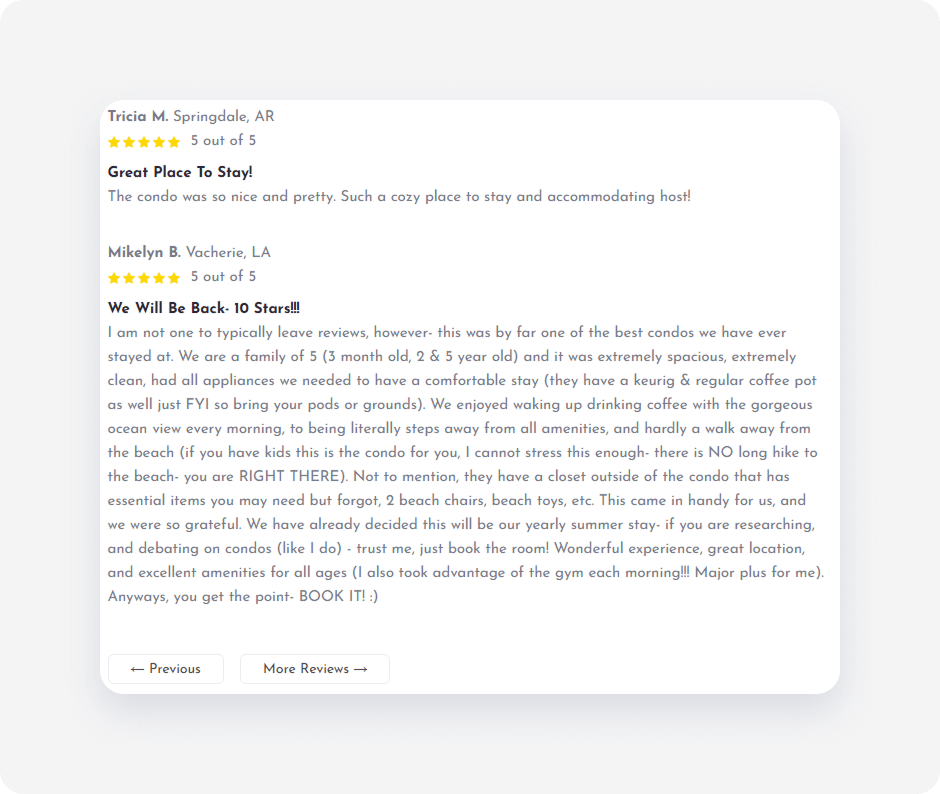
Review content
✗ - review content is synchronized from PMS
Text
✓
Buttons
✓
Booking page
Item
Customization
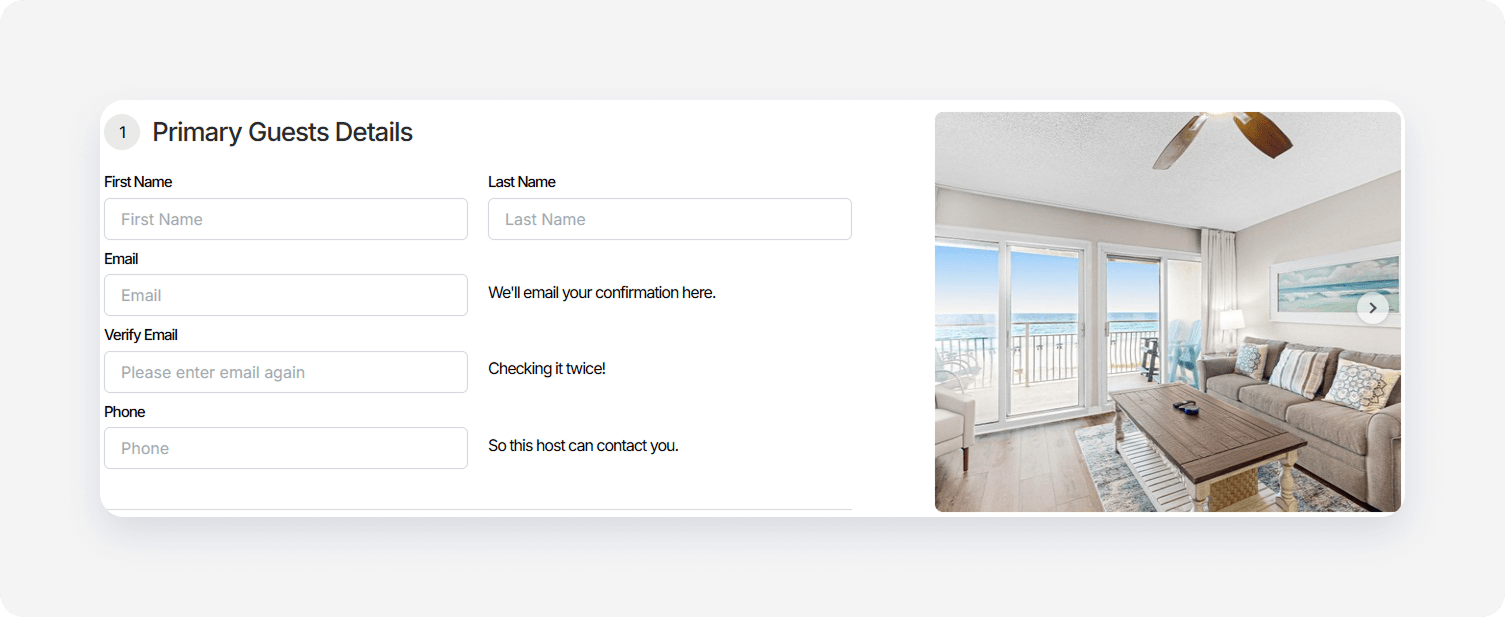
Page content
✗
Clickable elements
✓
Confirmation email
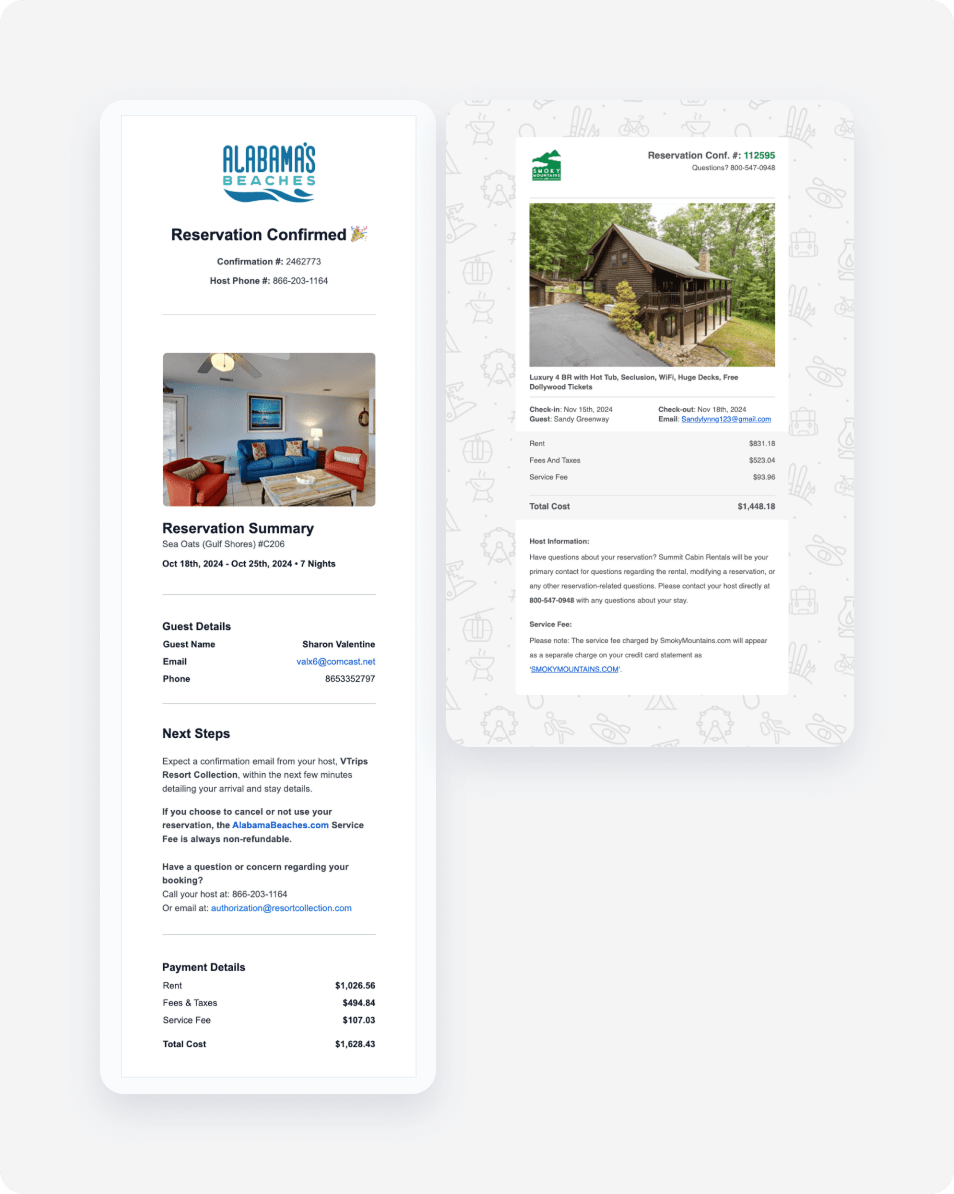
Confirmation email is the most customizable element of all. You can request customized fonts, colors, images, the order of sections and many more. Also, custom elements can be added, such as banners, links and other HTML snippets.
The guest receives a confirmation email after making a booking. The email's sender is registered on the default rentalsunited.com domain. If you have your own domain and want to use it in your confirmation email, inform us about it.
Details in the confirmation email:
Company logo
Reservation confirmation ID
Guest details
Stay summary
Property name
Check-in and check-out
Address
Reservation price breakdown (rent, fees, taxes, total costs)
Contact details
See two different examples of the company confirmation email below.
Website address
Choose the address that your guests will visit to book a stay with you. You can use one of the following options:
Your domain name
Your subdomain name
Rentals United subdomain, e.g. wonderfulstays.staysense.com
Analytics
To track the traffic and user behavior on you website, include include any analytical script such as GA4, GTM, Mixpanel, Adroll, Meta Pixel to all of the subpages. If you are interested in any other third party solution integrated, let us know.
x
#
/hc/theming_assets/01J0FPK0WP01F3YES9Z10BQ116
FAQ
Questions about Lotus Themes products and services
custom
#
/hc/theming_assets/01J0FPK158845VMTX414TKTW0J
Guides
Instructions related to themes installation and usage