The Primary language setting specifies the language in which your Booking.com communication (emails, notifications) will be displayed. The primary language selected by default is British English.
- In Rentals United account, open Channel Settings. Follow the steps here.
- Search for Primary language settings.
-
From the dropdown, select the primary language.
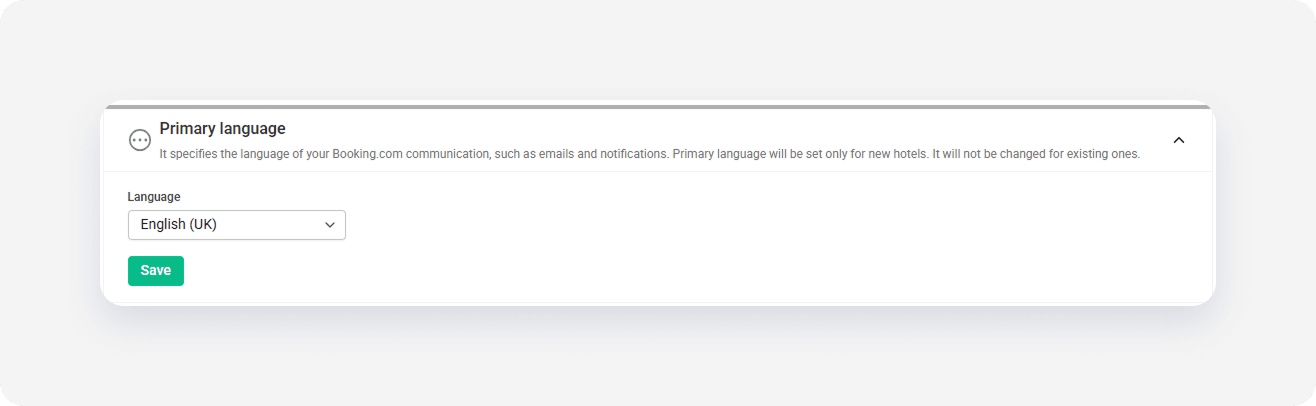
- Click Save.
The primary language will be set only when you create a new listing in Booking.com. If you want to change the primary language for existing listings, you can do it in the Booking.com extranet - see this Help Centre article.
x