Expanding your reach by connecting to third-party channels helps increase visibility and fill your calendar. Our Channel Manager simplifies this process by allowing you to manage multiple platforms from a single location.
Follow the steps below to connect a new channel to your account.
Step by step:
- Sign in to your PMS account and go to Channel Manager.
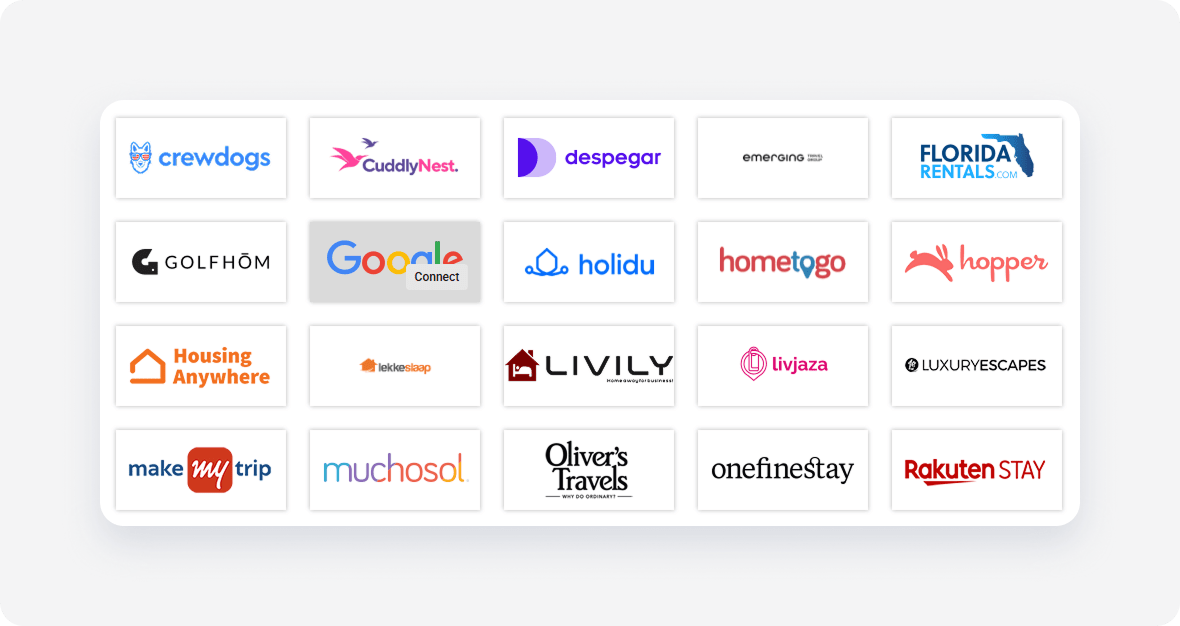
- Find the sales channel you want to connect.
Hover over the sales channel name and click Connect.
- Follow the steps to complete the channel settings. You can change them later.
- Check I read and understand box and click Save & Next.
Some channels require additional actions. Follow the steps in Further instructions to complete the channel connection. Once you complete all the steps, click Synchronize your first property to create new listings in the channel.