Promotions on the account level
Use the Promotions tab to manage all your discounts for all your listings in a given channel at once. View and manage your discounts from the account’s perspective.
Step by step:
- In Rentals United account, open Property Settings. Follow the steps here.
- Click the Promotions tab.
Promotions on the listing level
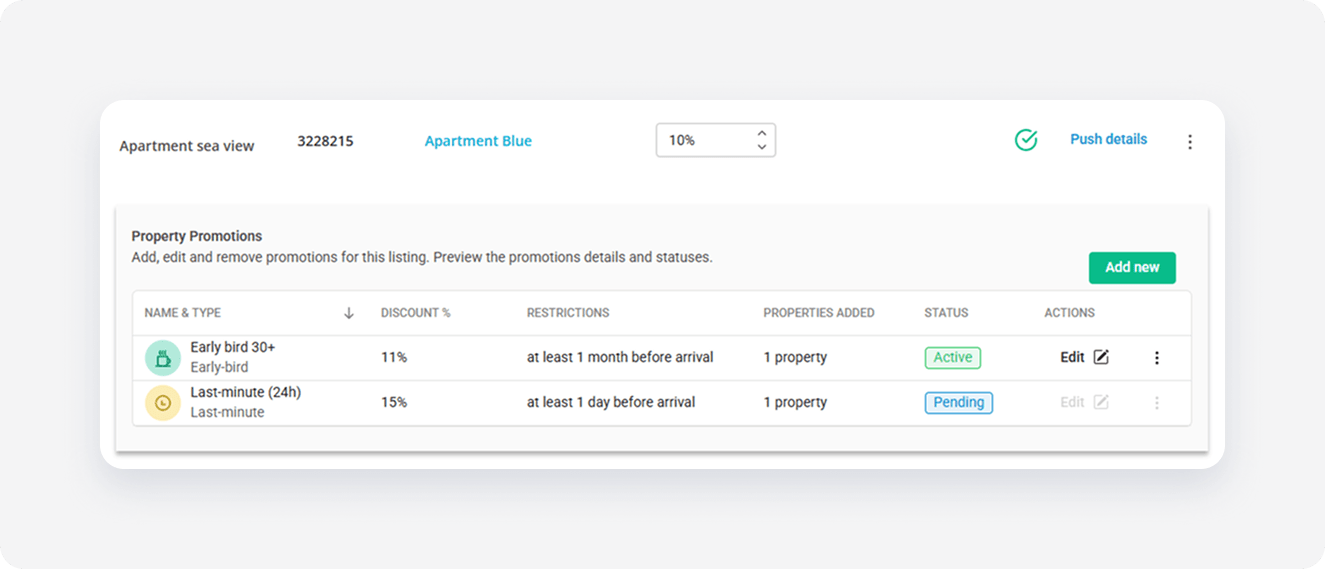
Use the Manage or Manage rates page for managing the discounts for a single listing.
Step by step:
- In Rentals United account, open Property Settings. Follow the steps here.
- Click the Manage or Manage rates button next to the listing.
Channels supporting promotions
Promotions are available for the following channels:
- Airbnb
- Vrbo
- Booking.com
x