You can define how and when guests pay for their reservations by setting up a custom payment schedule.
You can change these settings at the Advertiser ID level. They will apply to all properties assigned to this Advertiser ID.
Step by step:
- In Rentals United account, open Channel Settings. Follow the steps here.
- Locate the Prepayment section.
- From the dropdown, select the prepayment option, for example "Percentage of total price".
-
Type the prepayment amount, for example "50%".
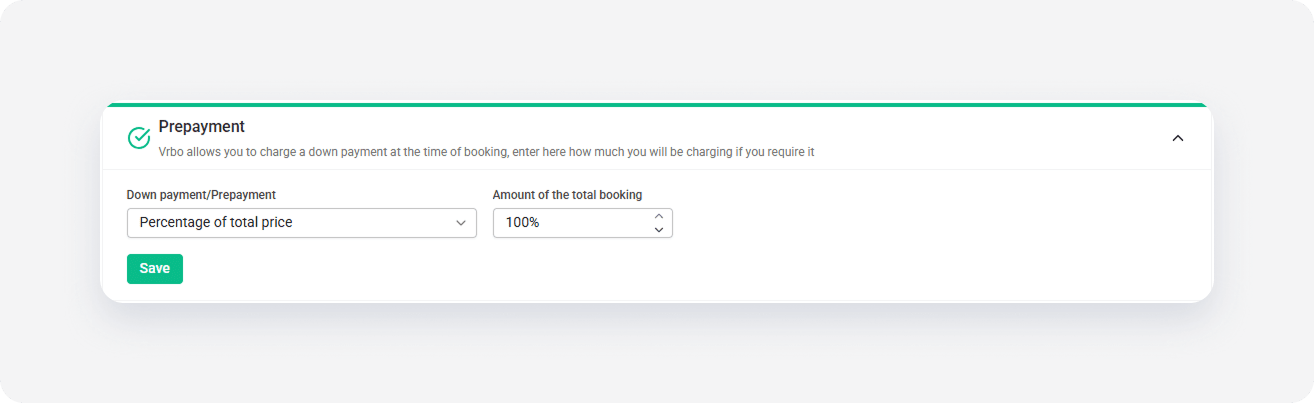
- Click Save.
x