Vrbo allows you to select the way you would like to receive your future bookings:
Use the instructions below to change the booking policy for your properties in each Advertiser ID.
Step by step:
- In Rentals United platform, open Channel Settings. Follow the steps here.
- Navigate to Vrbo booking policy section.
-
Choose the booking policy.
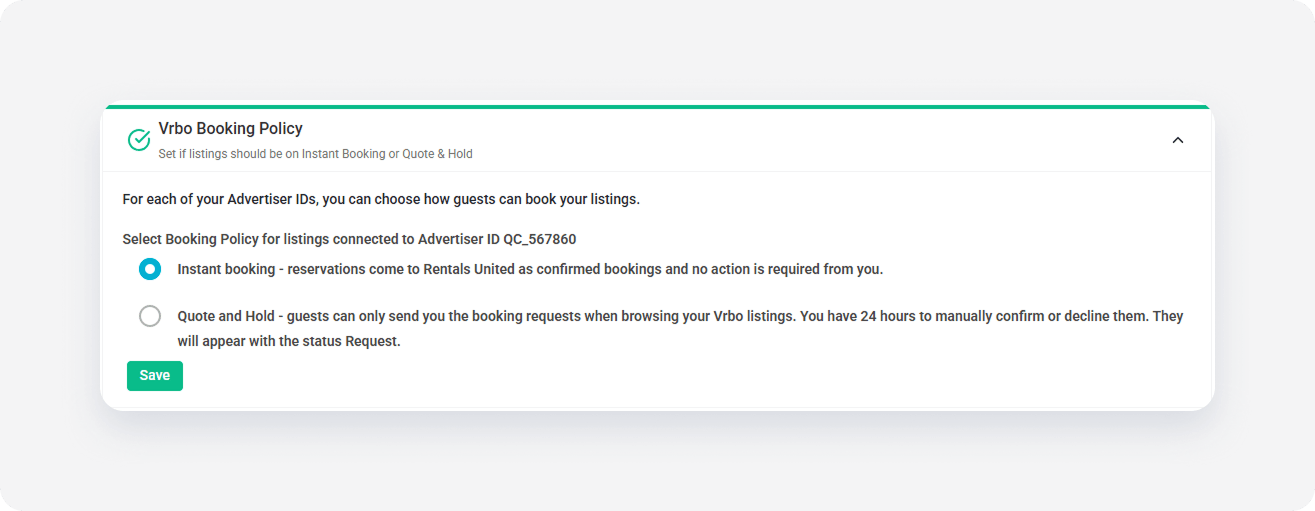
- Click Save.
x