Checking if your listing meets all channel requirements before publishing is necessary to ensure good listing quality, which increases your visibility to guests. Rentals United checks your property data and provides a summary of any missing or incorrect content that needs attention.
Step by step:
Unfold the section with warning by clicking the
 icon.
icon.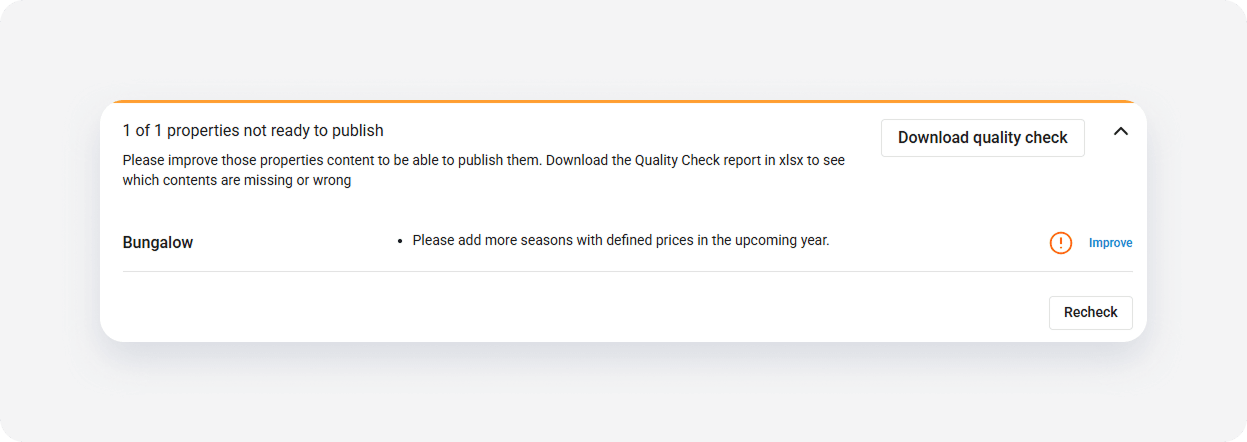
Verify if any data is missing or incorrect.
Note: Click See more to display the errors. To download a detailed XLSX report, click Download quality check.
- Click the Improve button. The Edit property page opens in a new tab.
- Follow the tips from the summary or the report, for example "Fill number of bathrooms", and improve the content.
- Go back to the property list and click the Re-check button.
You are ready to add new listing to the channel if the property doesn't display any more errors.