Price mark-up serves to modify the pricing per channel. With this option, prices in Sales Channel will be increased or decreased for selected rate plans or properties.
- Sales channels that offer advanced rate plans management allow for setting the mark-up for selected rate plans. These channels currently include all HRS channels (hotel set-up channels such as Booking.com, Expedia or Agoda). Check the procedure below to update mark-up for selected rate plans.
- Other channels which do not offer rate plan management allow for setting the mark-up for selected properties.
To read more about the markup use, see here.
Step by step:
In Rentals United platform, go to Property Settings.
- In the top-right corner of the page, click Bulk actions.
-
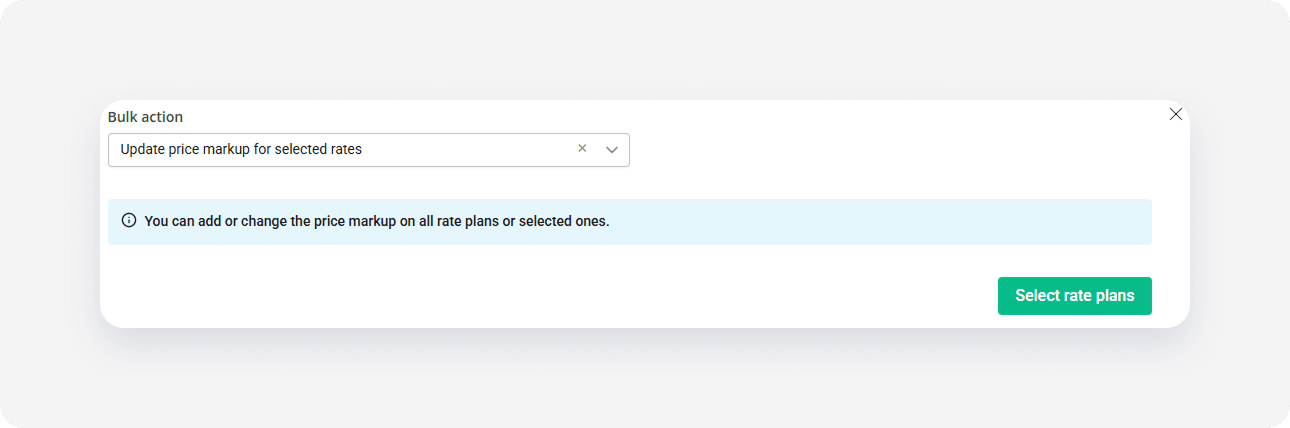
Select Update price mark-up for selected rates option from the dropdown. Click Select rate plans.
- Select the rate plans that you wish to update. You can select individual rate plans or all rate plans at once. Click Continue.
- You will see the summary of selected rate plans. Check if the list includes all the rate plans you wish to update. Click Continue.
- Set the new mark-up value and click Update. The mark-up value can be positive, negative or 0%. The previous mark-up value for selected rate plans will be replaced with the new value.
- The process is running and you can see the progress bar.
- Once the process is complete, you will see the summary of actions. Click I understand to complete.
We completed the markup change. The markup value updates in the channel as soon as possible. In case of some channels (e.g. Altovita, Cuddlynest) the update may take little longer to reflect.
x