With this option, you can increase the fees in the channel for all properties. To read more about the fee markup use, see here.
Step by step:
In Rentals United platform, go to Property Settings.
- In the top right corner of the page, click Bulk actions.
- Select Update fee markup option from the dropdown.
-
Set the new mark-up value and click Update fee markup.
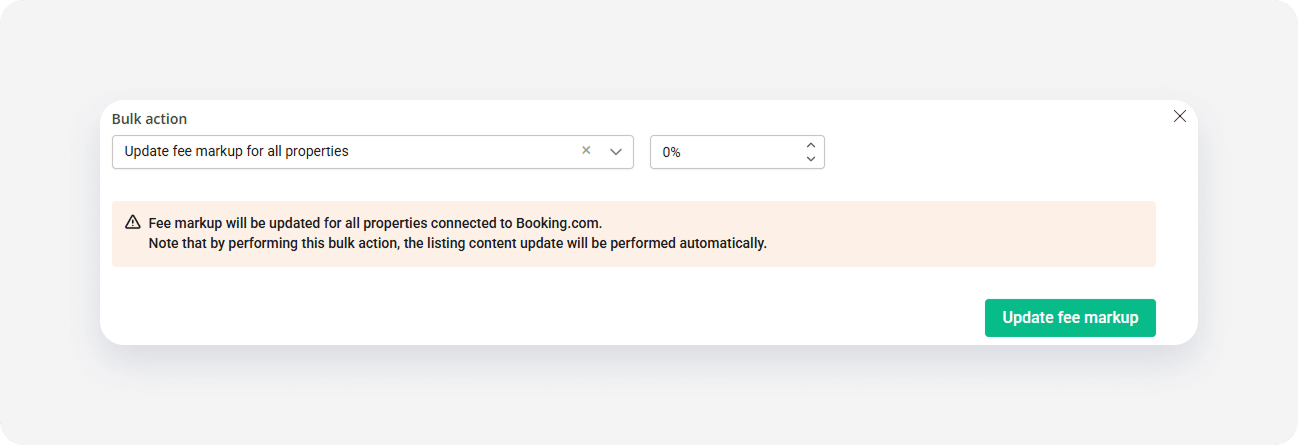
- Confirm the action by clicking Update fee markup.
- The process is running and you can see the progress bar.
x