Connect all properties to the channel to allow the channel to place bookings on your properties.
Step by step:
In Rentals United platform, go to Property Settings.
- In the top-right corner of the page, click Bulk actions.
-
Select Connect all disconnected properties. Click the Connect all button.
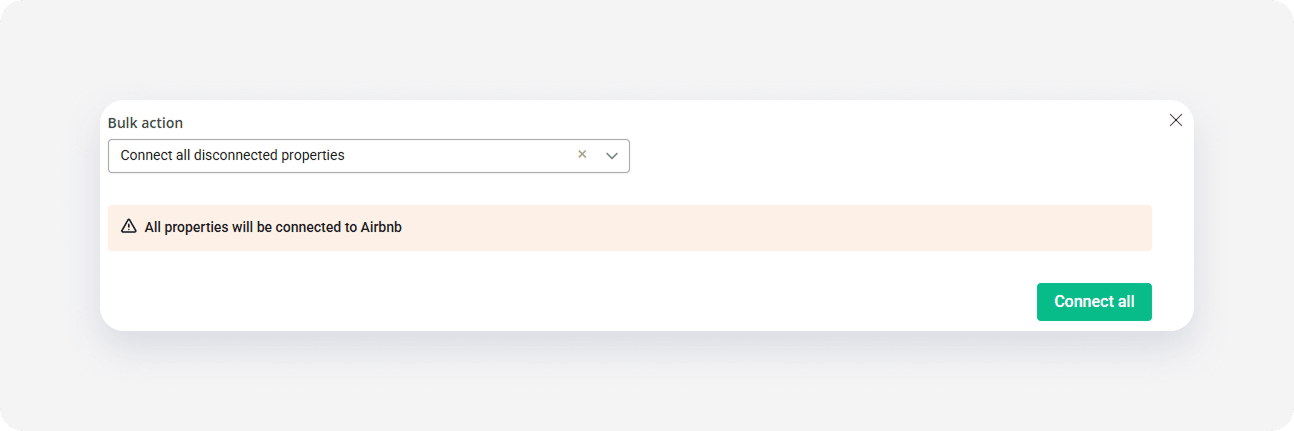
- A dialogue window is displayed. Confirm your action.
- The process is running and you can see the progress bar.
x