Deactivate all active rate plans and stop bookings flow from the channels.
Step by step:
In Rentals United platform, go to Property Settings.
- In the top-right corner of the page, click Bulk actions.
-
Select Deactivate connection for all active rates from the dropdown. Click the Deactivate all rates button.
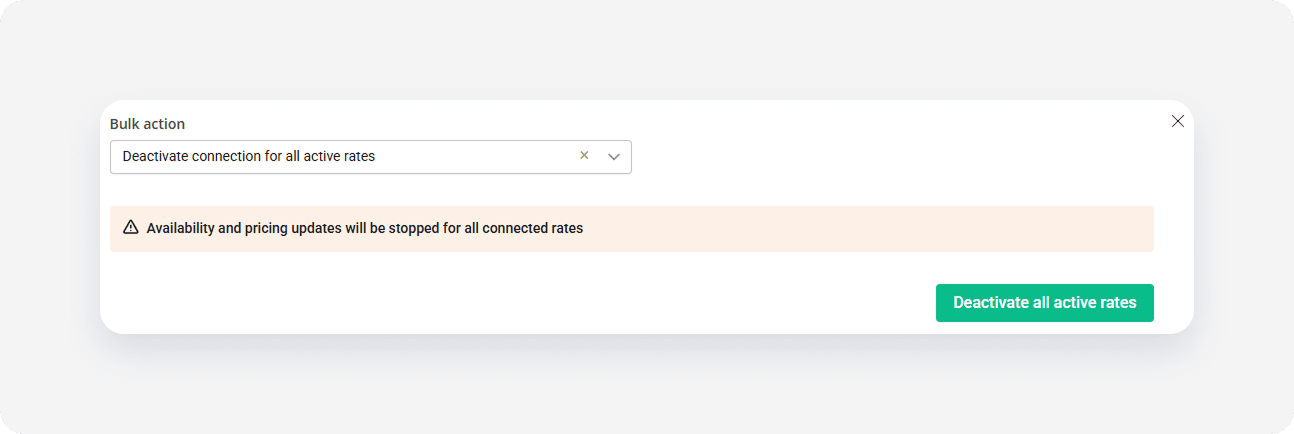
- A dialogue window is displayed. Select what you wish to do and confirm your action.
- I want to close all properties... - you will receive no more bookings (recommended)
- I want to stop sending prices and availability - you stop updating properties' availability, but do not stop renting - you will receive booking, but they can have outdated prices and cause overbookings (this option should be used primarily when you decide to manage your rates for Sales Channel directly from its dashboard)
- The process is running and you can see the progress bar.
x