Mapping allows you to manage availability, rates, and content of a listing that already existed in the channel.
Step by step:
- In Rentals United account, open Property Settings for Airbnb. Follow the steps here.
- Click the Add property button.
- When the question "Is your property already published in Airbnb?" appears, select Yes.
-
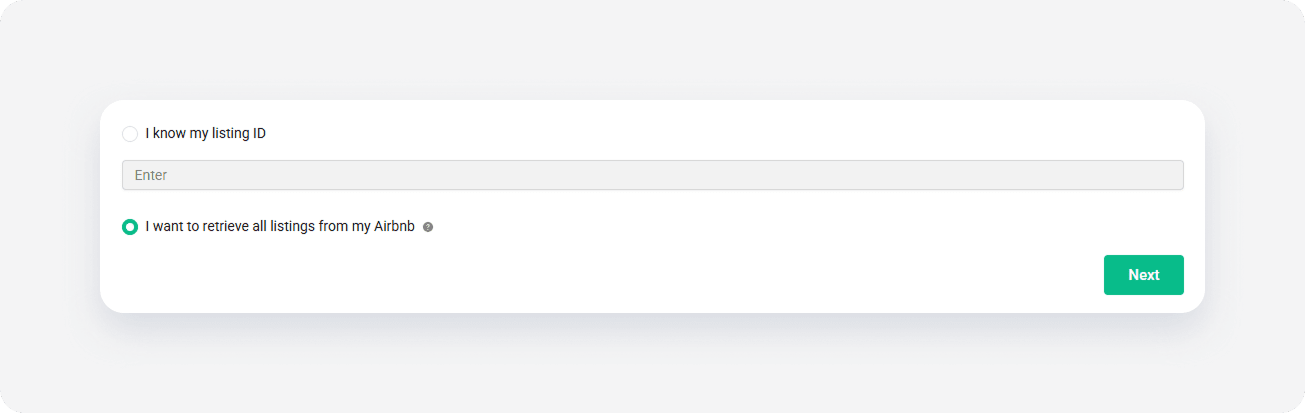
To map a single listing, select I know my listing ID and provide the channel listing ID. If you have multiple listings in Airbnb, choose I want to retrieve all listings from my Airbnb. Click Next.
- Click Select properties.
-
Choose a property to map to the retrieved listing. Click Continue.
Note: If the property that you're looking for is not available, it means that:
- The property is already mapped to Airbnb and isn't listed. It's not possible to map a property multiple times.
- The property was just added to Airbnb and is currently being process by the channel (Pending).
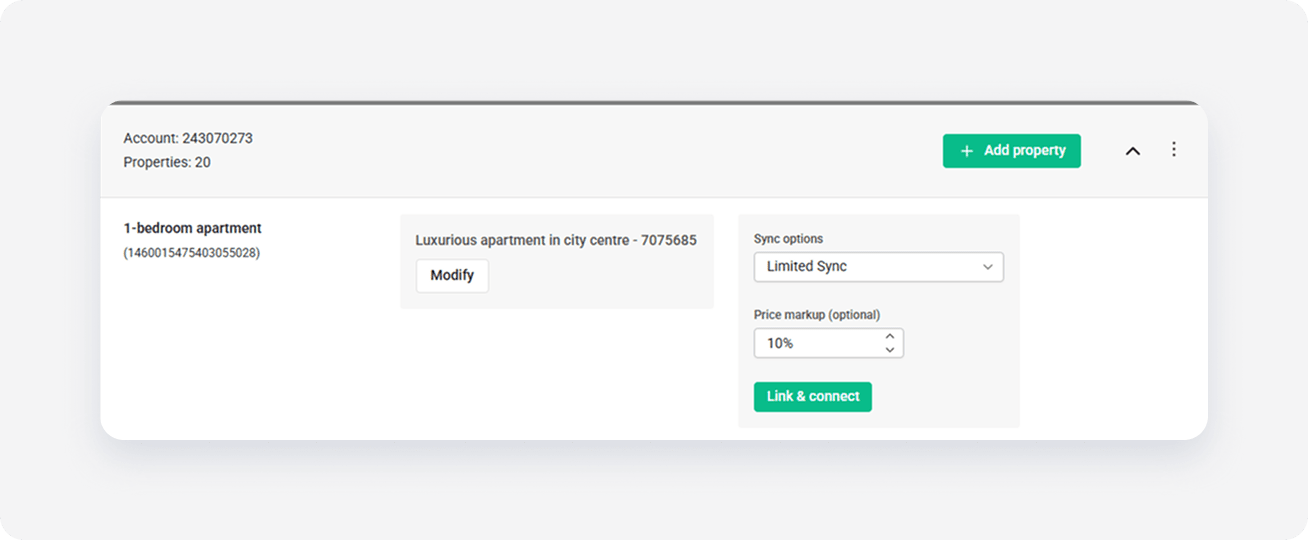
- Select the synchronization mode and adjust the markup. Click Link & Connect.
- The published properties enter the
 Pending status. The channel reviews your properties and updates their status automatically. The properties get available almost instantly in the Airbnb website and the status changes from Pending to
  Active.
x