If you edit your property's content in Rentals United and want your listing reflect them, you need to update your listing.
Note: Remember that price and availability updates sync automatically. You don't need to update your listing when you made price or availability changes to the property in Rentals United.
Synchronization modes
Depending on the synchronization mode, different information gets updated in the channel.
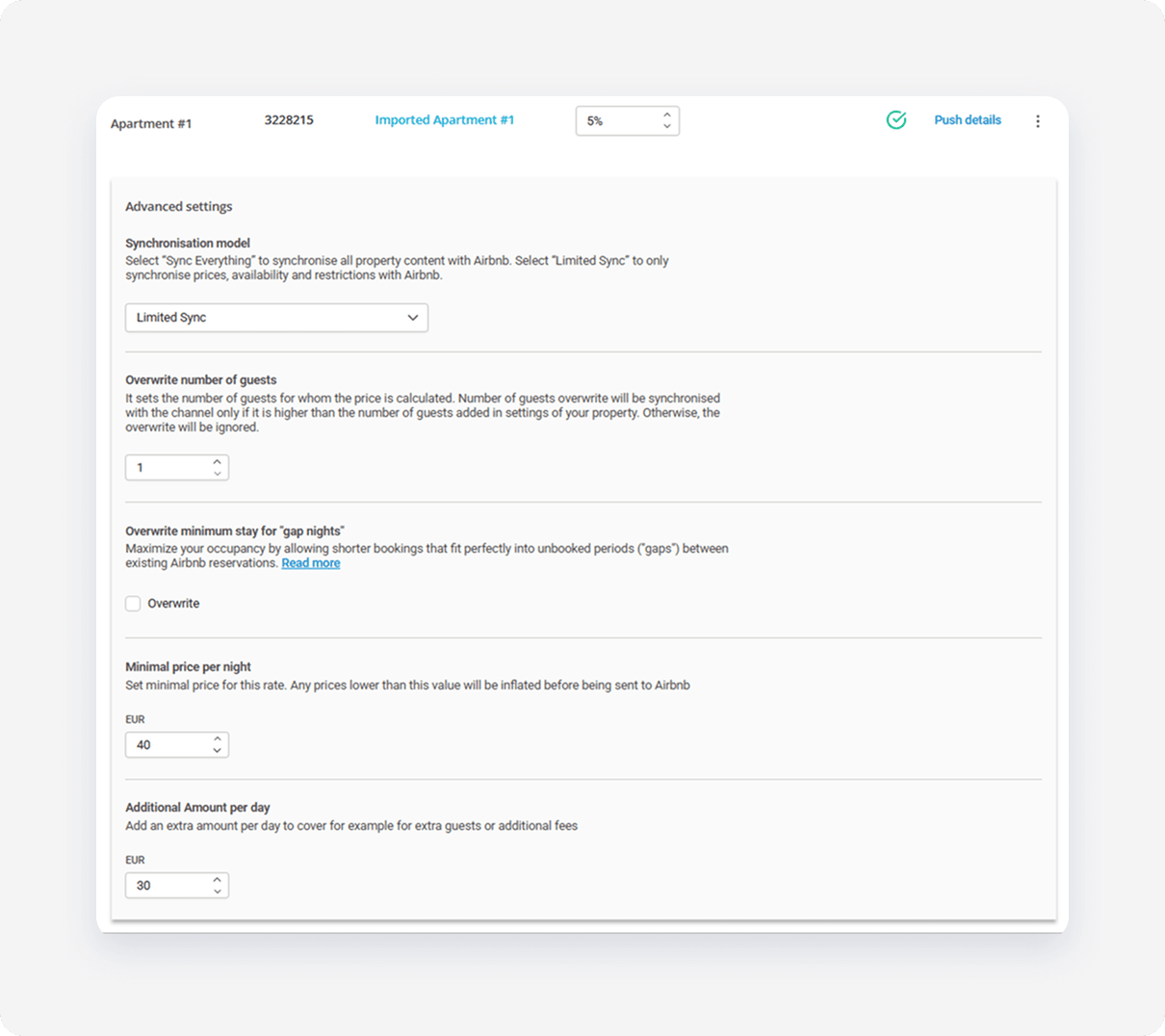
- Limited Sync - synchronization of availability (availability, minimum stay and changeovers) and prices (prices, fees and taxes, extra guest price).
- Sync Everything - full synchronization (availability, prices and property content).
For example, you want to update description and fees. In Limited Sync, only fees and taxes update in the channel because they are the only property content items in this mode.
On the other hand, in Sync Everything, all property content syncs with Airbnb. In this mode, both description and fees will update.
Note: If you manage your property content in Airbnb dashboard, not in Rentals United, updating the listing on Sync Everything overrides a lot of details you added in the channel's dashboard. Make sure this is what you really intend.
Update the listing
Follow the steps below to update listing in the channel.
Step by step:
In Rentals United platform, open Property Settings. Follow the steps here.
-
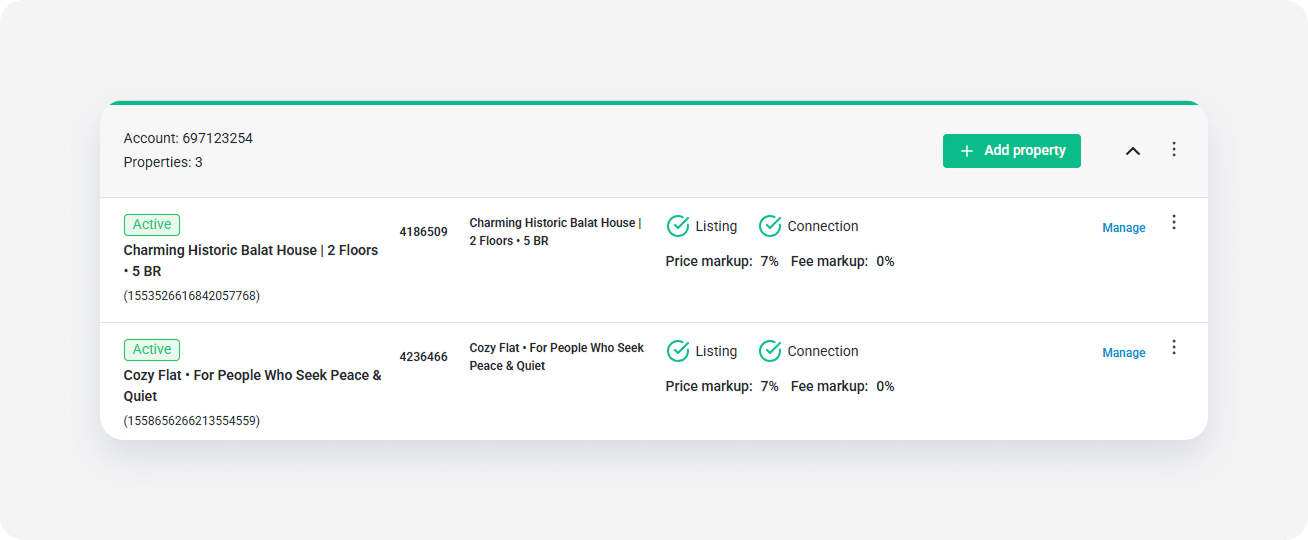
Click the Manage rates button.
-
Click Push details to trigger the update in the channel.
- Rentals United updates the listing in the channel. The listing updates within a few minutes.