Removing the listing from the Airbnb website prevents guests from seeing your listing in the search results and making a reservation.
Step by step:
In Rentals United platform, open Property Settings. Follow the steps here.
-
Navigate to the listing you want to remove and click Manage.
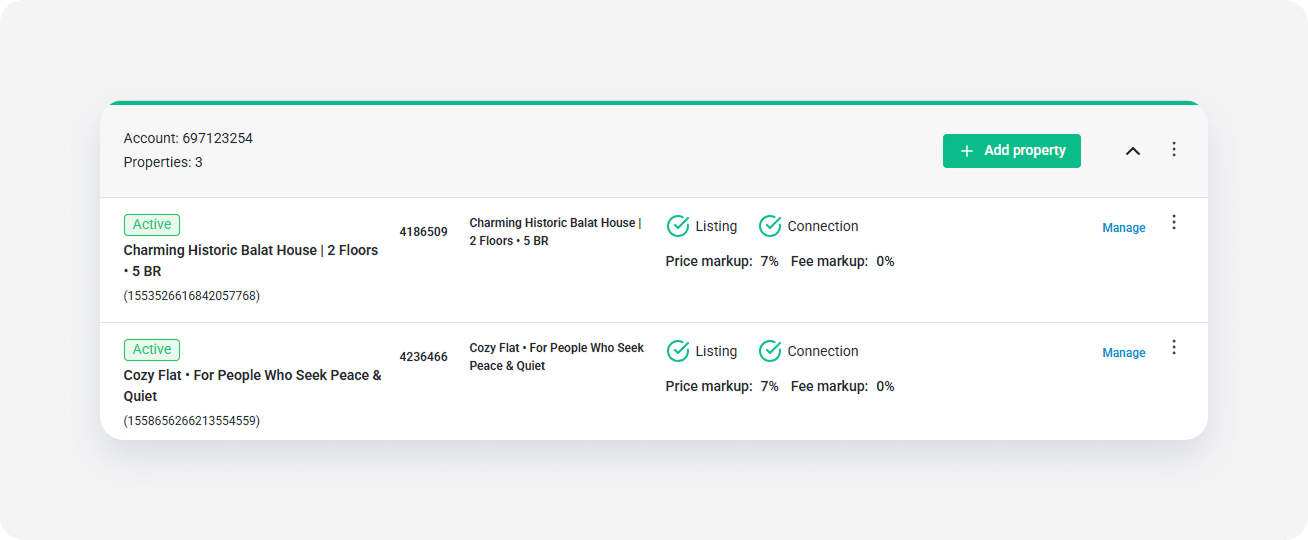
-
Click the three dot menu and choose the Unlist this property option.

Airbnb removes this listing from their website. You will still see this listing in the Airbnb Property Settings in Rentals United and the Airbnb dashboard.
x