Mapping allows you to manage availability, rates, and content of a listing that already existed in the channel.
Before you start
If you have more than 20 properties in Expedia system ready to connect to Rentals United, please contact Expedia Hotel Delivery to request the connection to Rentals United in bulk.
Step by step:
In your Rentals United account, open Property Settings for Expedia. Follow the steps here.
- Click + Add property button.
- When the question "Is your property already published in Expedia?" appears, select Yes.
- Provide the Hotel ID of the property you want to map. Then, click Next.
-
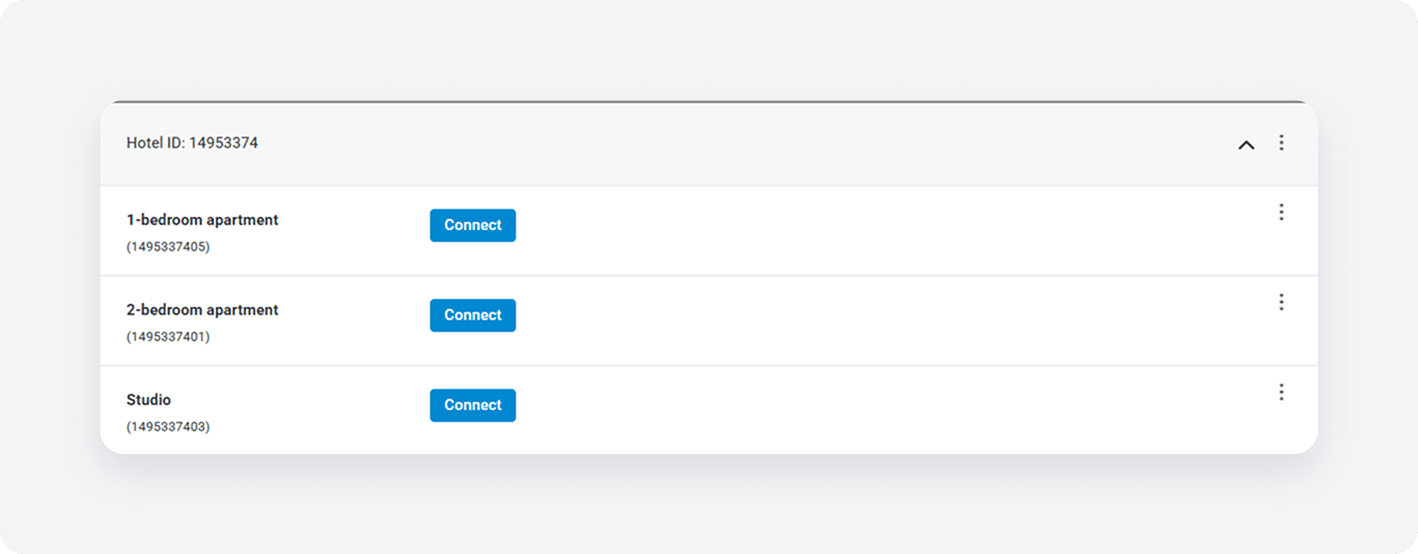
Click Connect next to the room you want to map and click Select properties.
-
From the list, select one or more properties to map and click Next.
Note: Select multiple properties only if they share the same characteristics, such as amenities, photos, pricing. This way you create a multiunit group in the channel.
-
Review the rate setting summary and set the rate markup.
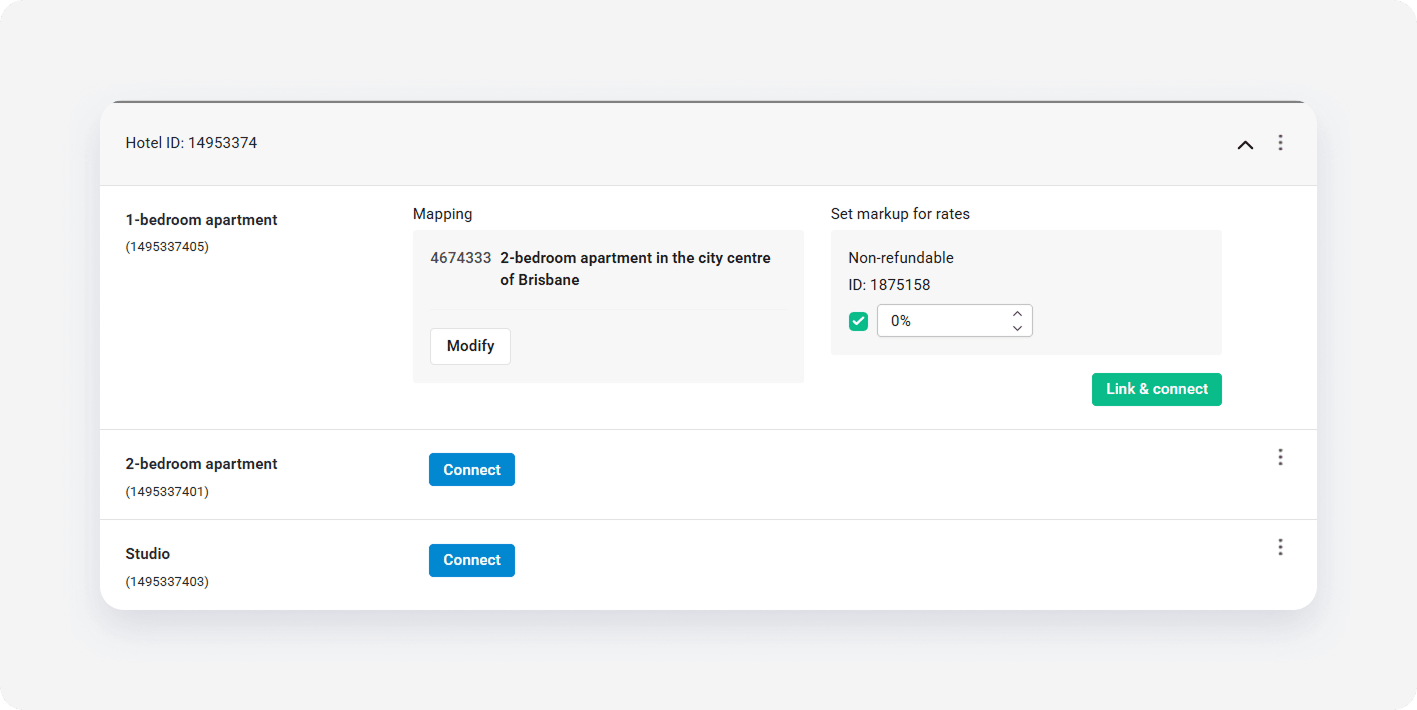
- Click Link & Connect.
- The connection is established. Go to Manage rates and activate the rate plans to enable sending the prices and availability.
x