Mapping properties to existing listings
Mapping allows you to manage availability, rates, and content of a listing that already existed in the channel.
Step by step:
In your Rentals United account, open Property Settings for Hostelworld. Follow the steps here.
- Click + Add property button.
- Provide the Hotel ID and Property password of the property you want to map. Then, click Next.
-
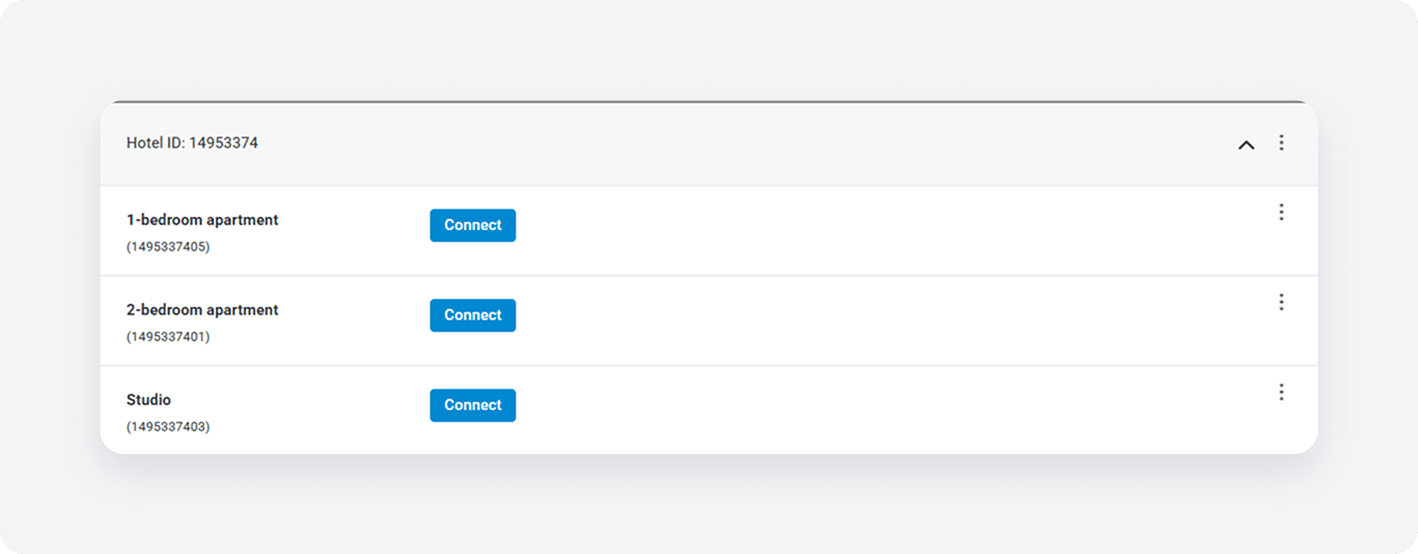
Click Connect next to the room you want to map and click Select properties.
-
From the list, select one or more properties to map and click Next.
Note: Select multiple properties only if they share the same characteristics, such as amenities, photos, pricing. This way you create a multiunit group in the channel.
-
Review the rate setting summary and set the rate markup.
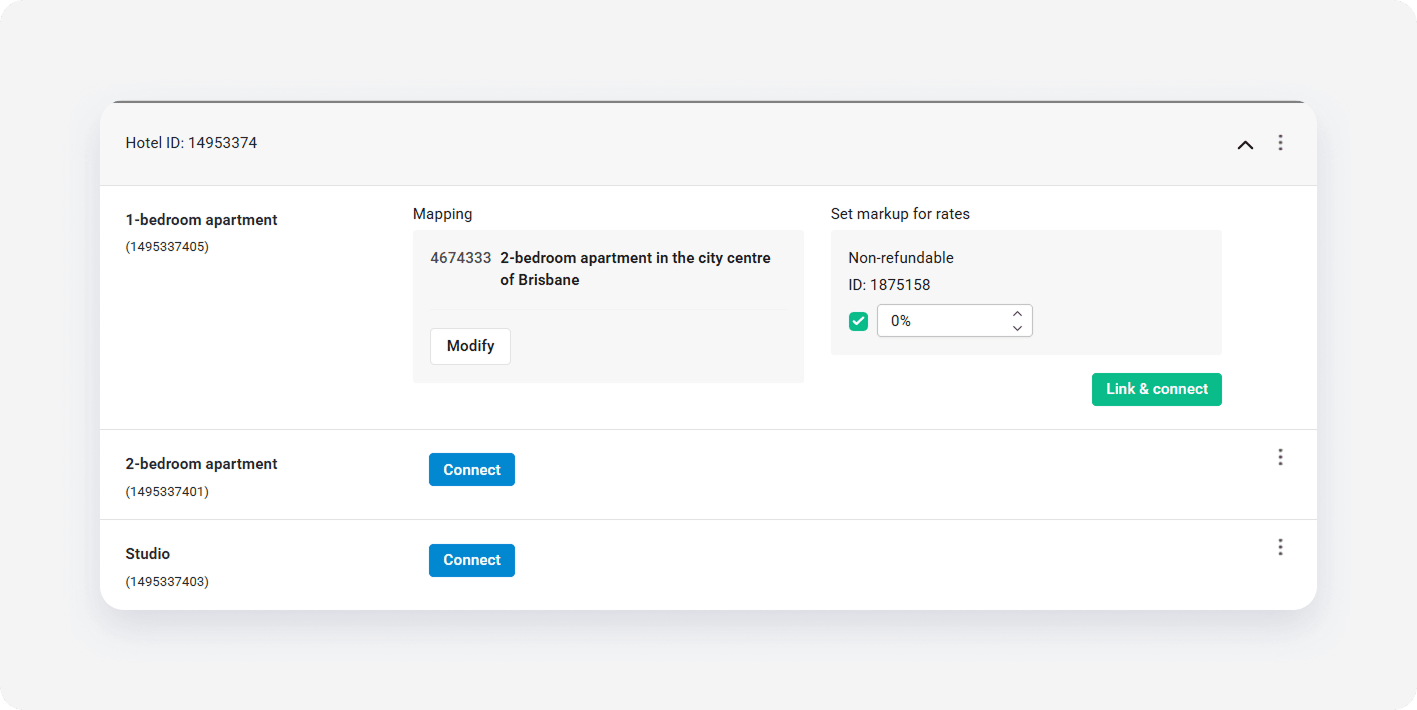
- Click Link & Connect.
- The connection is established. Go to Manage rates and activate the rate plans to enable sending the prices and availability.
x