Adding new listing to the channel allows you to manage availability, rates, and content from Rentals United.
Step by step:
In your Rentals United account, open Property Settings for Expedia. Follow the steps here.
Click + Add property.
-
Choose the properties to add to this channel. Click Continue.
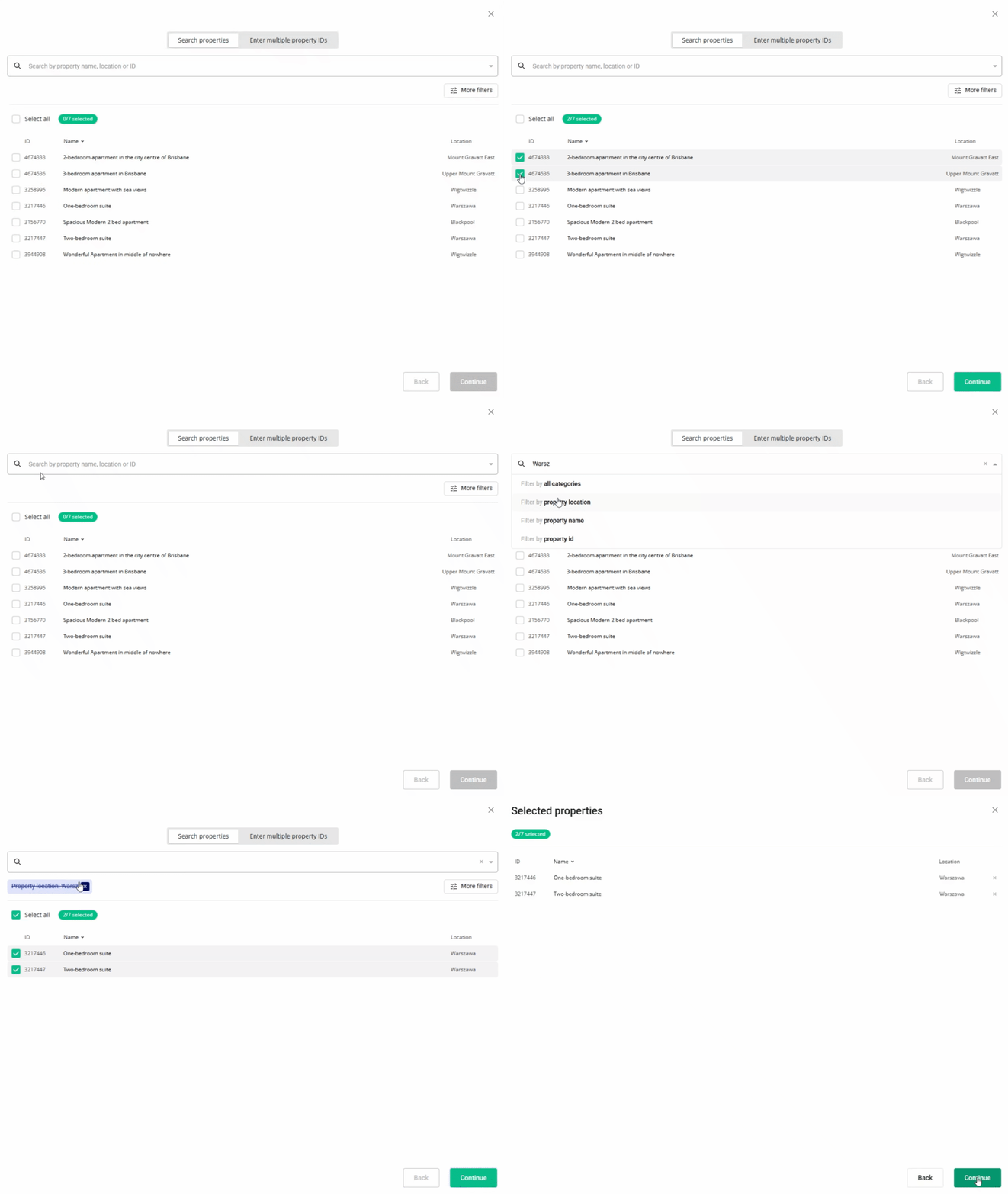
- Review the selected properties. Click Continue.
- We check the property against listing requirements and display the check summary for you. If some properties are not ready to publish, improve them.
- Adjust the markup for each listing.
- Click Publish properties.
- MakeMyTrip will build the listings within next 3 business days. You will see them in Property Settings after MakeMyTrip finishes the process. It should not take longer than 3 business days.
x