Disconnect listings from channels to stop renting your properties on Vrbo.
Step by step:
In Rentals United platform, open Property Settings. Follow the steps here.
- Search for the property you want to deactivate by scrolling down or filtering the property out.
-
Click the Manage button.
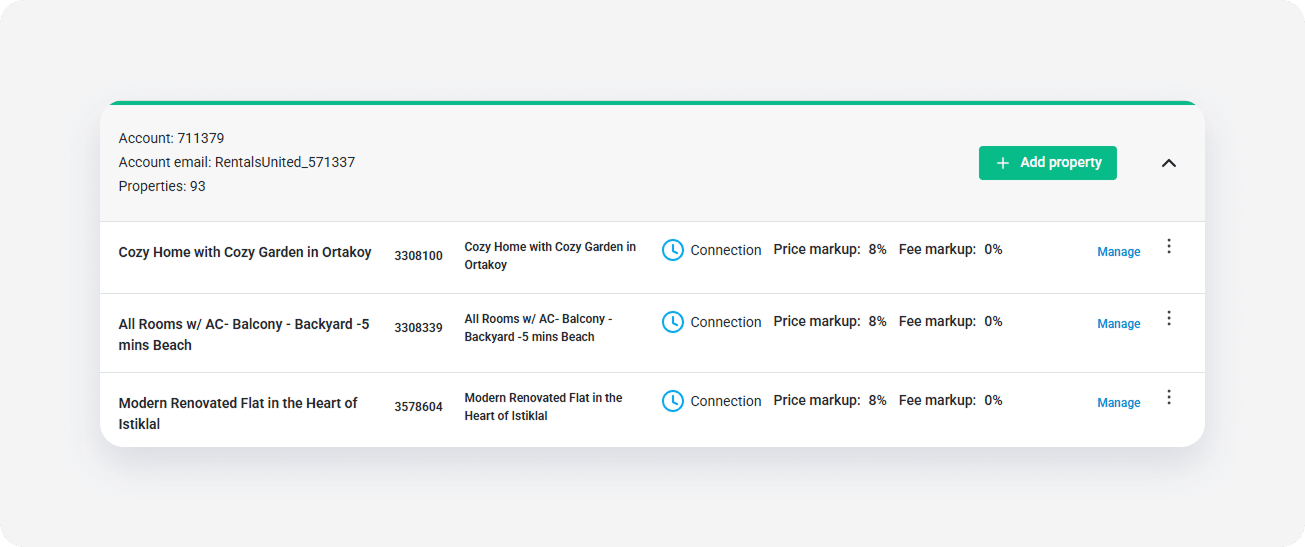
-
A property management page is opened.
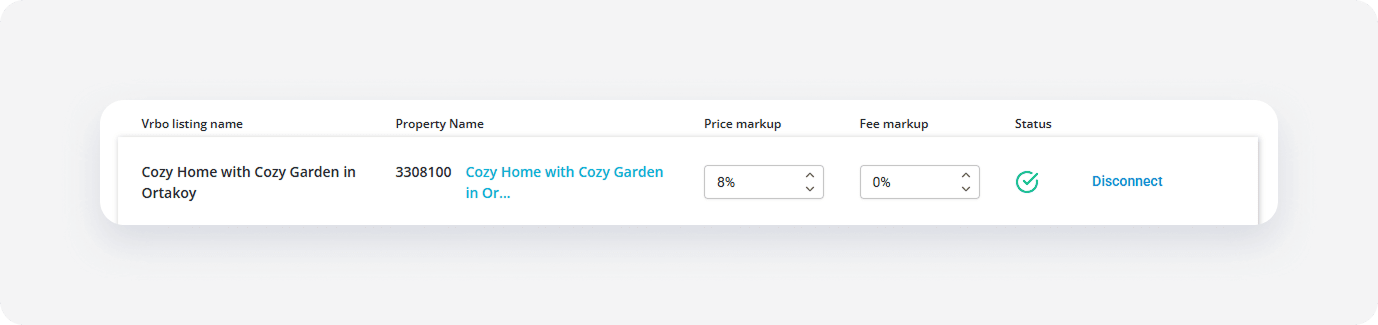
- Click the Disconnect button.
- Confirm the action by clicking Yes, disconnect.
Guests can't make any bookings can for this listing through Vrbo, but the connection with Vrbo remains. To connect the listing again and receive bookings, click Activate.
x