Updating cancellation policies in bulk allows you to quickly change the cancellation policy for selected properties.
Updating cancellation policies in bulk is available for:
- Airbnb
- Vrbo
Step by step:
In Rentals United platform, go to Property Settings.
- In the top-right corner of the page, click Bulk actions.
- From the “Bulk action” dropdown, select Update the cancellation policy for selected properties.
- Click Select properties.
-
Choose the properties to update, and click Continue.
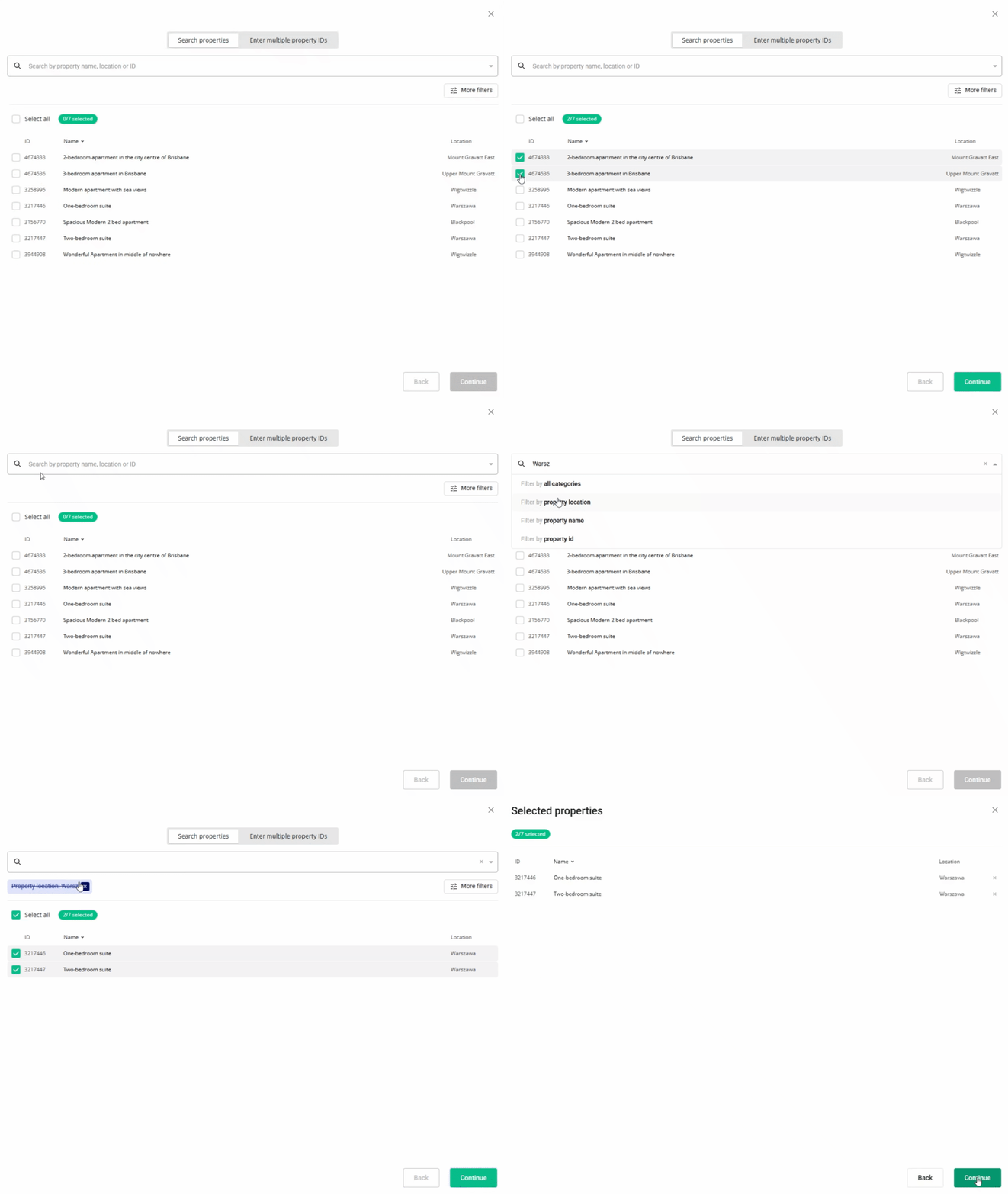
- Review the list of selected properties, and click Continue.
- Choose the new cancellation policy.
- The system displays the summary of changes. Click I understand.
If the update fails, the system displays an error message. Follow the instructions in the “Error” column and click Update again. If the error persists, contact our Support Team.
x