Instant booking process
Vrbo retrieves the reservations from Rentals United once a day to check for changes or modifications registered in Rentals United. New reservations from Vrbo are inserted instantly in Rentals United.
Rentals United allows you to set the Vrbo booking policy for your listings. You can select the booking mode for each individual Vrbo Advertiser IDs and it will affect all your properties assigned to this Vrbo Advertiser ID. You can choose between Instant bookings and Quote & Hold.
If you are on instant bookings, your guests will see the Book now option on the Vrbo website.
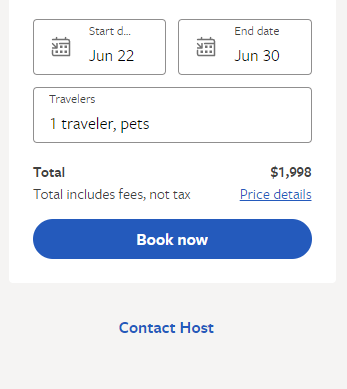
- A guest enters the reservation page on the Vrbo website and books a stay via the Book now option.
- Vrbo checks with Rentals United if the property is available for the selected dates and number of guests. No pricing information is sent to Vrbo during the booking process.
- Rentals United confirms if the property is available or not.
- If the property is available to rent, the guest completes the reservation process on the Vrbo website by providing their personal data.
- Vrbo inserts a booking to Rentals United.
Reservation details
When a reservation arrives, theSales Channel provides the standard guest information (such as name, surname, and phone number) along with booking details including the property name, number of guests, stay dates, and price. All of this information is available in Guest Planner > Booking details.
If you are an API user, you can get access to this information via the following API methods:
| Item | More info |
|---|---|
|
Guest number Pets number |
Vrbo shares the information about:
Rentals United adds the number of adults and children and presents the total number of guests. You will find the total number of guests in the reservation. Number of pets is synchronised and available via Rentals United API: e.g. by using Pull_ListReservations_RQ.. |
| Cancellation Policy |
Vrbo does not provide a cancellation policy used in the reservation while inserting the reservation. However, the cancellation policy is built by Rentals United on the basis of the data in our system. Note that the
|
Reservation modifications refer to changes that can be made to the booked stay, for example its length, number of people included and so on. In Vrbo, guests are not allowed to make modifications themselves through the Vrbo channel. Instead, you are responsible for changing reservations in Rentals United or your PMS. Then, in order to maintain synchronization, Vrbo retrieves all reservations from Rentals United into their system once a day to check for any updates.
Hence, whenever there is a need to modify a reservation, the guest should request it directly from you.
Step by step:
-
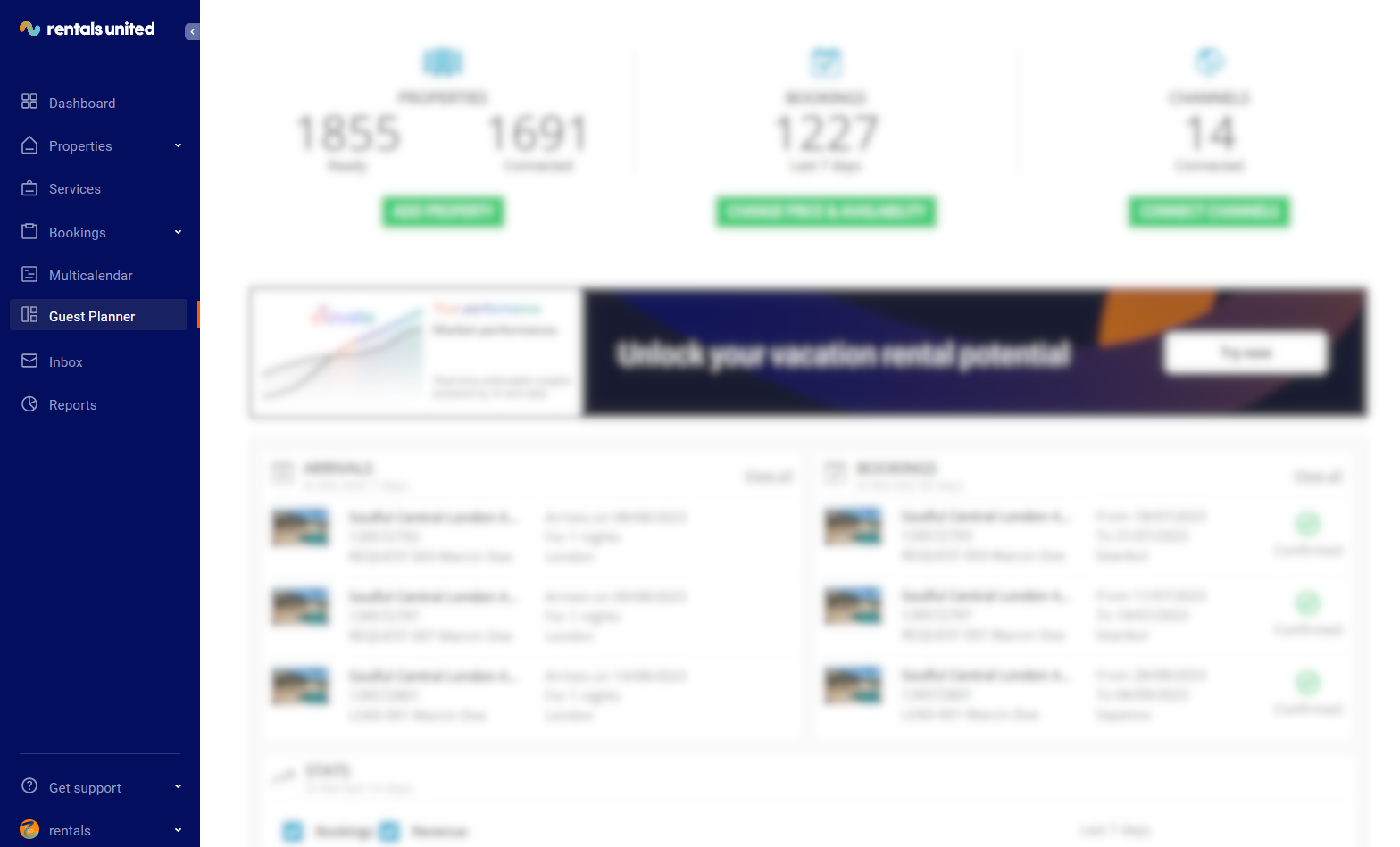
Go to the Guest Planner tab in the main menu.
-
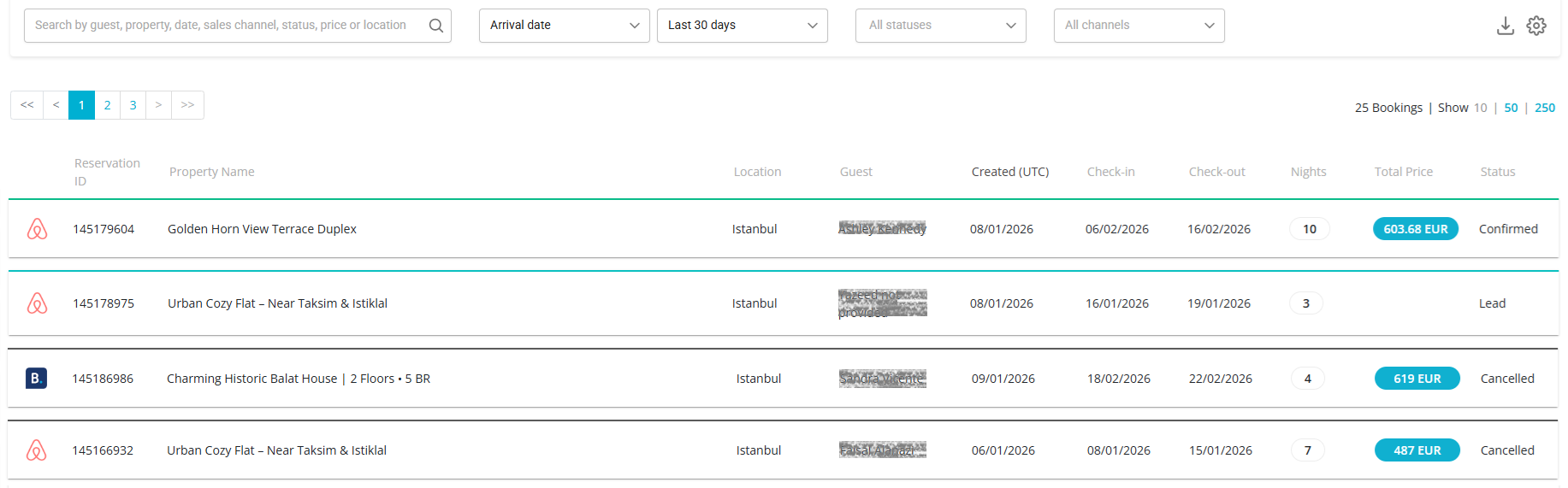
Guest Planner opens and you can see all the reservations for all the properties.
-
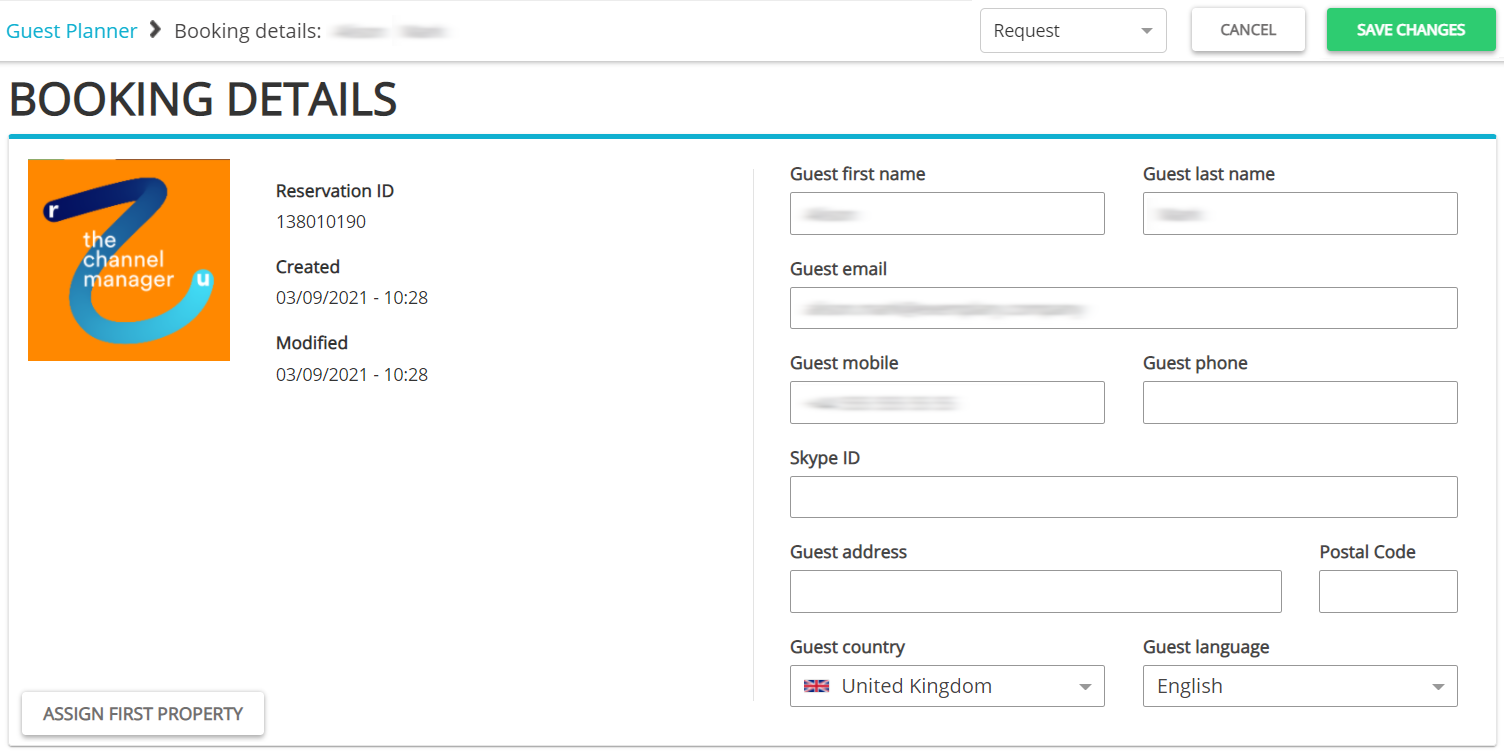
Search for the reservation or booking request to be edited or filter it out. Click the reservation. The Booking details page opens. You can see in the top bar that this is now a Request. It is also indicated by the blue frame under the booking details header. Click the Edit booking button.
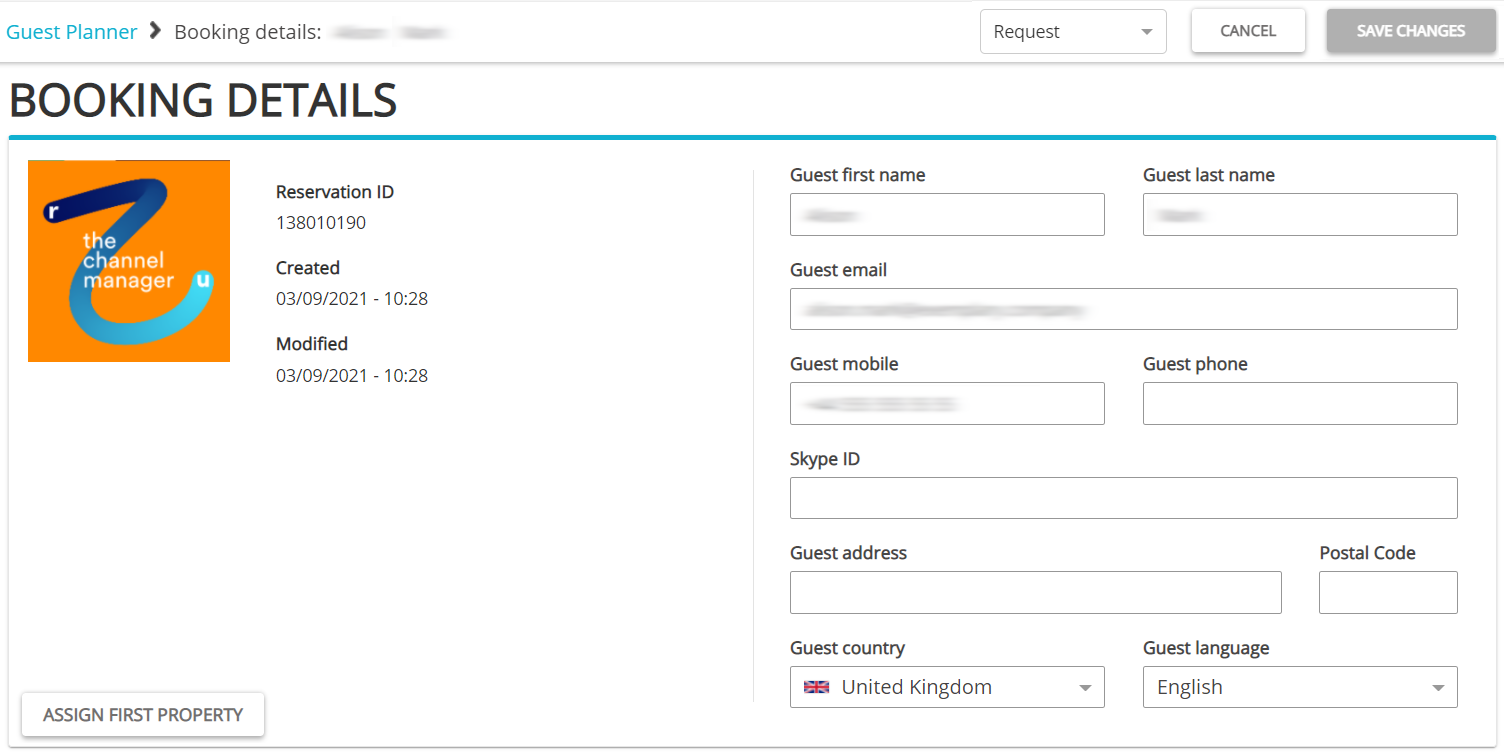
- Update the guest details or the property information. You can also change the status of the reservation to Confirmed or Cancelled.
-
Click the Save changes button.
Note: If a reservation is modified in Rentals United, the price is recalculated in case of changes to the following data:
- the number of people in the reservation
- length of stay
- property
Other updates should not trigger price recalculation.
Cancelling a reservation
Reservations can be also cancelled. Similarly to reservation modifications, in Vrbo, guests are not allowed to cancel reservations themselves through the Vrbo channel. Instead, it is the you who cancels reservations in Rentals United or your PMS. Then, in order to maintain synchronisation, Vrbo pulls reservations from Rentals United into their system once a day to check for any changes.
Hence, whenever there is a need to cancel a reservation, the guest should request it directly from you.
Please, note that cancellations are part of the data tracked by the Best Match algorithm. You are allowed to cancel 10 % of the bookings. It means that in order to cancel 1 booking, first 10 bookings need to be accepted. If more than 10 % is cancelled, you will be penalised and all the properties at your account will drop in ranking.
Step by step:
-
Go to the Guest Planner tab in the main menu.
-
The Guest Planner dashboard opens and you can see all the reservations for all the properties.
-
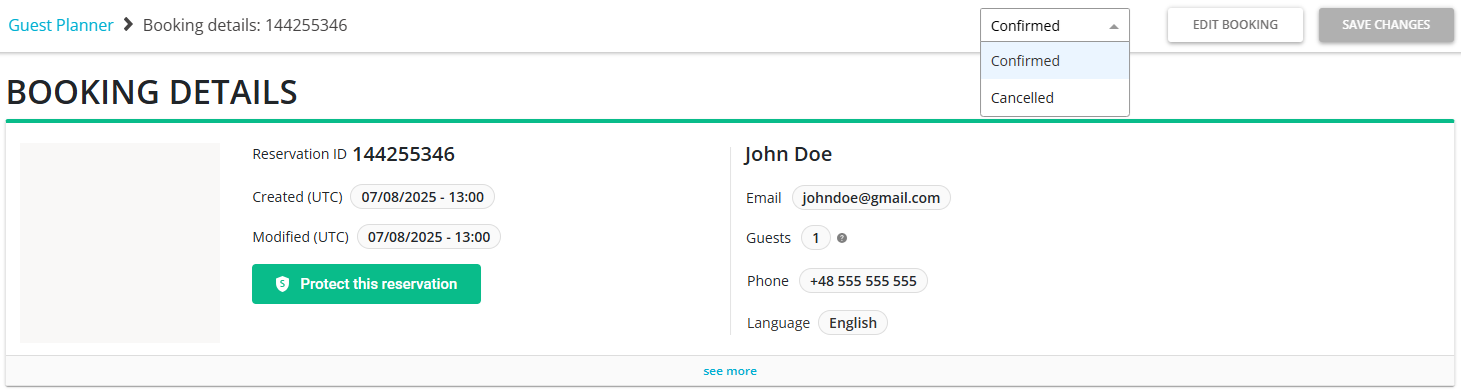
Search for the reservation or filter it out. Once you find the correct card, click on it. The Booking details page opens. You can see in the top bar that this is now Confirmed. Unfold the dropdown with the property statuses and select the Cancelled status.
-
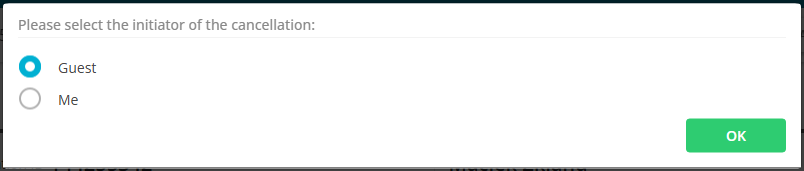
Select who is the initiator of this cancellation: you or guest. Vrbo requires this information as bookings cancelled by hosts are subject to additional costs. Click OK.
- Click Save changes.