Synchronization model defines what property information sync to Airbnb when you update the listing (through manual action or automatic update). Choose the synchronization model while mapping your property to an Airbnb listing or follow the steps below to switch the sync model.
Switch sync models
Choose two model that defines what property details update in the channel
- Limited Sync - synchronization of availability (availability, minimum stay and changeovers) and prices (prices, fees and taxes, extra guest price).
- Sync Everything - full synchronization (availability, prices and property descriptive content). Note that this option overrides information provided in the Airbnb dashboard.
Step by step:
Follow the steps below to switch the sync model for an individual listing.
- In Rentals United account, open Property Settings for Airbnb. Follow the steps here.
-
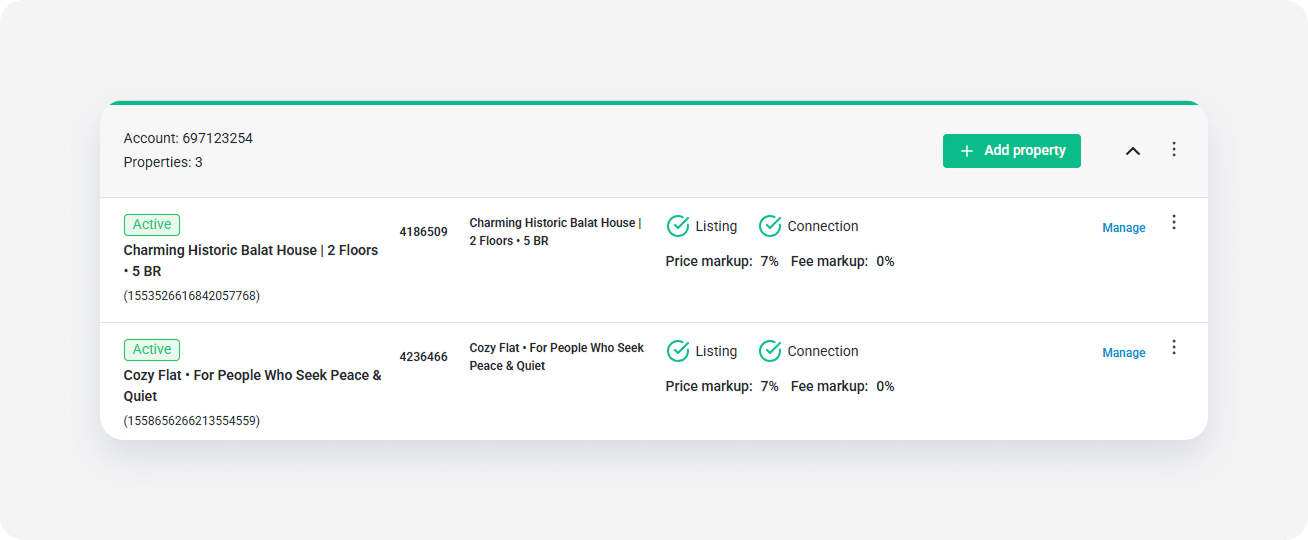
Navigate to the listing you want to update and click Manage.
-
Locate the "Synchronization model" section and choose the sync model from the dropdown.
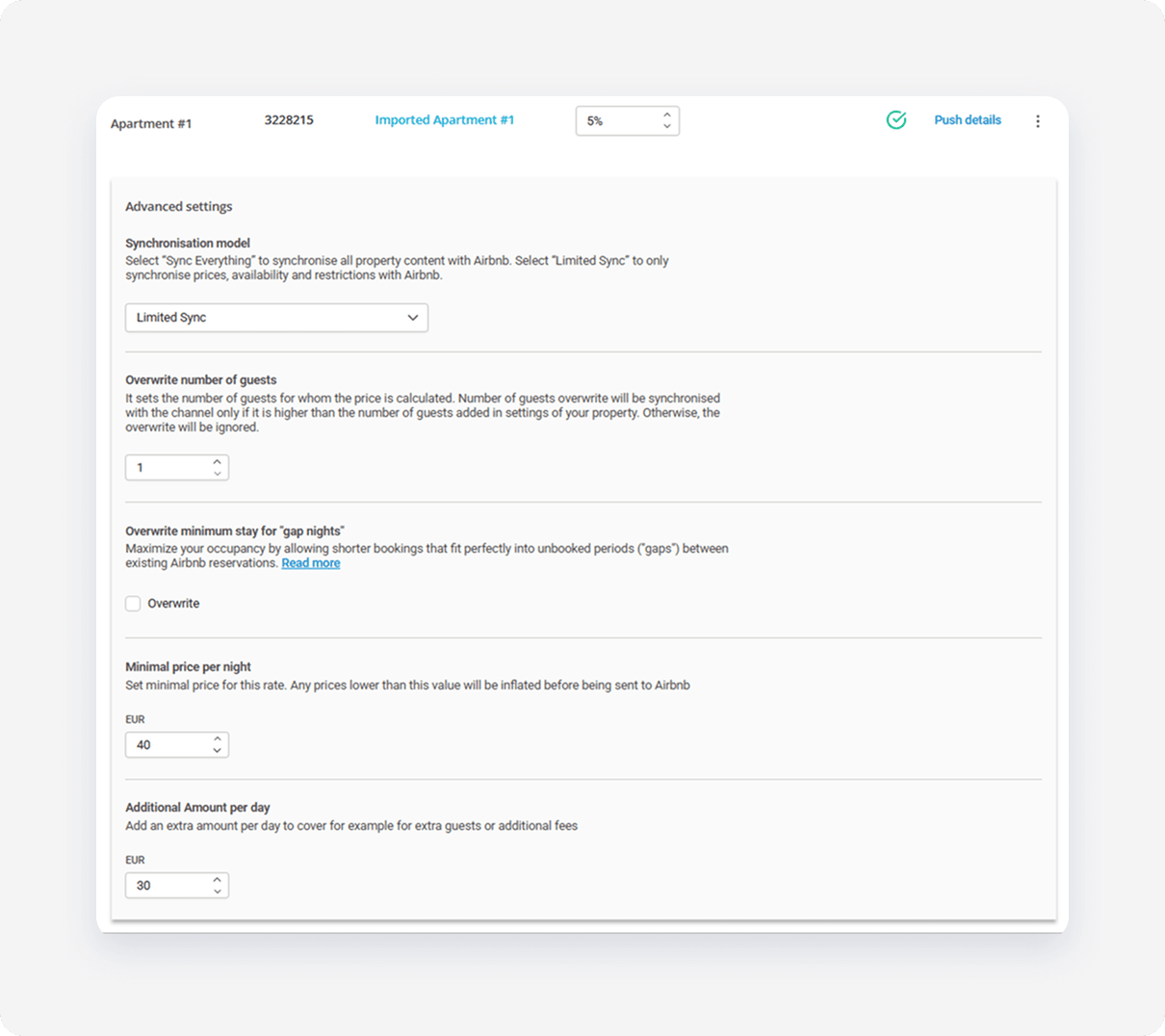
- Click Save.
Sync category in Airbnb
Rentals United listings always display in Airbnb as Sync Everything. However, your sync settings are preserved and those listings that are connected on Limited Sync stay on Limited sync.
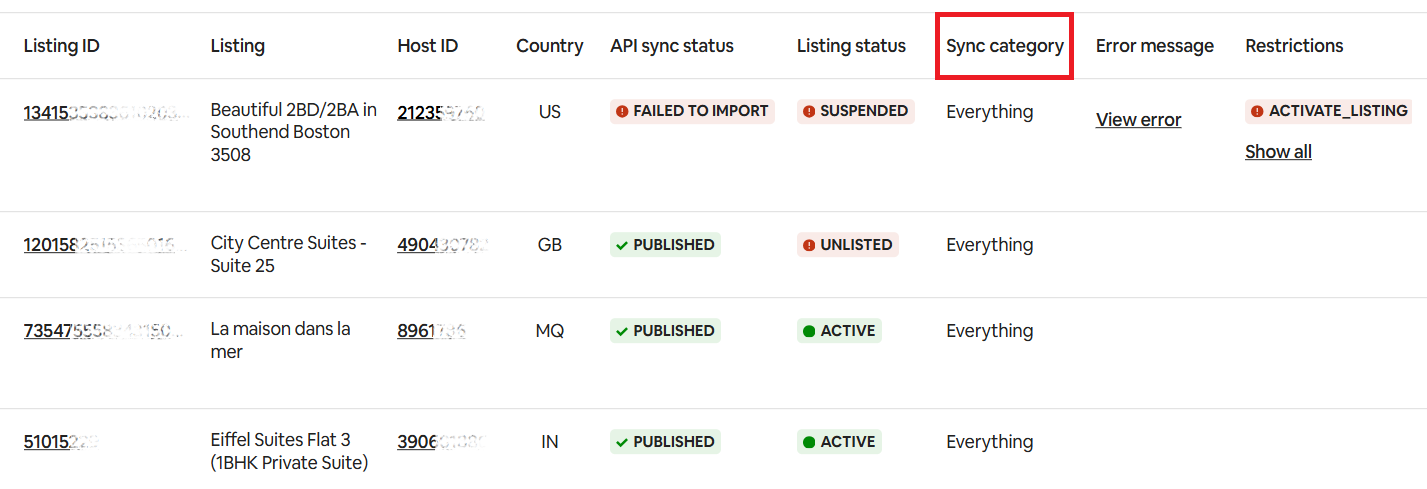
If you want to verify or edit your synchronization model, go to Rentals United > Airbnb Property Settings > Manage > Synchronization model.