You can select the booking mode for each individual Vrbo Advertiser IDs and it will affect all your properties assigned to this Vrbo Advertiser ID. You can choose between Instant bookings and Quote & Hold.
When you set the Vrbo booking policy to Quote & Hold, you have 24 hours to confirm or decline a booking
Make a request to book
While booking a property, the guest will see the Request to book option in Vrbo. After they book your property via Request to book, you will receive a booking request in Rentals United (it will be marked in a blue). This booking will not block your calendar’s availability yet.
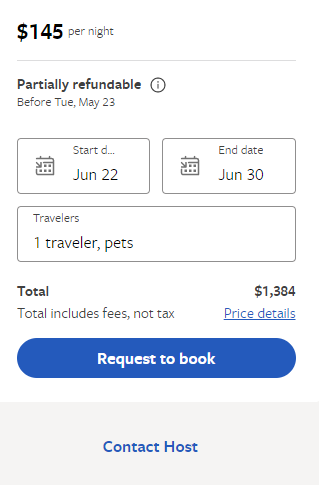
Confirm a request
The calendar's availability closes only after you confirm or reject the request. Vrbo syncs booking details once a day, so the reservation status change in Vrbo may not be instant.
Follow the steps below to confirm a request in Rentals United.
Step by step:
Open Guest Planner and find the request you wish to confirm. Requests have a blue label and are in the Request status.
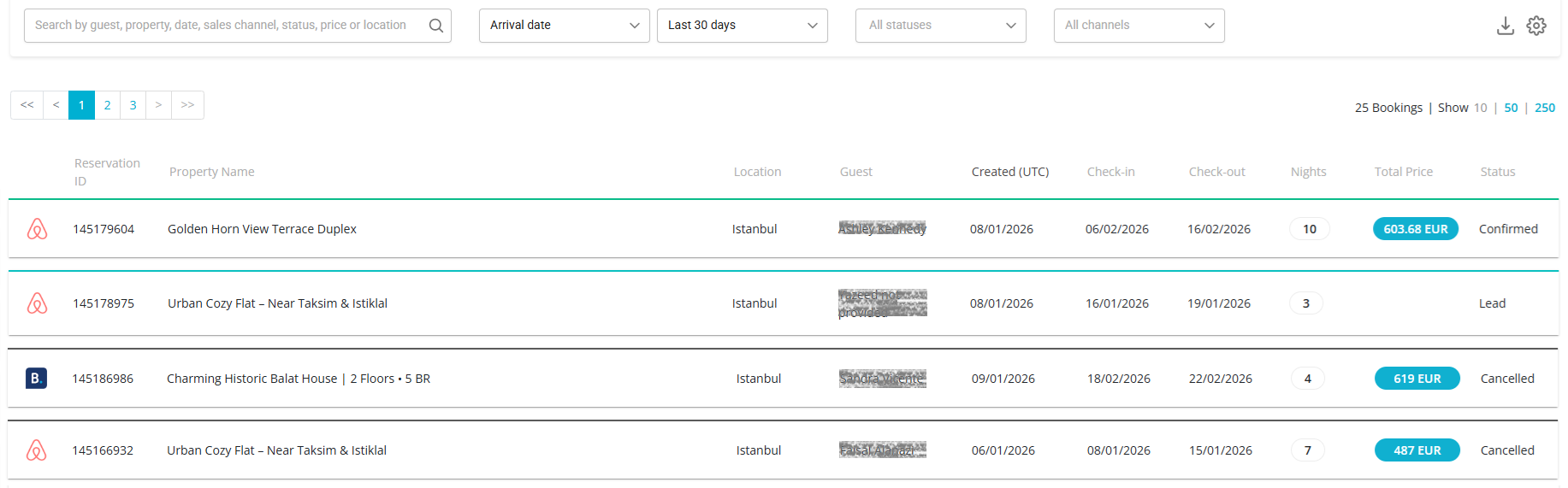
Click the Accept this request button. The status changes now to Confirmed. The availability is blocked now.
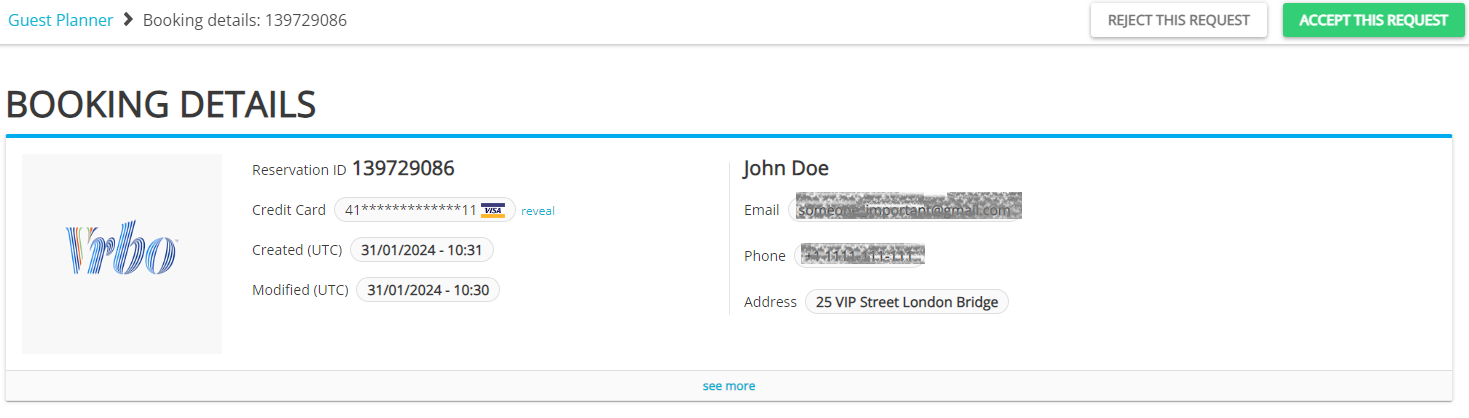
- The request becomes a Confirmed reservation.
Reject a request
Follow the steps below to reject a request.
Step by step:
Open Guest Planner and find the request you wish to confirm. Requests have a blue label and are in the Request status.
Click the Reject this request button.
- The request will change its status to Rejected.
Confirm through API
Booking requests can be confirmed or declined in Rentals United platform and via API. You can see the step-by-step instructions on how to confirm and decline requests in the platform and via API here.
Cancel a confirmed request
If for any reason you can't host the reservation (for example they payment was declined multiple times), you can cancel the booking. This opens the calendar's availability again.