To start advertising on Airbnb, you must first establish a connection between your accounts. This process involves adding Airbnb to your services and configuring your account-level settings through the Connection Wizard.
Establish connection
Follow the steps below to add a specific channel to your account.
Step-by-step:
- Sign in to your Rentals United account.
- Go to the Services tab and select Find Services.
- Type the channel name in the search box.
- Click the
 to expand the channel section.
 - Click Get connected.
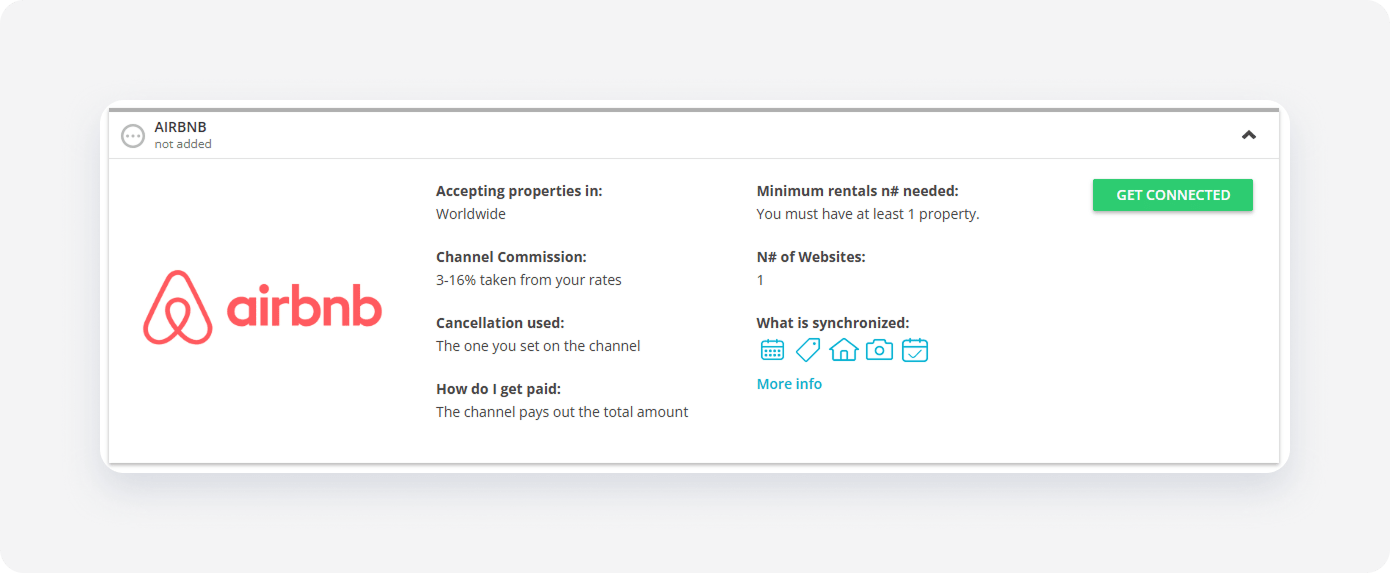
The system validates your connection in the background. If you meet the initial requirements, the Connection Wizard launches automatically. If an eligibility error appears, follow the on-screen instructions to resolve the specific requirement before proceeding.
Minimum requirements to connect
- Minimum number of properties: 1
- Location: Airbnb doesn't accept properties on certain territories. For a current list of restricted locations, refer to Airbnb.
- Property name: Between 8 and 50 characters
- License number: Required in certain territories, see here
- Address: Country and post code
- Geo-coordinates: Required
- Amenities: At least 5 amenities
- Description: At least 50 characters
- Photos: At least 7 photos, minimum size: 800px (width) x 500px (height)
- Prices and availability: Required
- Number of beds: It must match the maximum number of guests
Configure Connection Wizard
The Connection Wizard guides you through the necessary settings for your channel integration. You can track your progress at the top of the page.
How it works
Read the basic information about the channel integration. Check the I read and understand the basic connection rules box and click Save & Next.

Channel Settings
The Connection Wizard guides you through the necessary settings for your Airbnb integration. You can track your progress at the top of the page. If you exit the wizard, you can resume from the last completed step later.
Complete the following fields to define how your listings appear on Airbnb:
- Set the Default price and fee mark-up for your properties that will be added to Airbnb
- Select the Cancellation policy for all your properties that will be added to Airbnb
- Set up the Minimum stay
- Add New Listing Promotion
- Enable Automated reviews
- Set up Non-refundable rates
- Set Preparation Time Before Arrival / Booking lead time
Tip: You can revisit the Channel Settings section and adjust these settings at any time from the channel's integration page after completing the setup.
Complete account setup in Airbnb
To complete the account setup, link your Rentals United account with your Airbnb account.
- Click the Synchronize your first account button.
-
In the popup, confirm that Rentals United can access your Airbnb account. Click OK, let's go.
Note: Before moving to the next step, make sure that you are logged in to the Airbnb account that you want to connect. The system automatically detects your connection with Airbnb and connects your account with the Airbnb account that you are currently logged in.
-
Log in to your Airbnb account and allow access for Rentals United. Click Allow.
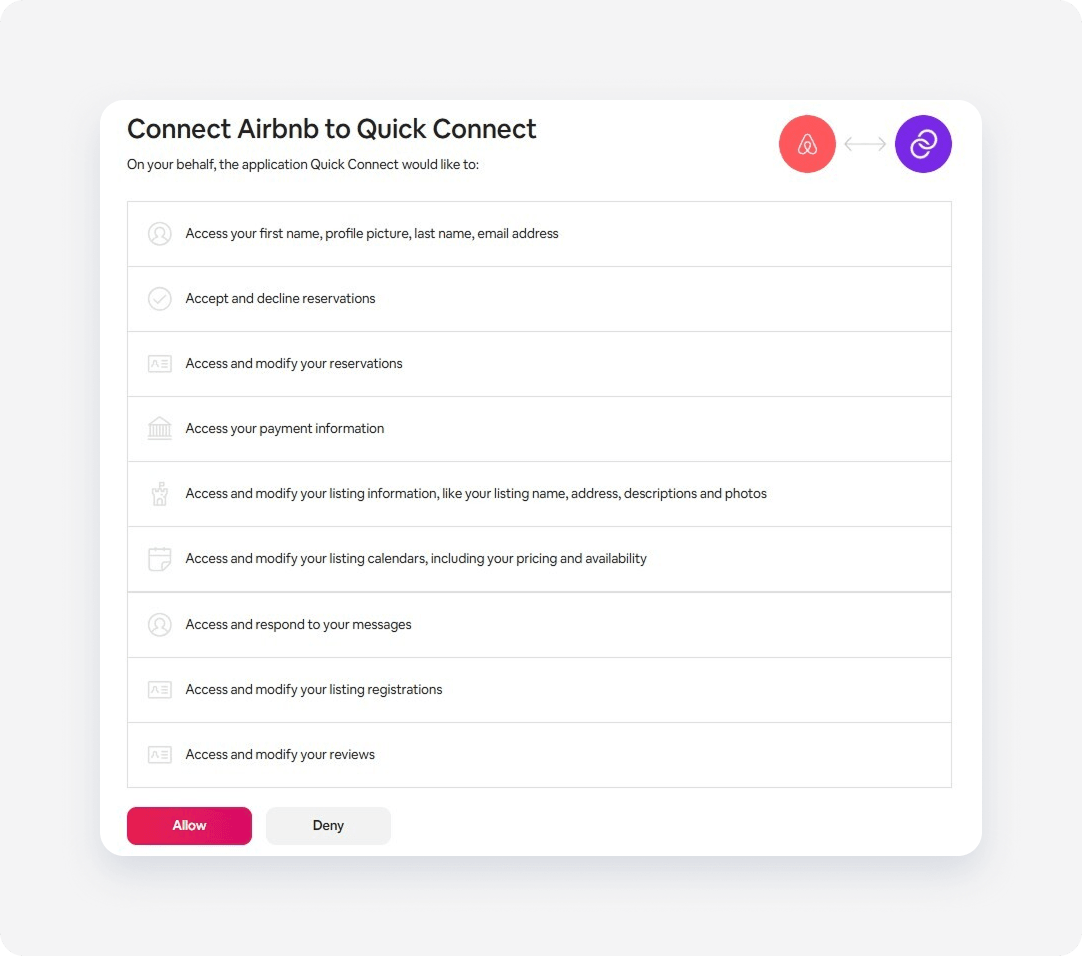
- Come back to Rentals United. In the popup, confirm that you granted access by clicking Next.
- Add new listing to Airbnb or Map Airbnb listings to Rentals United properties.